
iOS 27.2 RC Adds Home Theatre Setup for HomePod Surround Sound
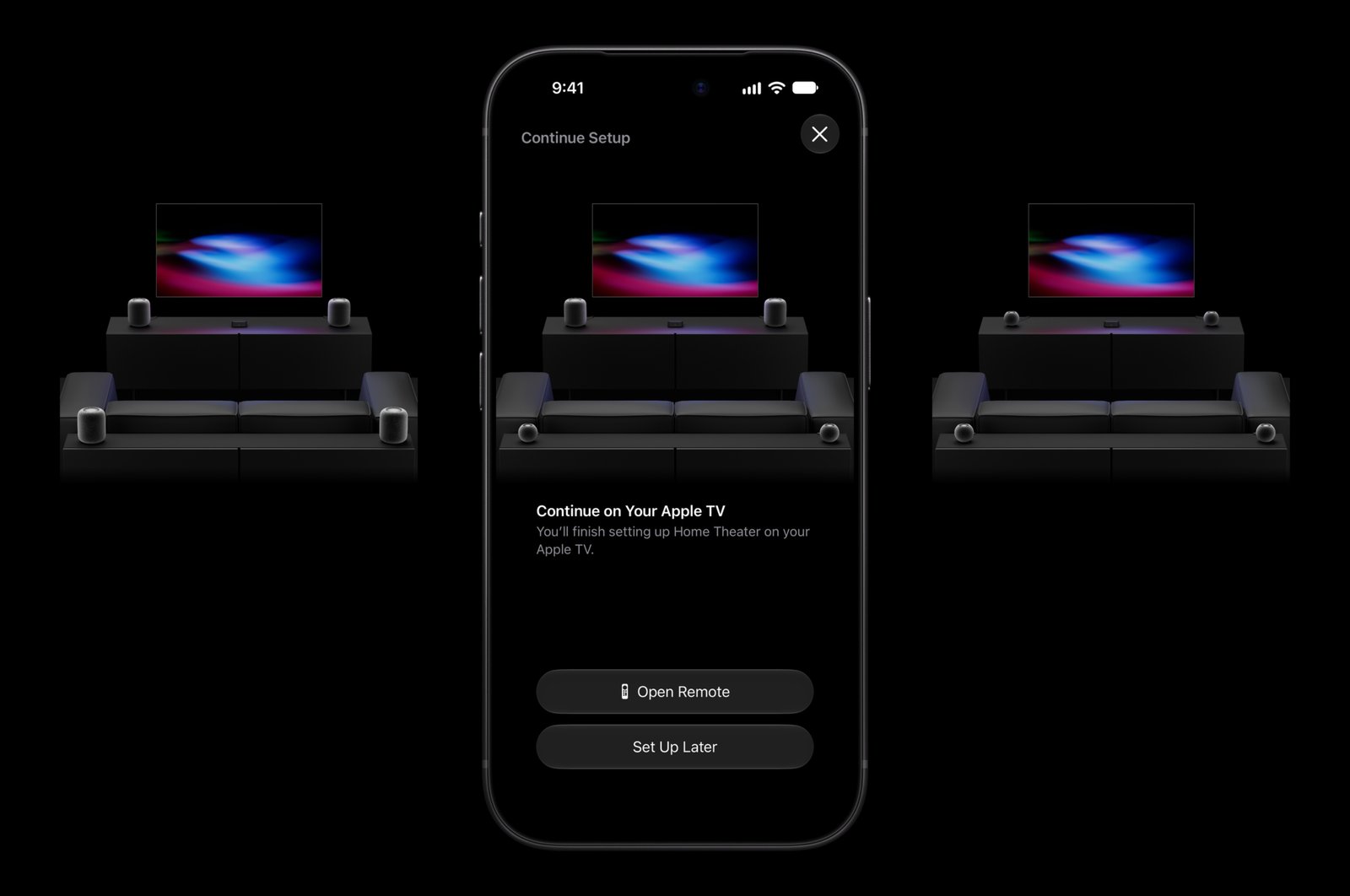
Apple's iOS 27.2 release candidate, which went out to developers today, includes the iPhone setup flow for surround sound with four HomePods and the new Apple TV 4K (4th generation). That's according to pdfu (@itspdfu), who spotted the setup code in the RC and noted it was already included in the iPhone Duo 27.2 simulator...


Thanks. Such a simple but useful tip.
Or just use the vibrate/silent switch
The vibration sound can wake light sleepers… like my wife ????
Nope. I want to plug it in with no sound and no vibration. Putting iphone on silent doesn’t prevent vibration when plugging in. But this camera app tip works great. Brilliant!
This was a really useful tip. Thank you!