Starbucks is back with another promo, this time partnering with Microsoft in what appears to be a way to market Outlook and the Starbucks for Outlook Add-in.
For a limited time, when you send a $5 Starbucks eGift Card using Outlook, you’ll be eligible to get a $5 Starbucks eGift Card. Just follow the steps below to send a Starbucks eGift Card to a friend or co-worker, and we’ll send you a $5 Starbucks eGift Card within 72 hours. Limited to the first 45,000 eligible customers between 6/20/17 and 6/30/17.
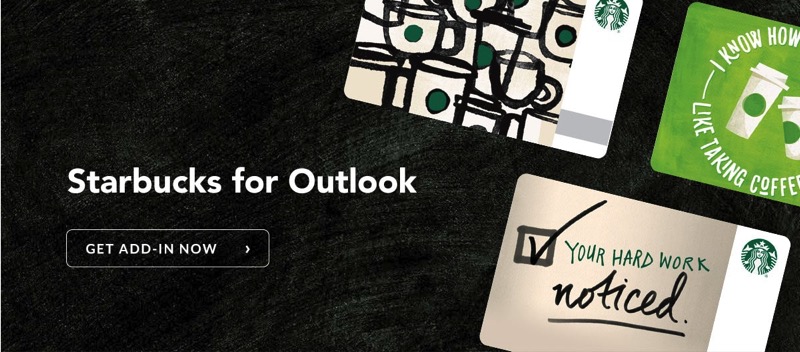
So by sending a friend (or yourself) a $5 eGift, you get a $5 eGift in return. In other words, free coffee!
Update: Oops, jumped the gun too quickly as it’s USA only, but it still works in Canada if you do this eGift via Outlook on the web (thanks XJ!)
Here’s what you need to do:
1. Install Outlook for Mac or PC (if you don’t have it already)
2. Install the Starbucks for Outlook Add-in
3. Once installed, click the ‘Starbucks Send an eGift’ icon, design the card, sign into your Starbucks account, enter the recipient’s name plus the dollar amount, select a payment method and then ‘Purchase eGift card’.
Yes, sending a Starbucks eGift via iMessage and Apple Pay is much simpler. But for those who use Outlook for Mac or PC, this promo will help you make some friends and also get free $5 to use at Starbucks for a few minutes of work.
As stated, the promo is limited to the first 45,000 eligible customers and starts today, thru June 30, 2017. Let us know if you get your $5 eGift!



This promo is for USD
Try Outlook on the web it will work
“Here’s what you need to do:
1. Install Outlook for Mac or PC (if you don’t have it already)”
The promo page also mentions the web Outlook (formerly known as Hotmail), not just the Mac and PC apps.
Didn’t work w my CDN or usd mc ??
Works in Canada – got mine! It’s $5 US funds, but you get $5 US back as well. Thanks!
Yessss!
Got my US$5 and combined the other US$5 into one SB card. Thanks for the tip!!
Cheers
Now, the question is can we use $10 USD here in Canada?
Does anyone know since I don’t visit SB that often (love my Tims)
Any Canadian Starbucks location.
will the conversion take into effect?
Just sent a $10 e-card to my other half and he actually got the USD converted amount to CDN ($13.27) and I got my $5USD card converted to $6.63 CDN. Thanks Gary for posting this!!
Cheers!