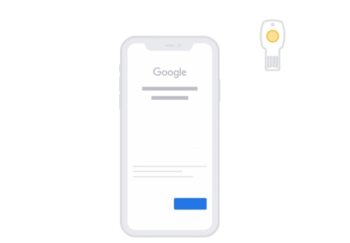
For a long time, Bluetooth had been the only method of connecting 2FA keys to iPhones and iPads. In June 2020, it finally became possible to connect non-BLE (Bluetooth Low Energy) keys to these devices. This has multiple benefits, such as using Google’s Advanced Protection Program (APP) and having extra security against Bluetooth-bypassing hacks.
Google first introduced the program three years ago. It is regarded as “Google’s strongest security for those who need it most”, protecting users online from any cyber-attacks.
Arstechnica tested this with different security keys: A Titan NFC and two Yubikey versions. All three worked perfectly for logging into iPhone APP-protected applications.
To properly set APP up with a non-BLE key, you need to go into the ‘Settings’ of your device and add a new security key to your account. There, you will be asked to connect the security key via a port or use Near-Field Communication (NFC) by tapping the key to the back of your iPhone. You may need to sign in with a code before the 2-step verification process is complete. Click this link for more details on properly setting this up.
This new feature allows users to seamlessly log in and provide authentication for a Google account on iOS devices. It serves as a good alternative to multi-factor authentication (MFA), and to those that don’t own Bluetooth keys.



