Google has just introduced a new ‘Guest Mode’ for smart home devices with Google Assistant, allowing users to use smart speakers and smart displays like Nest Audio, or Nest Hub Max without having their activity saved.
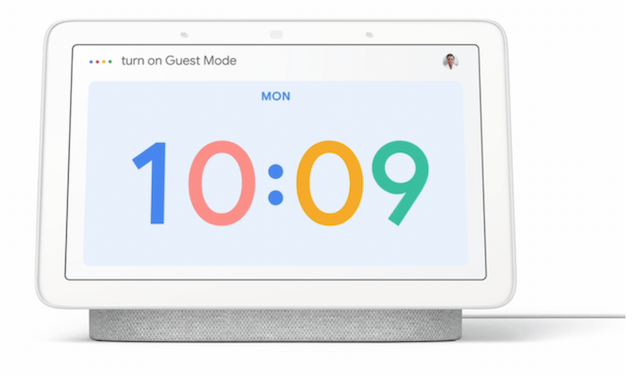
Just say, “Hey Google, turn on Guest Mode,” and your Google Assistant interactions will not be saved to your account. You can then enjoy all the features, like asking questions, controlling smart home devices, setting timers, and playing music, as you normally would.
While in Guest Mode, your device won’t show personal results, like your calendar entries or contacts, until you turn the mode off.
Once Guest Mode has been turned on, your device will play a special chime and you’ll see a guest icon on the display. If you’re ever unsure if you’re in Guest Mode, you can always ask your device, “Is Guest Mode on?” Guest Mode will stay on until you choose to turn it off: When you’re ready, say “Hey Google, turn off Guest Mode” to return to your full, personalized Google Assistant experience.
To learn more, just say, “Hey Google, tell me about Guest Mode” to your Google speaker or smart display.



