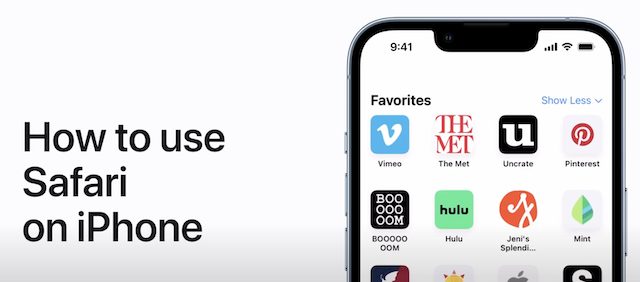


Apple Details How to Use Safari on iPhone Running iOS 15 [VIDEO]

In a new video on its Support channel on YouTube, Apple has shared some handy tips and tricks on how to get the most out of using Safari on iPhone running iOS 15.

Safari on iPhone

Apple’s video shows how you can switch between tabs, add a bookmark, use Private Browsing, and more. The video also shows how you can touch and hold a link in Safari to see a preview of the link without opening the page. To open the link, tap the preview, or choose Open.

When you visit a webpage that’s in another language, you can use Safari to translate the text.

Check out the following video and share your thoughts in the comments section below.

Youtube video

Want to see more of our stories on Google?

Add iPhone in Canada as a Preferred Source on Google

P.S. Want to keep this site truly independent? Support us by buying us a beer, treating us to a coffee, or shopping through Amazon here. Links in this post are affiliate links, so we earn a tiny commission at no charge to you. Thanks for supporting independent Canadian media!

Subscribe
Notify of
guest
0 Comments
Oldest
Newest Most Voted
0
Would love your thoughts, please comment.x
()
x