
Apple Explains Location Services on iPhone, iPad, iPod touch [VIDEO]

Apple shared a new video on Friday detailing Location Services and how to manage settings for the latter when it comes to the iPhone, iPad and iPod touch.
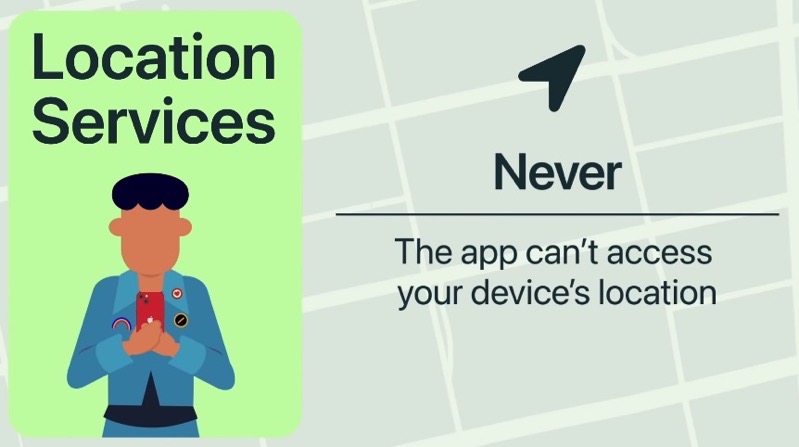
“You’re in control of Location Services for each app,” explained Apple. “To adjust them at any time, go to Settings, tap Privacy, then tap Location Services. Here’s a brief explanation of each setting,” says the company. Check out the 1-minute video below:
Apple lets users control each app and whether or not it can use your location services, with choices ranging from Always While Using App, Allow Once, or Don’t Allow.
Want to see more of our stories on Google?
P.S. Want to keep this site truly independent? Support us by buying us a beer, treating us to a coffee, or shopping through Amazon here. Links in this post are affiliate links, so we earn a tiny commission at no charge to you. Thanks for supporting independent Canadian media!
