
No Name Mobile and PC Mobile Run SIM Flash Sales Until October 7
No Name Mobile is offering 50% off SIM cards at No Frills while PC Mobile is giving up to 30,000 PC Optimum points. Both flash sales end October 7.
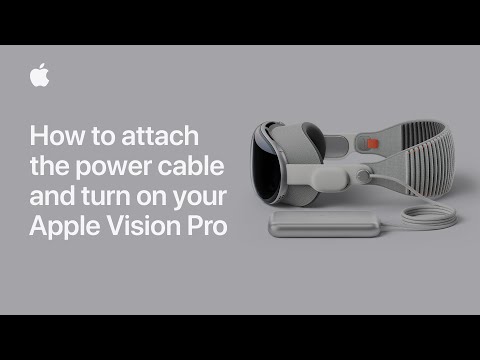
Apple has just shared another new support video on its YouTube channel, with this one explaining how you can attach the power cable and turn on your Apple Vision Pro.

Apple Vision Pro is powered by an external rechargeable battery that you can use for up to 2 hours of general use or 2.5 hours of video watching.
The battery also powers Apple Vision Pro when you’re not wearing it, allowing the device to sync your mail, photos, and more. If you don’t use Apple Vision Pro for 24 hours, it turns off automatically.
To check if Apple Vision Pro is still powered on when you’re not wearing it, pick up the device. If it’s powered on, the light on the power cable will turn on briefly.
If Apple Vision Pro has turned off, press and hold the top button for three seconds to turn it back on. After about a minute, Apple Vision Pro makes a tone that means it’s ready to use, and the light on the power cable will be solid.
To connect the Apple Vision Pro battery:
Check out this video to learn how to attach the power cable and turn on your Apple Vision Pro.
Want to see more of our stories on Google?

P.S. Want to keep this site truly independent? Support us by buying us a beer, treating us to a coffee, or shopping through Amazon here. Links in this post are affiliate links, so we earn a tiny commission at no charge to you. Thanks for supporting independent Canadian media!

