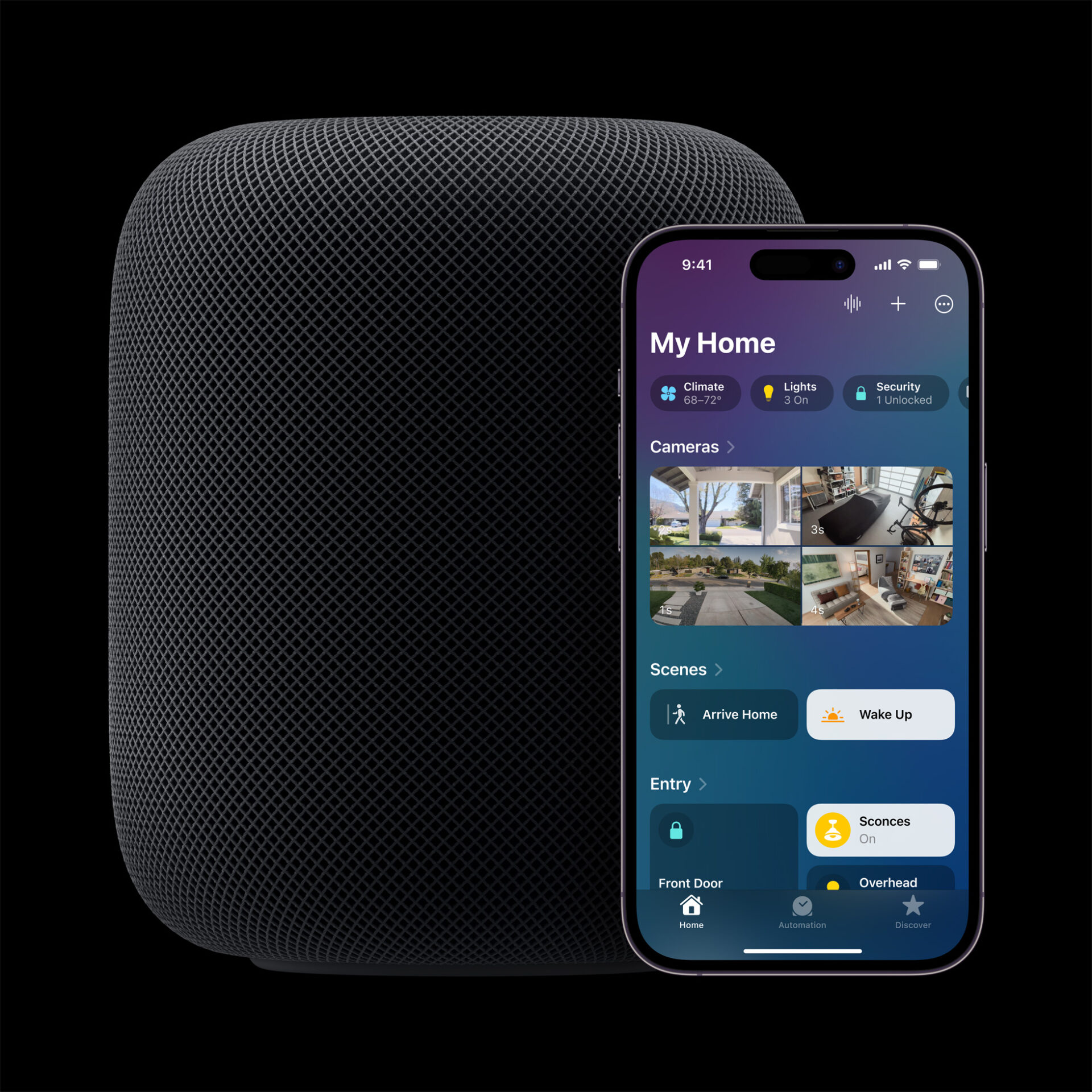
Apple’s Smart Home Hub With Siri AI and Face Recognition Could Launch Next Month
Apple's long-awaited smart home hub could launch as early as next month with facial recognition and Siri AI, according to Mark Gurman.
OpenAI has introduced a new “Work with Apps” feature for its ChatGPT macOS desktop app, enabling seamless integration with various developer-focused applications (via TechCrunch).

This advancement allows ChatGPT to read code directly from popular coding environments such as Visual Studio Code (VS Code), Xcode, TextEdit, Terminal, and iTerm2, streamlining the workflow for developers.
Traditionally, developers had to manually copy and paste code snippets into ChatGPT to receive assistance or generate code suggestions. With the new integration, ChatGPT can automatically access the active code section within these supported applications when the feature is enabled.
It’s important to note that, unlike other AI coding tools such as GitHub Copilot, ChatGPT currently does not have the capability to write code directly into these developer applications. Users still need to manually transfer the generated code back into their coding environment.
In a demonstration with TechCrunch, an OpenAI representative showcased the feature by opening the ChatGPT app alongside an Xcode project modeling the solar system, which was missing Earth. By selecting the Xcode tab within ChatGPT and prompting the AI to “add the missing planets,” ChatGPT generated the appropriate code to represent Earth, consistent with the project’s format.
However, the user still needed to manually paste ChatGPT’s output back into the Xcode environment. OpenAI has initially focused this feature on coding applications, acknowledging the widespread adoption of AI coding assistants among developers.

The “Work with Apps” feature is currently available to ChatGPT Plus and Teams subscribers, with plans to extend access to Enterprise and Education users in the coming weeks.
Currently, the “Work with Apps” feature is exclusive to macOS users. OpenAI has not announced a specific timeline for its availability on Windows, despite Microsoft’s significant investment in the company.
Want to see more of our stories on Google?

P.S. Want to keep this site truly independent? Support us by buying us a beer, treating us to a coffee, or shopping through Amazon here. Links in this post are affiliate links, so we earn a tiny commission at no charge to you. Thanks for supporting independent Canadian media!

