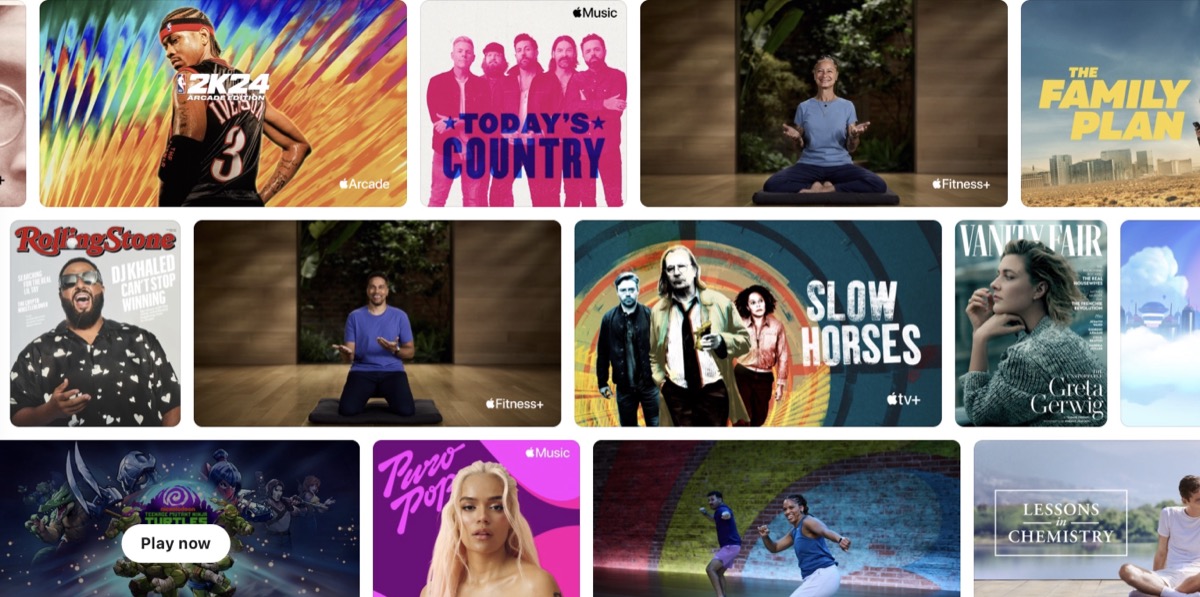
Apple Offers 3 Months of Apple One Free to New Device Buyers
Apple is offering three free months of Apple One with the purchase of a new iPhone, iPad or Mac in Canada, for new and qualified returning subscribers.

Google Finance is getting a major update that brings artificial intelligence into financial research. The platform now includes AI-powered Deep Search, prediction market data, and a new earnings-tracking feature to help users follow company results in real time.
Deep Search lets users ask detailed questions—like how the Nasdaq compares to the S&P 500 under different economic conditions—and get AI-generated summaries based on hundreds of data sources. Google says the feature will roll out to users in the coming weeks, with expanded access for paid AI subscribers.
Another new addition brings prediction market data from platforms like Kalshi and Polymarket, allowing users to see crowd-based forecasts for events such as GDP growth or central bank decisions.
The update also introduces a live earnings tool that streams company earnings calls with real-time transcripts and summaries of analyst reactions. Users can review historical performance, compare results, and see key documents directly in the app. This is by far the coolest feature as it’s typically a balancing act to follow an earnings call in real-time and also see reactions.
The new version of Google Finance is also expanding beyond the U.S. for the first time, launching this week in India with support for English and Hindi. The upgraded platform is available at google.com/finance/beta.
As for Canadians? Sorry this is not live yet but there is a workaround. Just launch your VPN and select the USA as your location and the new interface loads up fine for us. A tab lets you select between “Classic” and “Beta” versions of Google Finance. Here’s what it looks like:

“Welcome to the new Google Finance! Explore advanced charting, AI-powered insights, and more. This version of Google Finance is in beta and some parts of the site may still be in development. New features and updates will be added regularly,” explains the new beta page.
This beta version of Google Finance should eventually expand to new markets including Canada, but in the meantime if you’re desperate to give it a try, the simple workaround above we shared will do the trick.
Want to see more of our stories on Google?

P.S. Want to keep this site truly independent? Support us by buying us a beer, treating us to a coffee, or shopping through Amazon here. Links in this post are affiliate links, so we earn a tiny commission at no charge to you. Thanks for supporting independent Canadian media!

