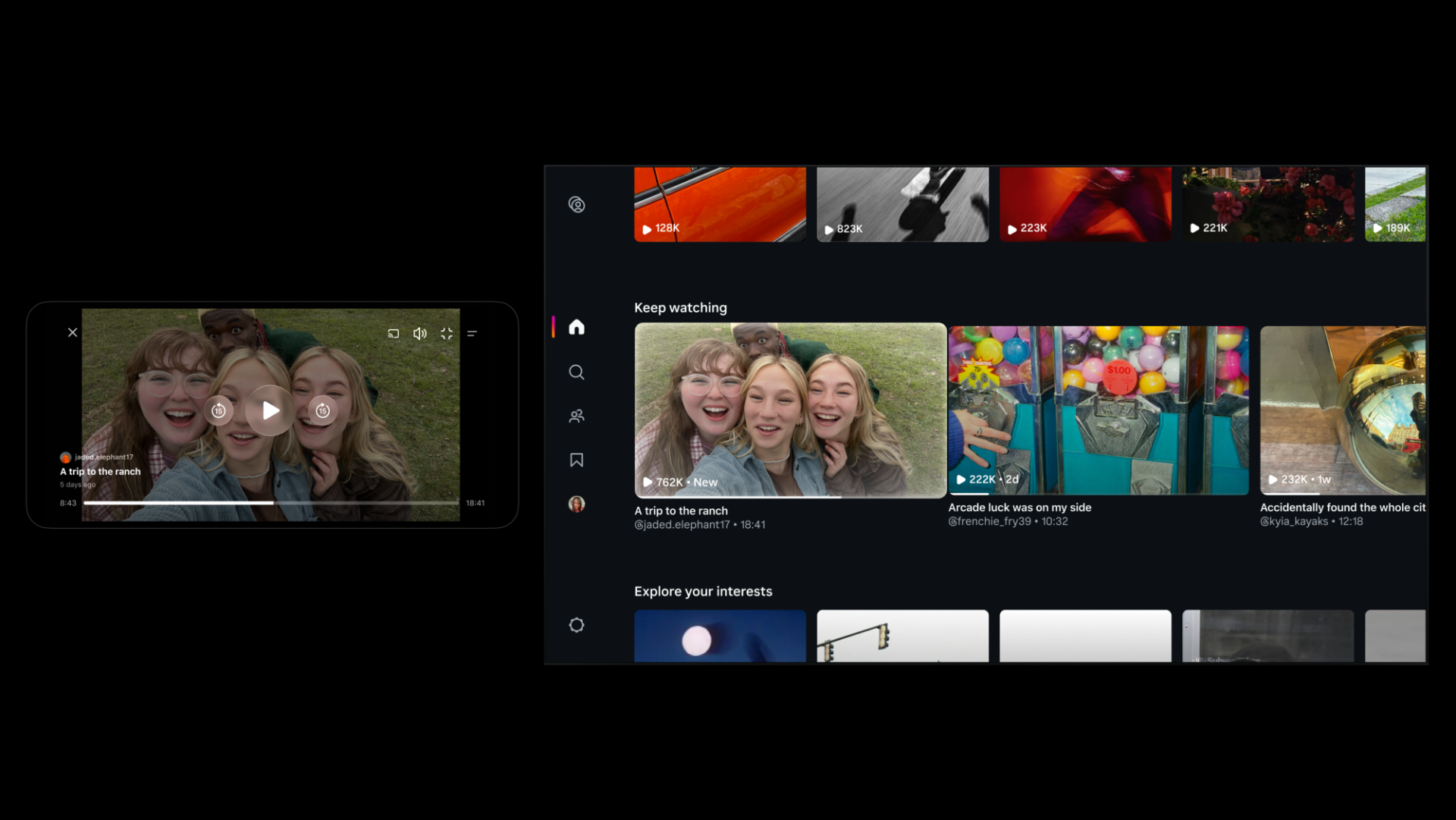
Instagram Tests 90-Minute Horizontal Videos in Push Against YouTube
Instagram is testing 90-minute horizontal videos and a new 'Features' option to help creators share long-form content on the platform.

Android and iPhone users can finally share files with each other, starting with Google’s Pixel 10 lineup. Google has updated its Quick Share feature so it now works with Apple’s AirDrop, removing one of the biggest day-to-day frustrations for people who swap files across platforms.
The rollout starts today for the Pixel 10, Pixel 10 Pro, Pixel 10 Pro XL and Pixel 10 Pro Fold, with more Android devices expected later. Google says the system was independently tested for security and protects user data during transfers.
Sharing also works the other way around: if someone is sending content from a Pixel 10 device to an iPhone, iPad or Mac, the Apple device just needs to set AirDrop visibility to “Everyone for 10 Minutes” and tap Accept when the notification pops up.
This move follows earlier steps from both companies to make their devices play nicer, like RCS support and cross-platform tracker alerts. Once the wider rollout hits, file transfers between Android and iPhone should feel much more seamless than before. You don’t need to text or email someone a picture anymore as now you can use Quick Share and AirDrop, which is awesome.
Want to see more of our stories on Google?

P.S. Want to keep this site truly independent? Support us by buying us a beer, treating us to a coffee, or shopping through Amazon here. Links in this post are affiliate links, so we earn a tiny commission at no charge to you. Thanks for supporting independent Canadian media!


WOW!!! Did not see this one happening today!! Did someone check to see if hell froze over?
Totally unexpected!! iMessage next? 😛