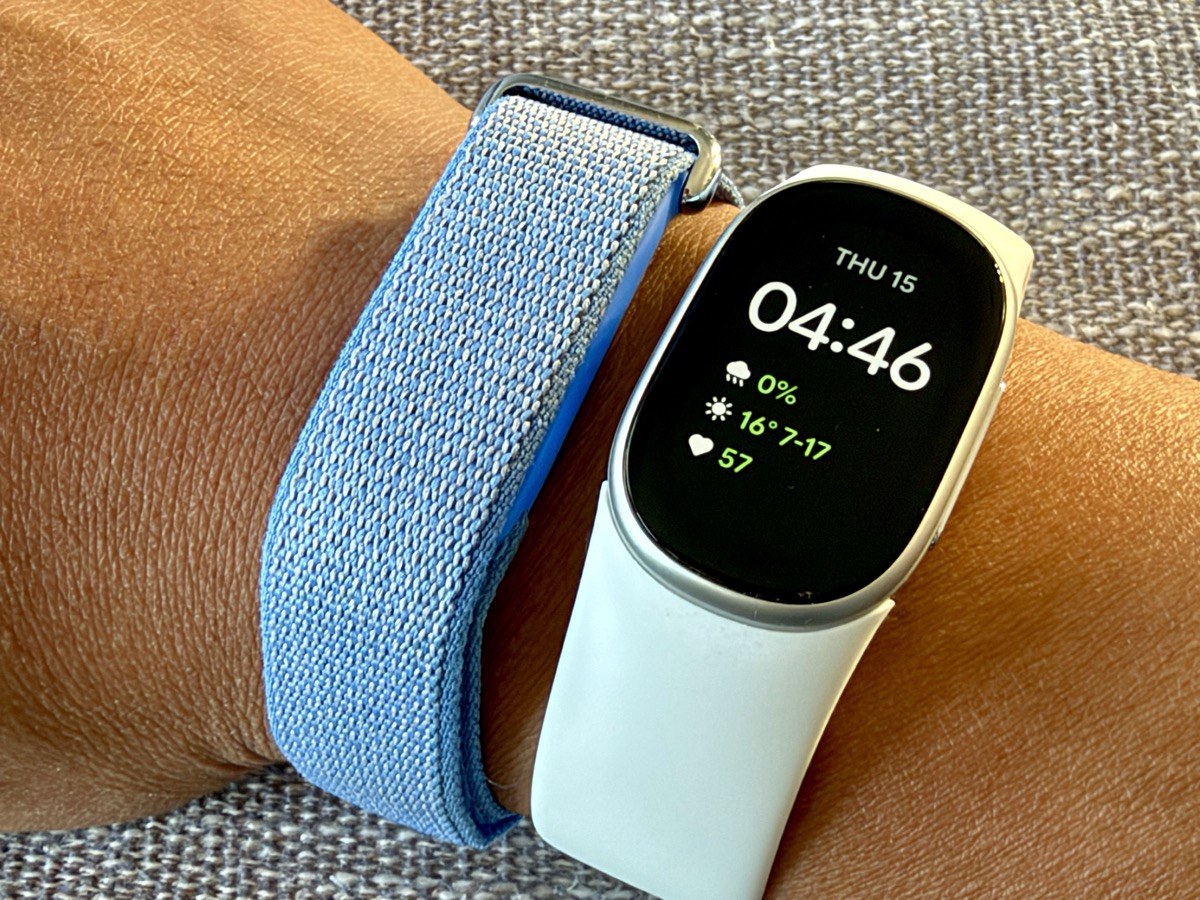
I’ve spent about two weeks wearing Google’s new Fitbit Edge, the screen-equipped tracker that sits above the Fitbit Air in Google’s lineup. I’ve been a Fitbit Air user for months now, so my main question going in was whether adding a display makes a Fitbit better or just busier.
The Fitbit Edge is priced at $229.99 in Canada and hits shelves on October 27, and you can grab the Fitbit Edge on Amazon.ca. That puts it $100 above the screenless Fitbit Air, which sells for $129.99. There’s also a Stephen Curry edition for $279.99. Here’s how it has held up on my wrist, paired with an iPhone.
Unboxing and Setup

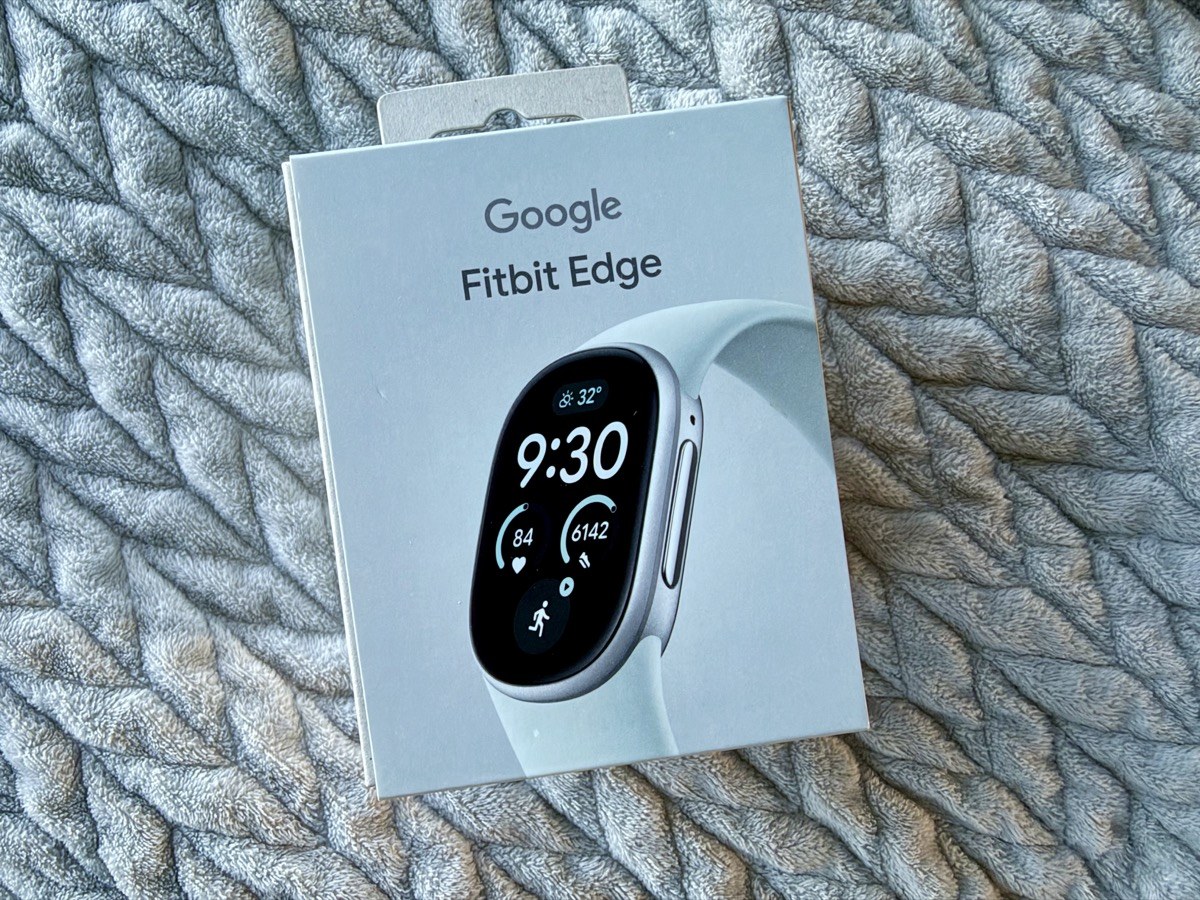
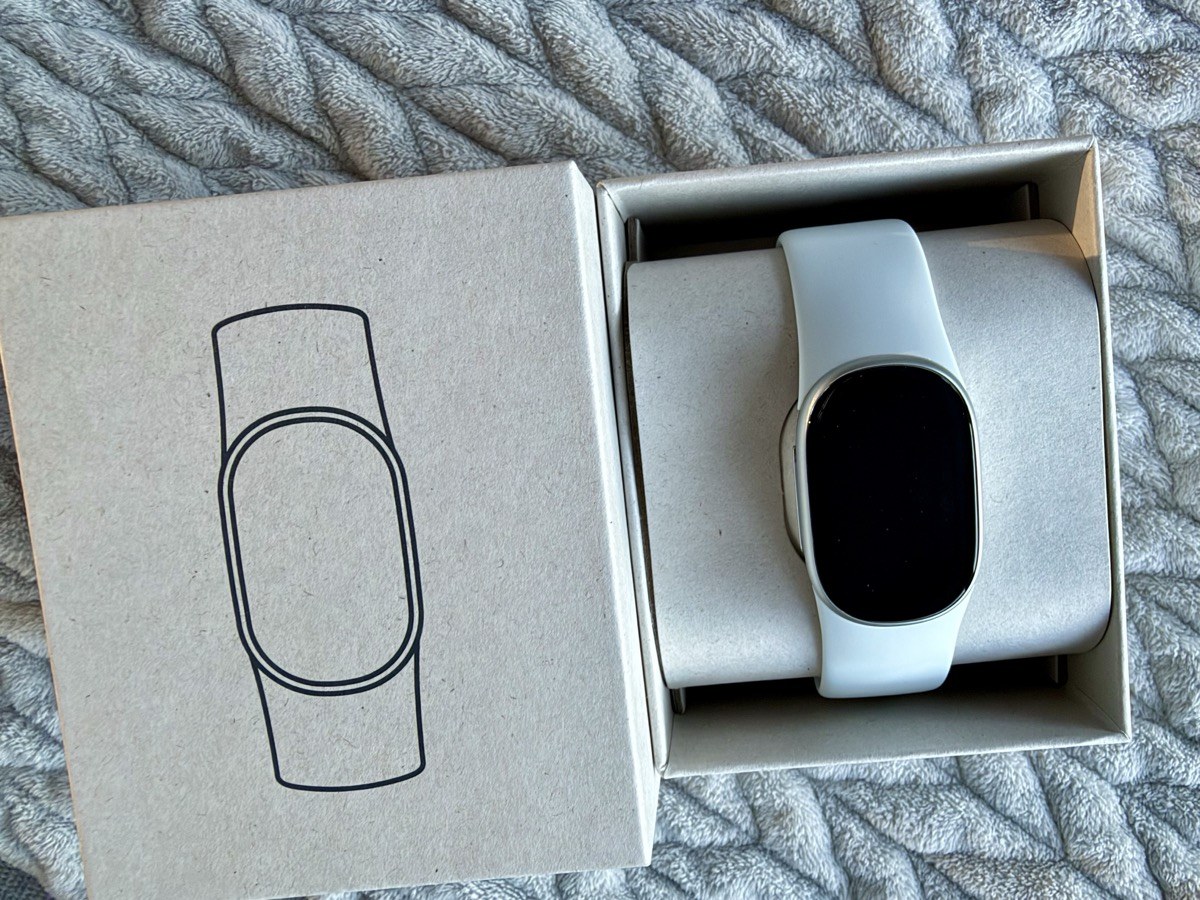
The box is compact and fully plastic-free, with the Edge sitting on a cardboard pillow once you slide it open. Inside you get the tracker, an Active Band in small and large sizes, a USB-C charging cable and a quick start guide.
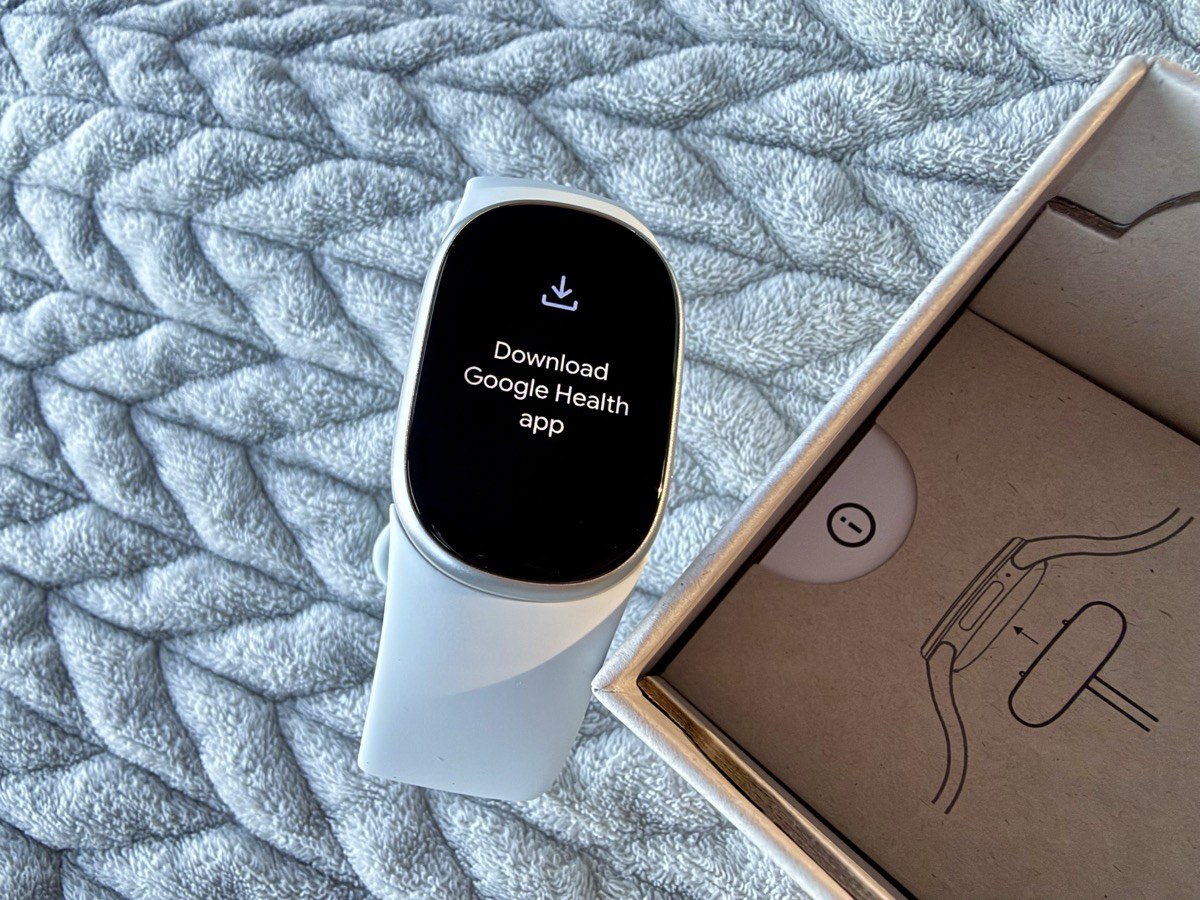
Pairing is really easy, just like it was with the Fitbit Air. The Edge tells you to download the Google Health app, you add it as a device on your iPhone and you’re basically done. The one extra step is a firmware update right after pairing, so give yourself a few minutes before you strap it on and head out the door.
If you’re wondering about Apple Health, both the Edge and the Fitbit Air can sync to it on their own, so you don’t need an Apple Watch, just an iPhone running iOS 16.4 or later. In the Google Health app, go to Connections, then Apps and services, then Apple Health, and choose which data to share. Steps, workouts, sleep and vitals all come across, but heart rate variability (HRV) doesn’t sync to Apple Health right now.
Design and Comfort
I think the Edge is a good size. It’s 39.22 x 25.56 mm and 11.58 mm thick, and it weighs 17.7 g without the band, so it’s noticeably bigger than the Air but still small next to most smartwatches. The 1.34-inch AMOLED display is bright and easy to read, and there’s a mechanical side button on the right edge. It’s rated 5 ATM and IP68 too, so sweat and the shower aren’t a concern.
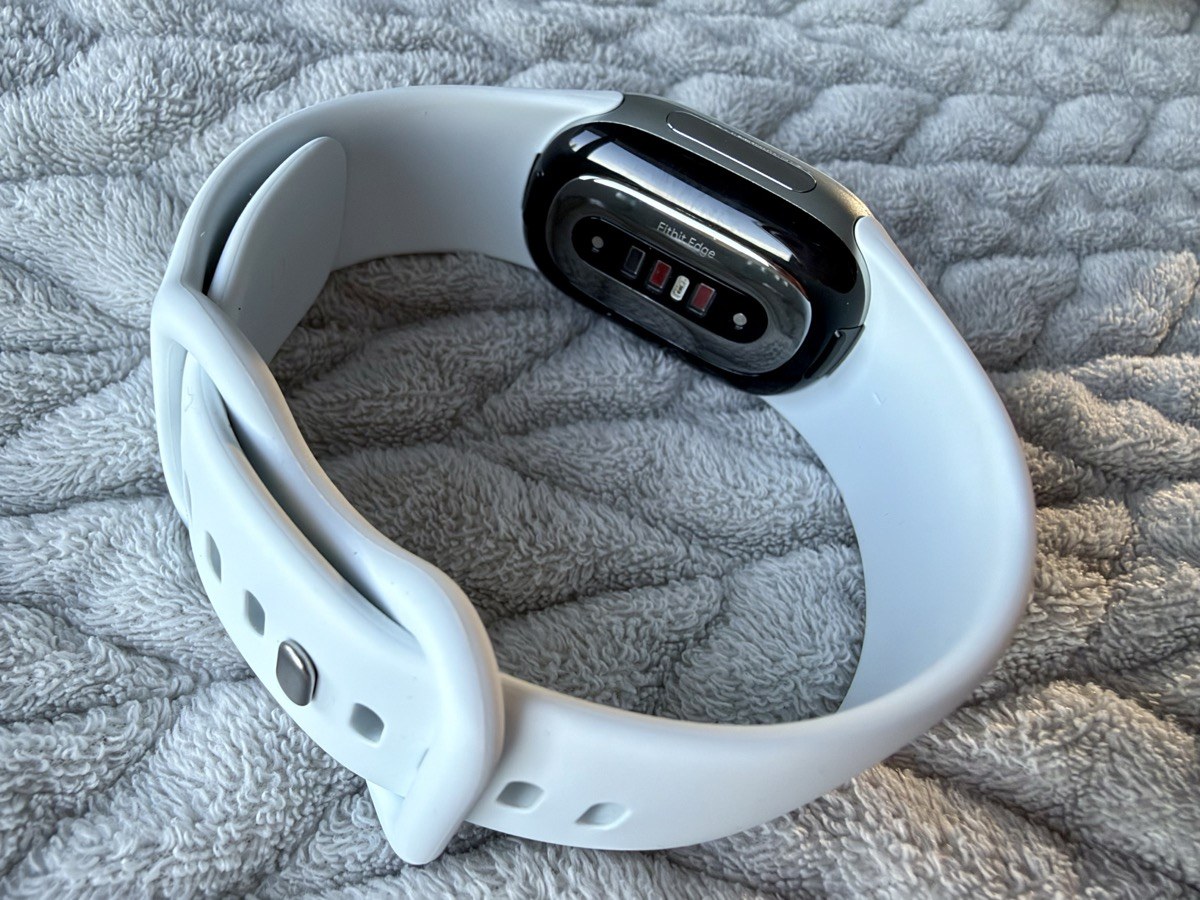
Flip it over and you’ll find the heart rate sensor, the red and infrared sensors for SpO2, skin temperature sensing and the electrical sensors for the ECG app. Google also made the battery user-replaceable for the first time on a Fitbit, which is nice to see on something you’ll wear every day for years.
The Fitbit Edge also has a built-in ECG app that can check for signs of atrial fibrillation (AFib). Taking a reading is easy, since you just hold your fingers against the side of the Edge to record it.
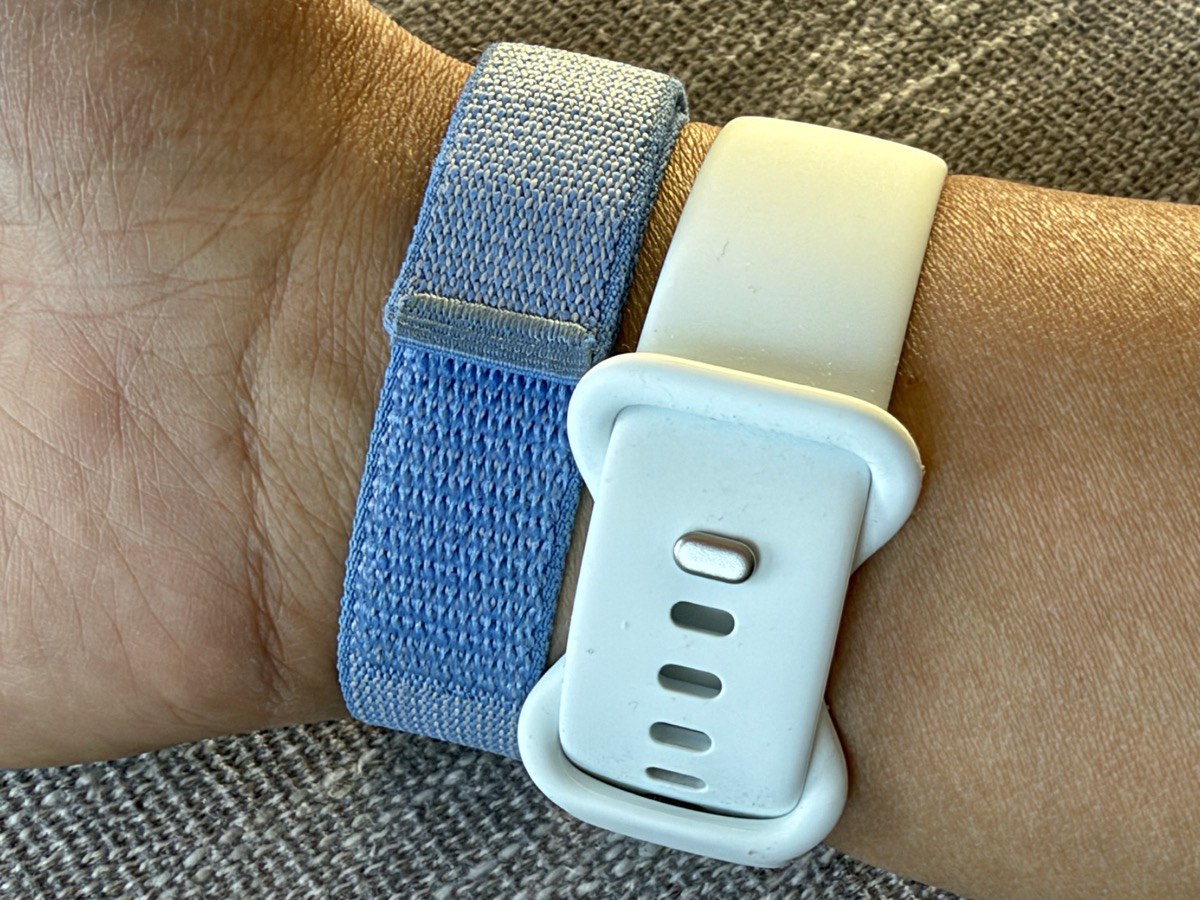
The included Active Band is comfy, and I had no problem wearing it all day and overnight. My only complaint is that the soft-touch silicone attracts dust and lint, which shows up quickly on a light colour like this one.
Using the Display
The whole point of the Edge is the screen, and it delivers on the basics. With a quick glance at my watch face I get the time, the weather and my heart rate. That’s the info I actually want, without picking up my phone.
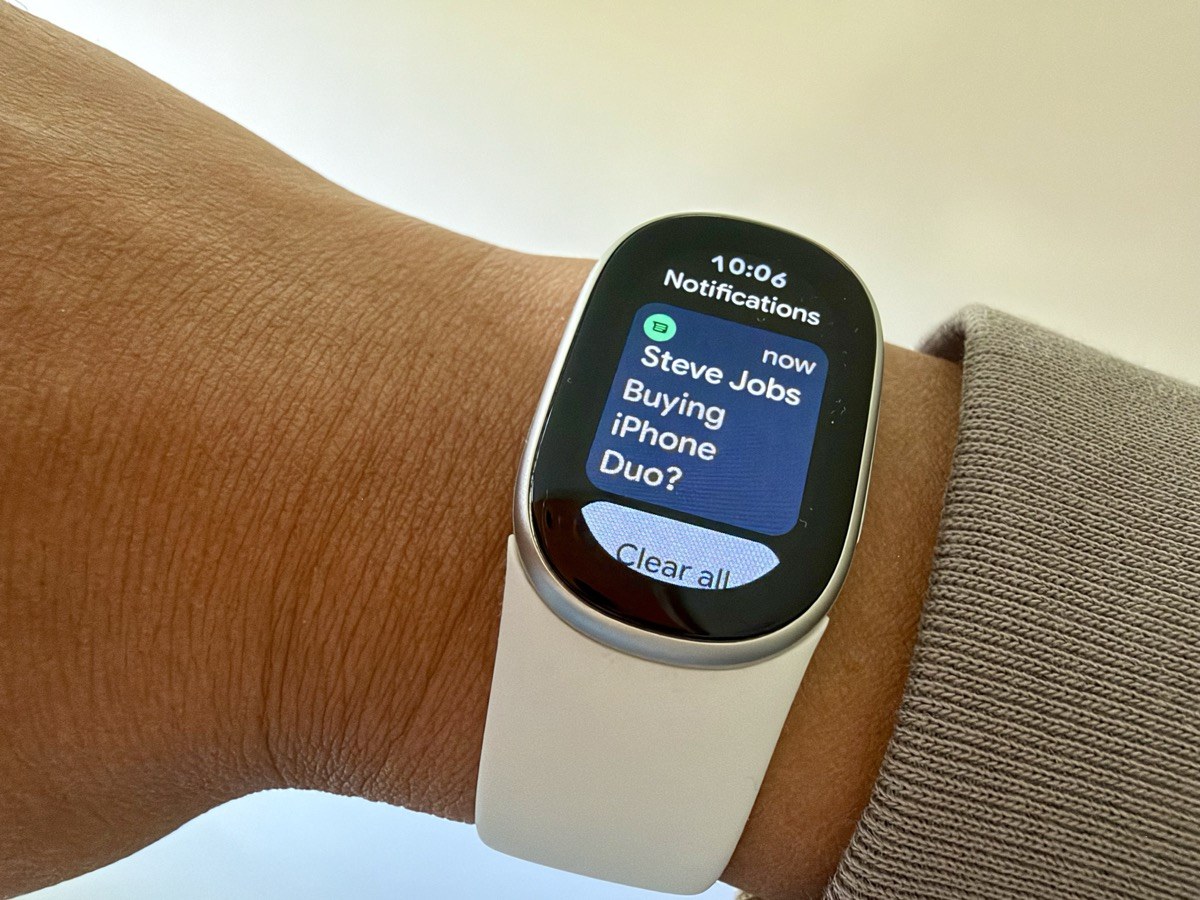
The screen turns off quickly after you look at it, which helps battery life but means you’ll sometimes raise your wrist twice. Navigation is simple once you learn the gestures. Swipe up to see notifications, swipe down for quick access to settings, and swipe left or right to jump straight to other apps.
Pressing the side button opens the app list, which includes Settings, Alarm, ECG, Exercise, Google Maps, Health, Media, Stopwatch, Timer and Weather. Exercise lets you start tracking the workout of your choice. To be honest, I didn’t use many of these apps.
One app I did like is Find My Phone. It pings your iPhone and it’s loud, which is exactly what you want when your phone has disappeared into the couch again.
My one wish is a proper bedtime sleep schedule. Right now I toggle sleep mode on and off in settings, and I’d much rather set it once and forget it. Maybe I missed the option, but I couldn’t find one.
Notifications on iPhone
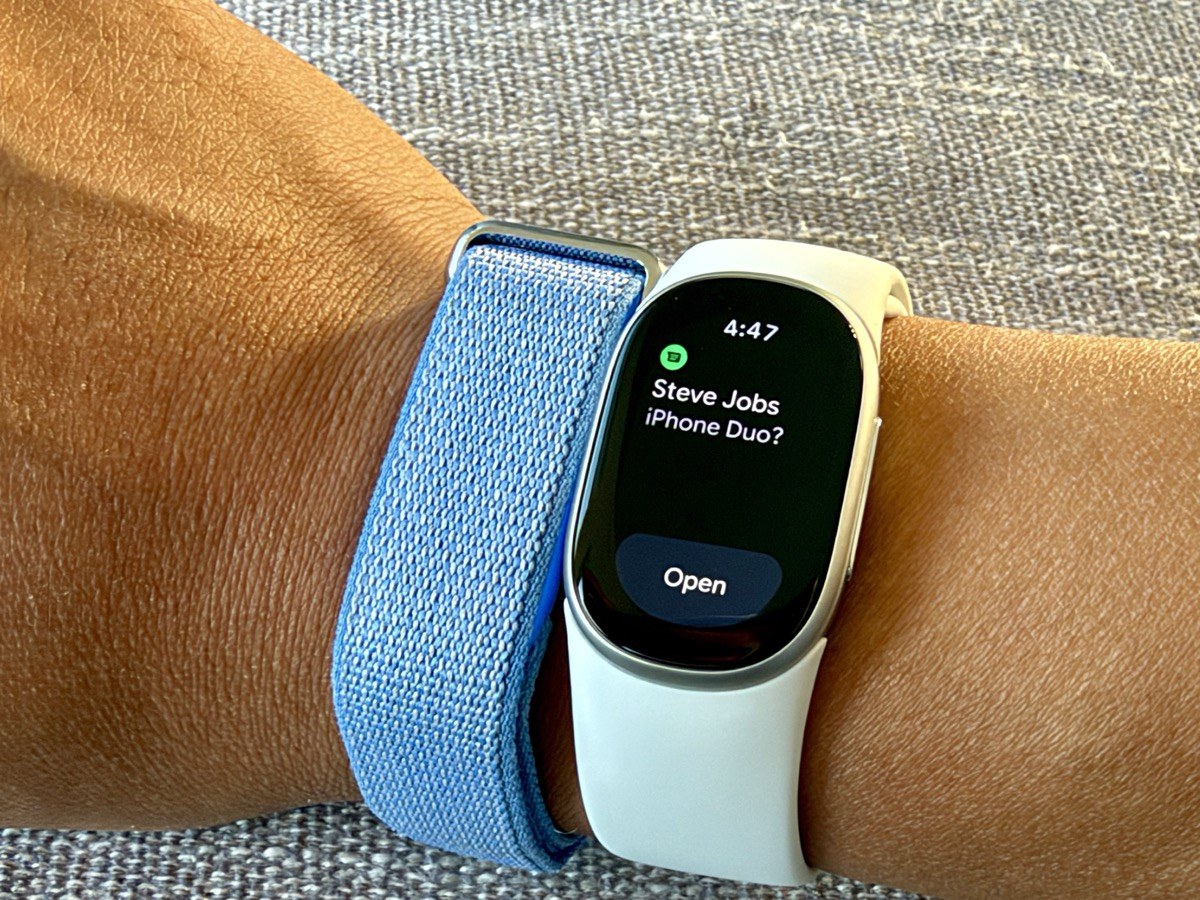
On iPhone, your text messages come through on the Edge and you can read them as they arrive. It works well enough for a quick check during a meeting or a workout.
To manage them, you swipe up, scroll through your notifications and then tap “Clear all” when you’re done. What you can’t do is reply. Google lists quick replies as a feature, but I didn’t get that option with my iPhone. There’s also no complication to show unread messages like there is on Apple Watch, so you won’t know something is waiting unless you swipe up and check.
Fitness Tracking
I mostly stuck to automatic activity tracking for tennis and weights, and it did the job without me tapping anything. The Edge seems to have learned from my time with the Fitbit Air, since my workouts were picked up and logged without any fuss. Google has also been expanding automatic workout detection, so this should only get better. There was one time though where the Edge’s automatic device tracking missed a tennis session and I had to log it manually.
If you want more, there are 50+ exercise modes, built-in GPS, an altimeter for stairs and hills, and on-wrist coaching cues from Google Health Coach. Note that a lot of the coaching features need a Google Health Premium subscription, and the Edge comes with three months free.
For the record, I still double-wristed during my testing, with my Apple Watch on my left wrist and the Fitbit Edge on my right. The strap stayed comfortable through all of it.
Battery Life
Google rates the Edge at up to seven days of battery life, the same as the Fitbit Air. Five minutes on the charger gets you up to a full day, and a full charge takes about 90 minutes.
My own results have been much better, surprising me like the Fitbit Air’s battery life. I charged the Edge to 100 per cent and took it off the charger on Wednesday, October 14 at 8 p.m., and started wearing it right away. By noon on Friday, October 23, it was down to 20 per cent, and by about 7 p.m. it was at 13 per cent.
After an hour-long tennis lesson on Saturday morning, it was still hanging on at 8 per cent around 10 a.m., and by 7:30 p.m. on Saturday, October 24, it was at 5 per cent. It finally died just before 9 p.m. that night, for a total of just over 10 days (about 241 hours) on a single charge, well past Google’s seven-day rating.
Over that stretch, I wore it 24/7, tracked my sleep every night and logged 8 tennis sessions. That works out to an average drain of about 9 to 10 per cent per day. During Friday’s tennis session with GPS, the battery dropped about 1 per cent per hour, compared to about 0.4 per cent per hour at rest.
Fitbit Edge vs. Fitbit Air
At the end of the day, I think I’m going back to the Fitbit Air. I like not having a display, because you just set it and forget it. The Air is subtle and doesn’t attract attention. You also don’t have to worry about scratching or damaging a small screen on your wrist.
It also makes more sense if you wear two trackers and only one of them has a screen. Wearing an Apple Watch on one wrist and a Fitbit Edge on the other looks a bit ridiculous, and double-screening isn’t a look I want to keep. Pair the Air with your Apple Watch instead, and your Fitbit data still syncs to Apple Health.
If I were to ditch my Apple Watch, though, I think I could live with just the Fitbit Edge. You get more than a week of battery life, plus a display for the time, weather and notifications, which is a simple win.
Should You Buy It?
For iPhone users who want to read and reply to texts and use app complications, Apple Watch is still the best choice, and our Series 12 review shows why. The Edge isn’t trying to be a smartwatch, and on iPhone it shows.
The Fitbit Edge costs $100 more than the Fitbit Air, and it’s worth it if you really want the time and a display on your wrist. If you’d rather have something you never have to think about, the Air is the cheaper and more discreet pick. Overall, I’m happy with how the Fitbit Edge performed, and the battery life alone makes it easy to recommend as a standalone tracker. If you’re sold, see the Fitbit Edge’s current price on Amazon.
Would you pick the Fitbit Edge, or stick with a screenless Fitbit Air?
Google provided a Fitbit Edge review unit for this story.


The most interesting comment you made is, “Pair the Air with your Apple Watch instead and still sync your data with Apple Health. Need more info on this, such as, once paired, can you use just the Air on its own and still get data sync with Apple Health?
Yes! Once the Fitbit Air is paired with the Google Health app on your iPhone, it syncs to Apple Health on its own. Just like an Apple Watch.
Great to know and, Thanks for replying!!