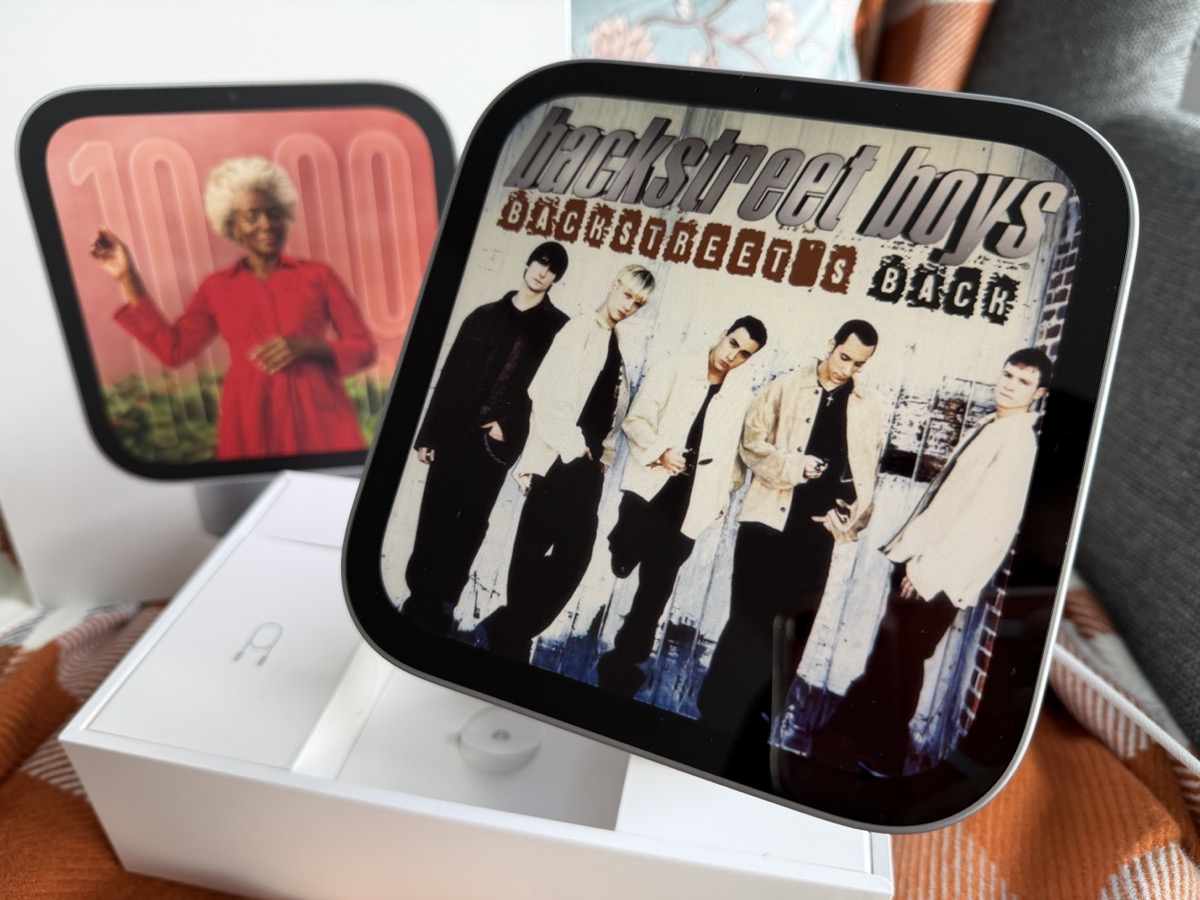
I bought Apple’s HomeView with my own money, hoping it would finally deliver the smart home assistant I’ve wanted for years. It looks great, fits almost anywhere and makes listening to music more enjoyable with album artwork on its display.
But after spending time with HomeView and putting Siri AI through its paces, I’m struggling to justify its $429 price tag in Canada.
Between a frustrating setup process, painfully slow Siri responses and constant reminders of how dependent it is on my iPhone, HomeView feels like a product Apple released before it was ready. And I’m already questioning whether I should keep it.
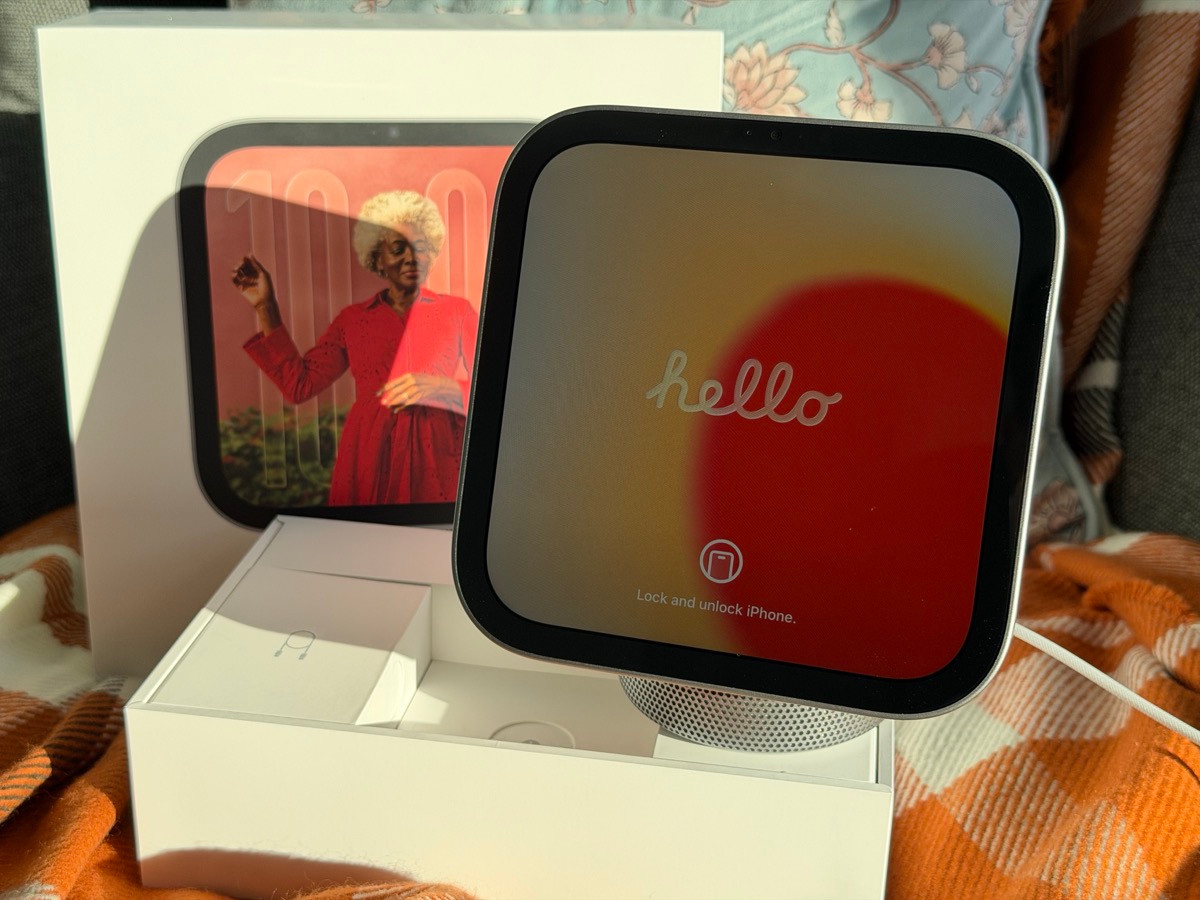
Unboxing and setup
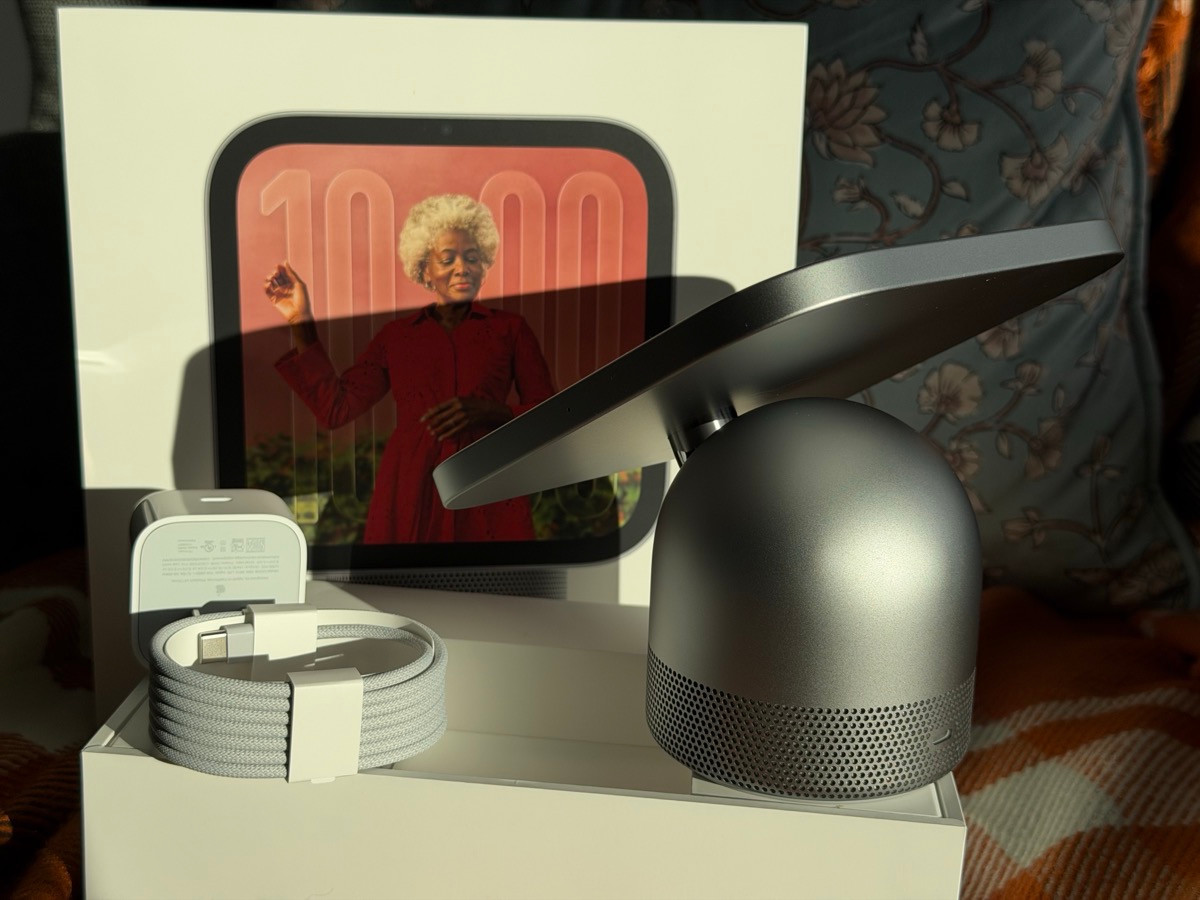
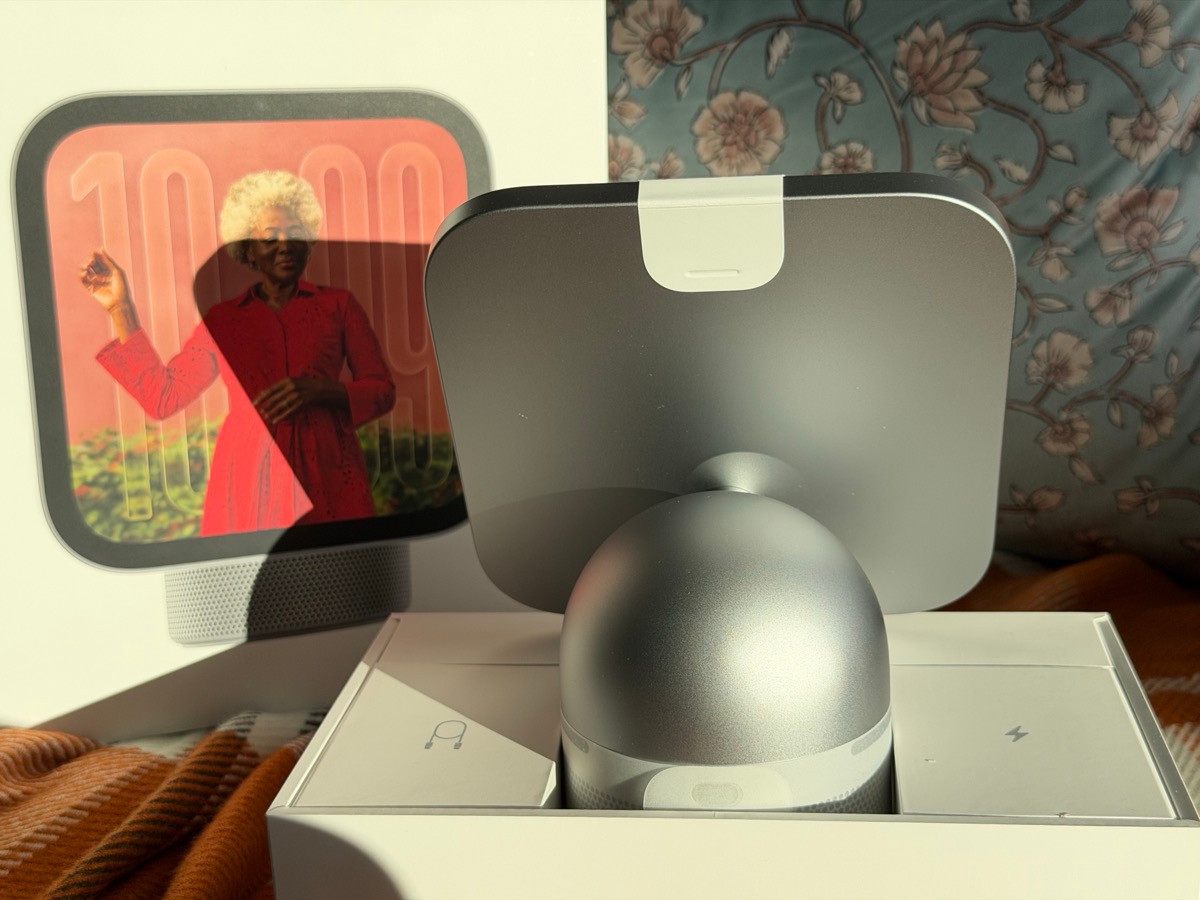
Inside the box, Apple includes HomeView, a USB-C cable and a power adapter. Everything was there to get started, but as soon as I turned it on, I was told a software update was required before I could set it up. I’ve been through this with Sonos speakers, Google Pixel devices and plenty of other gadgets, so I figured it would be a quick update and I’d be on my way.

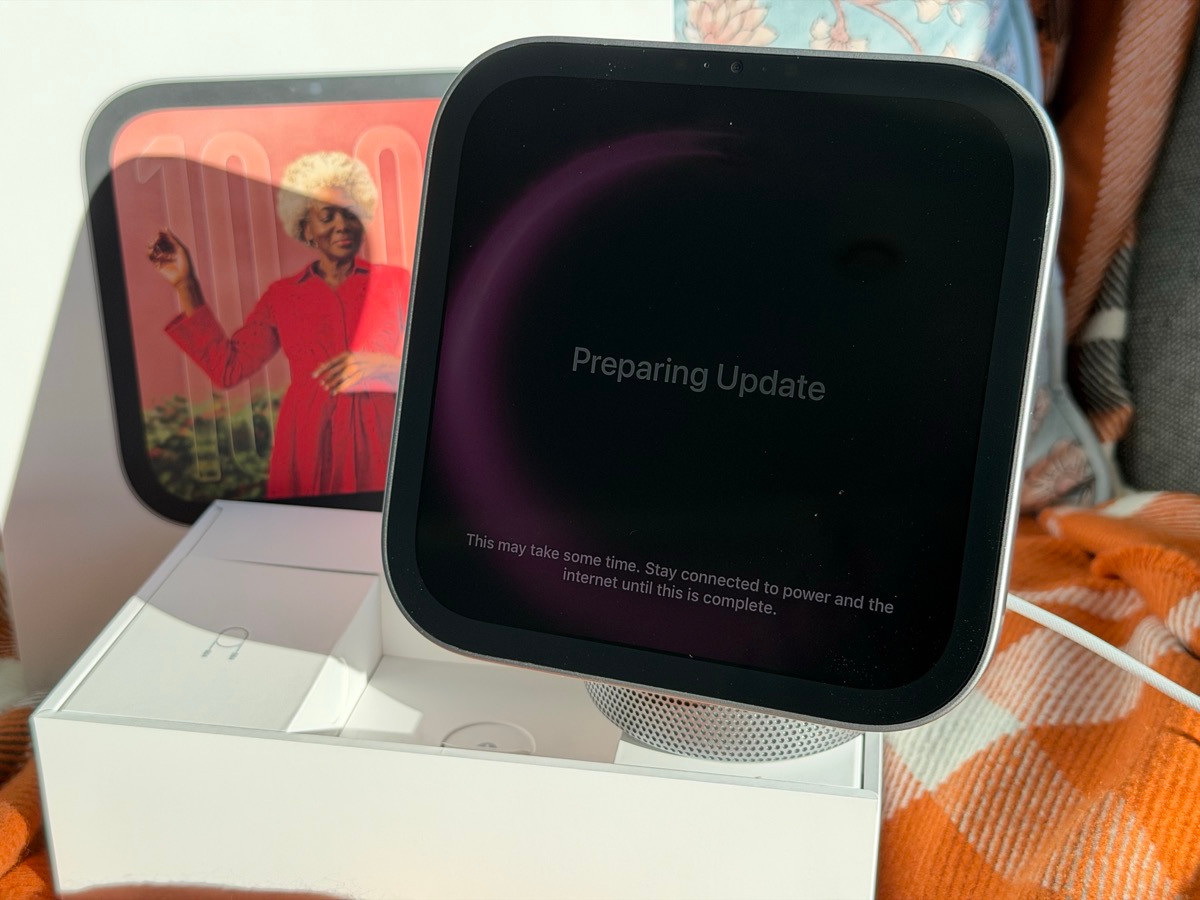
Instead, HomeView had to download the update and then install it, which took about 15 minutes. That’s way too long when you’ve just unboxed a new device and want to try it out. At least let someone get through setup first, then ask them to install an update. Having to sit and wait before I could do anything with HomeView was a frustrating start.
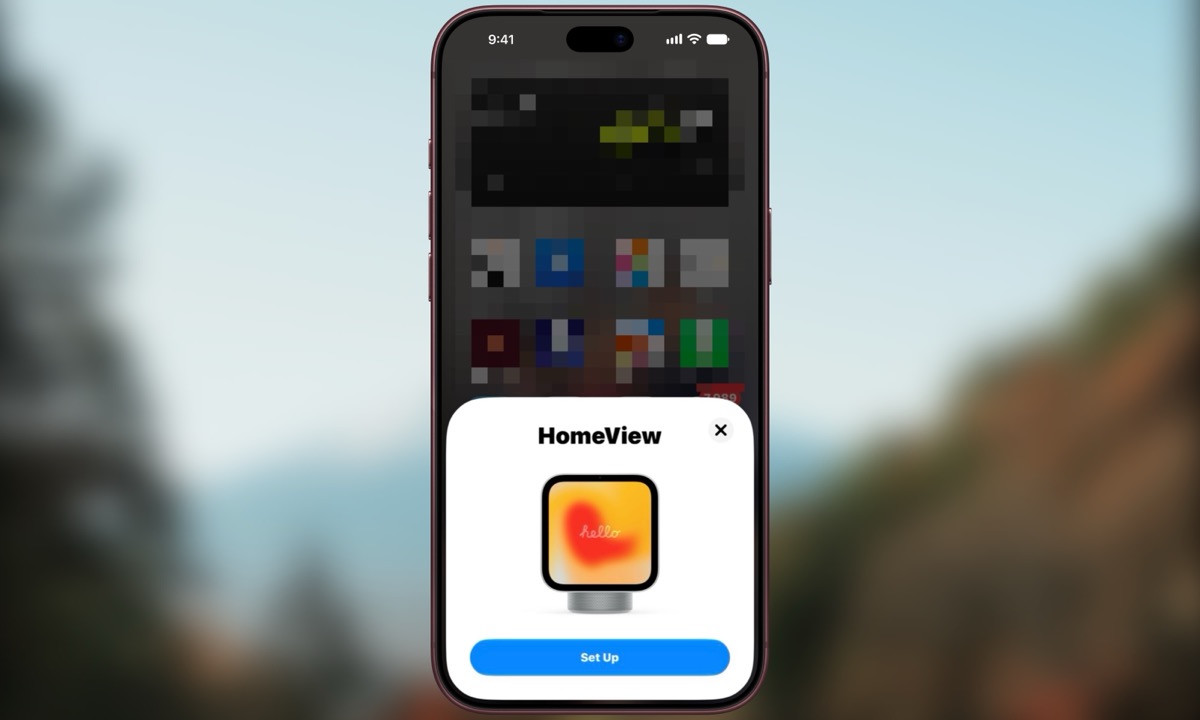
Once the update finished, setup moved to my iPhone. The steps include creating a Photo Face and choosing between Siri AI, which is in beta, and Siri Classic. HomeView can also match accessibility features you’re using on your iPhone, including Bold Text, which I like to keep enabled. Other settings carry over too, including Wi-Fi and preferences for location services, analytics, Siri and Apple Intelligence.

After working through those prompts and enabling location services, HomeView started setting itself up before eventually telling me to continue on the device. There were still a couple more steps to go: Set Up Recognition scans your face in a process that feels similar to setting up Face ID, then you say five Siri phrases so it can learn your voice. Only after all of that was I finally ready to start using it.
Design, music and everyday use
HomeView looks good, and I like how compact it is. Having the album artwork on the screen while songs are playing is really nice, and it’s one of the things I enjoyed most about using it. You get to see the cover art alongside the music rather than just having sound coming from a speaker, which gives the display a purpose I appreciate. There are also different clock faces to choose from when you’re swiping around the interface.
As for the speaker itself, it’s okay for a small room, but don’t expect a lot of booming bass. I like the overall design more than I’m impressed by the sound. You can access settings directly on HomeView, and it also appears in Apple’s Home app in whichever room you assigned it to during setup.
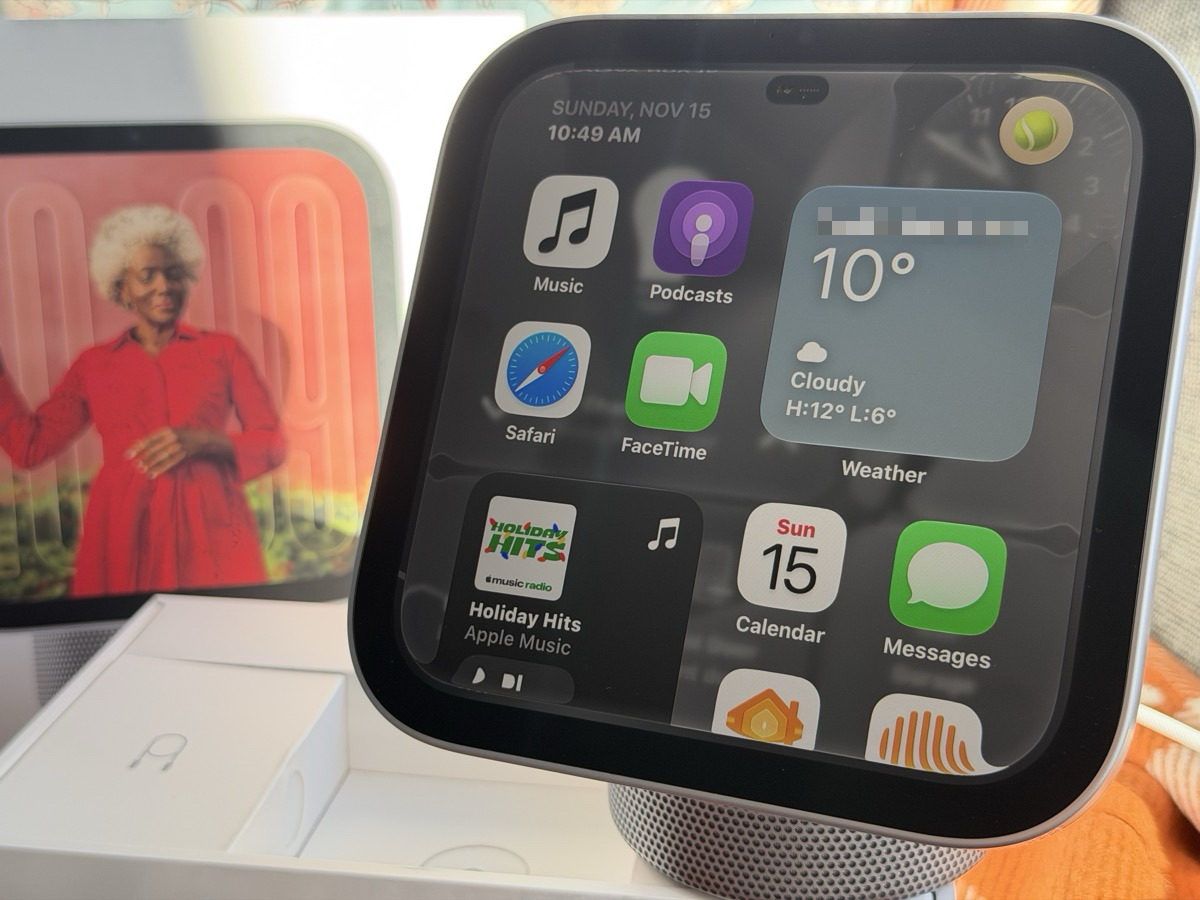
The apps available on my HomeView were CarPlay apps, so the home screen reflected that selection rather than the full range of apps on my iPhone. As I spent time swiping through clock faces and asking Siri to play music, I kept asking myself why I needed this. Beyond connecting to Apple Home and giving me that display, what was it doing for me that our Google smart speakers couldn’t already do?
Siri AI is far from ready
When I test new tech, I like to try figuring it out without reading instructions first to see how intuitive it is. A device like this should be easy to use without having to follow steps for everything, especially when talking to it is supposed to be a big part of the experience. Unfortunately, Siri AI was where HomeView became most frustrating.
When I asked about my calendar, Siri AI read my entries in order without adding useful context. I want something that helps me make sense of my day, rather than simply reading the calendar back to me. At other times, saying “Hey Siri” would trigger Siri on my iPhone instead of HomeView, leaving me wondering why the device I was trying to use wasn’t the one answering.
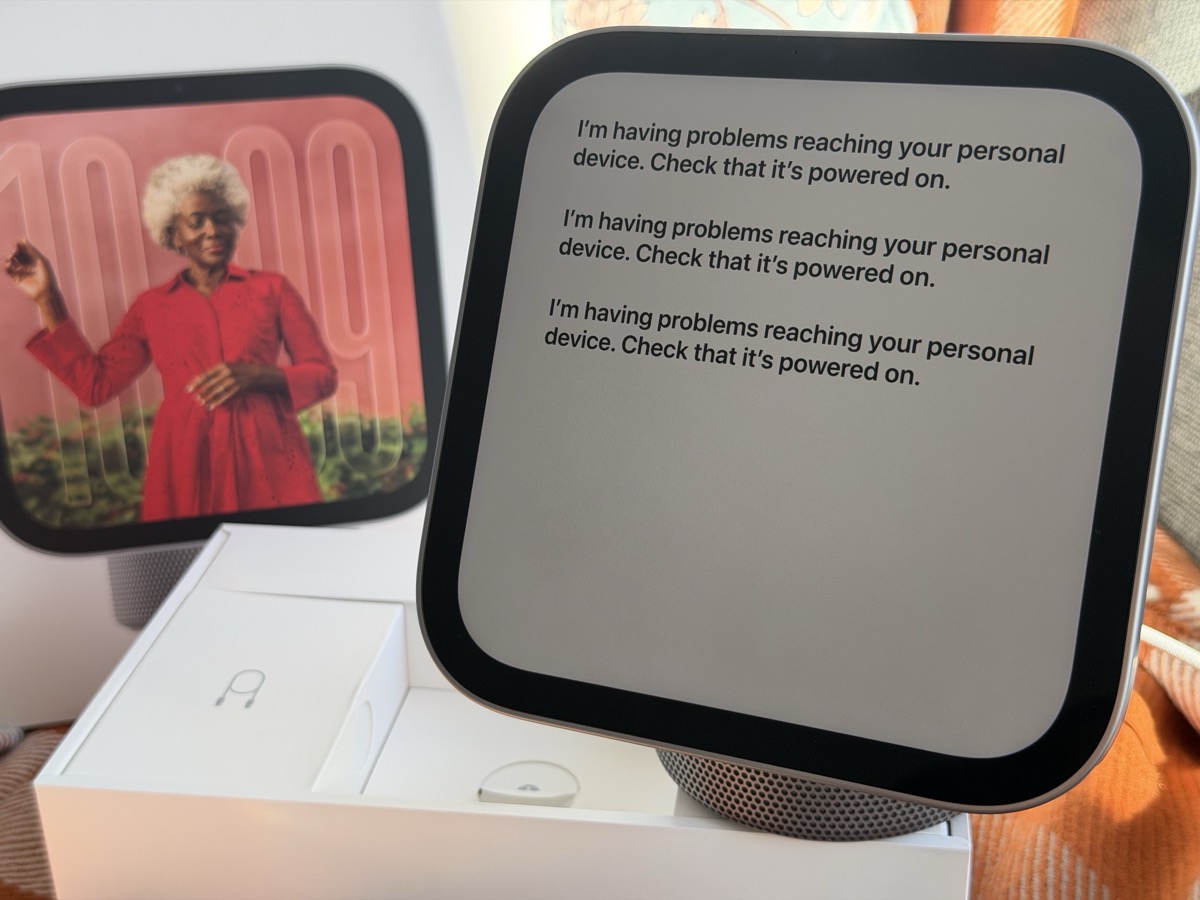
Even with my iPhone nearby, HomeView sometimes couldn’t reach it and told me, “I’m having problems reaching your personal device. Check that it’s powered on.” My phone was right there and powered on, so this was especially frustrating. I know Siri AI is labelled as a beta, but it’s also one of the choices Apple presents during setup. The experience I had was an absolute disaster, and the basics need to work much more reliably before I could depend on it. Siri AI is also way too slow it’s infuriating, plus it can barely understand you at times.
Other weird things? Opening the Apple Classical Music app resulted in a pop up message that read, “Review the privacy updates on your iPhone when it’s safe and will not distract you.” Where? How? I’m assuming HomeView thinks the CarPlay version of this app is trying to be used while I’m driving? I wasn’t driving. I had to launch the app on my iPhone and tap ‘continue’ on the generic splash screen.
Too dependent on the iPhone
I remember how exciting it was to use the Apple Watch for the first time because it let me see alerts and reply to things without reaching for my iPhone. There was an immediate benefit that made sense. With HomeView, I kept running into how much it needed my phone, which made it harder to see what I was gaining from another device.
I tried using HomeView with my iPhone switched off, and with Airplane Mode enabled and Wi-Fi off. When I asked Siri for help, it responded with “Downloading support for Siri,” and I was stuck. Between that and the errors when my phone was nearby, the experience felt unreliable. A device sitting in my home should make things easier without constantly sending me back to my phone.
What I want is a smart assistant that knows I’m beside it, can talk to me naturally and helps with things like reminding me about appointments or sorting through my email. That would give me a reason to keep a device like HomeView around, but I didn’t get that experience here. Even a middle schooler asked, “What does this do that our Google speakers can’t do?” After using it, I didn’t have a convincing answer.
Apple should have given HomeView the ability to rotate 360-degrees and also leverage HomeView as a home security camera, like we’ve seen on the Nest Hub Max from 2019. That’s a missed opportunity and will likely come with Apple’s future home robot thing that will of course cost you a whole lot more.
Should you buy HomeView?
I can see the potential, and there are things I like about HomeView. The beautiful compact design is appealing and reminds me of a Jony Ive design, and having album artwork on the screen while listening to music is a real plus. But Siri AI is far from ready, and those positives don’t make up for the setup frustrations and connection problems I ran into.
At nearly $500 CAD after tax, I’d recommend waiting until Siri’s AI capabilities improve or seeing what Apple delivers with a HomeView 2 or 3. I bought this one with my own money to test, and so far, I just don’t see enough value to justify keeping it. I’d rather put that money toward an entry-level iPad on sale that can do everything HomeView does and much more.
I’m not going to convince myself to love a product just because it’s made by Apple. My short experience so far has been disappointing, and frankly, I’m pretty pissed that Apple released something that feels this half-baked in the first place. I was frustrated enough that I wanted to share my experience with you guys right away, before you spend your hard-earned money on one.
What would HomeView need to do for you to make room for it in your home?

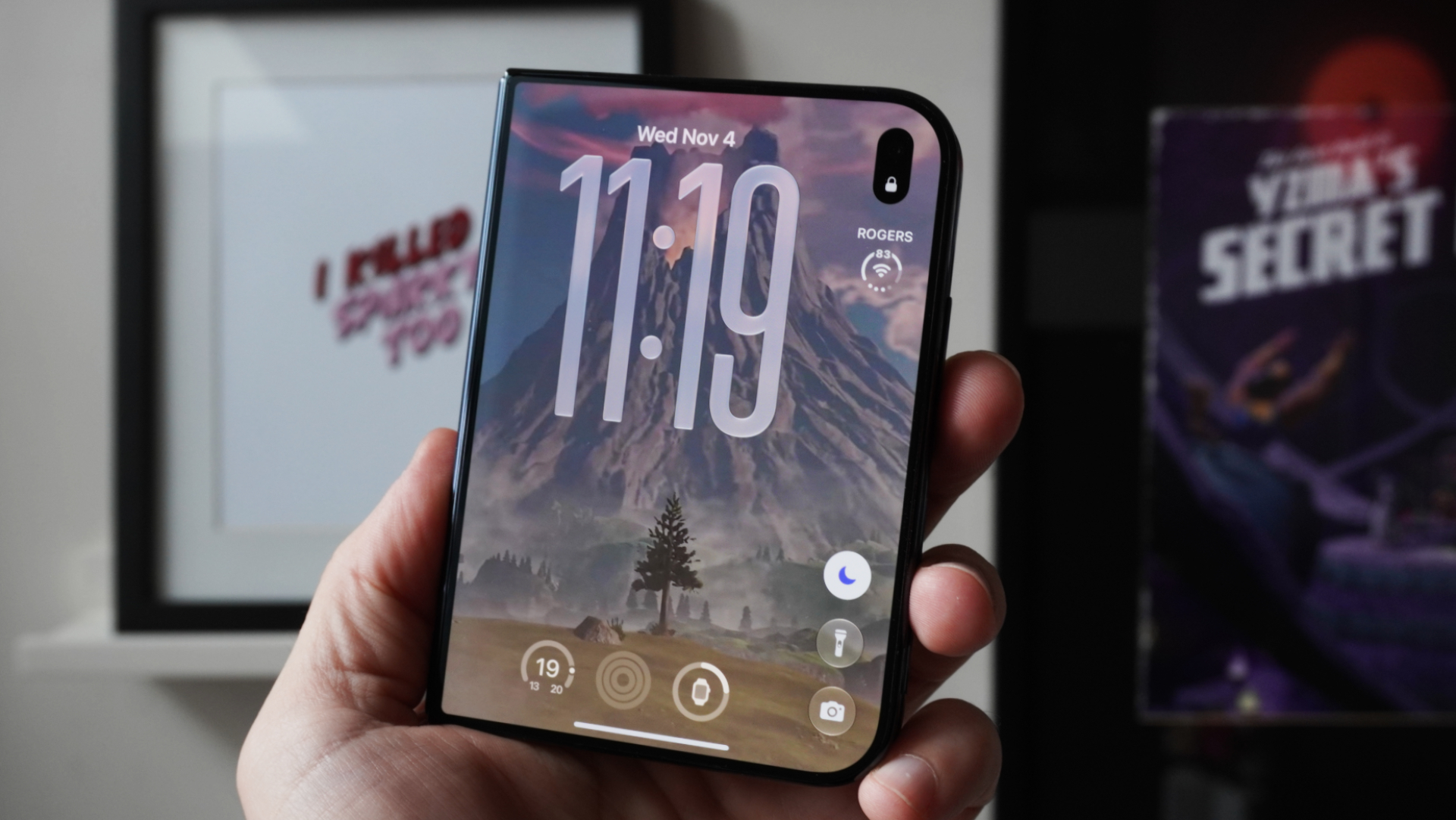
It’s like a giant Apple Watch? An Apple Alarm Clock?
return it
Thanks Gary. Was not planning on getting this anyway. Makes no sense in an apartment anyway and for one person and not a family (which I still think is pointless)
I feel with this device Apple was checking off a checklist of home products to say they have something you could try and use as a hub but it fails in every category