How To…
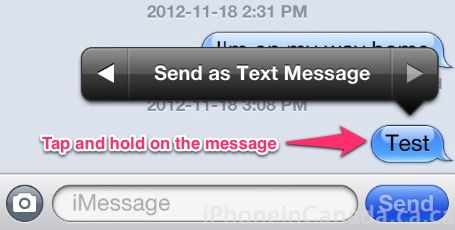
How to: Force Send an iMessage as a Text Message
iMessage (and FaceTime) is currently suffering from another outage, as most of you probably have noticed by now. If iMessage is down, your message should be sent through as a text message. However, you'll probably get hit with a 'did not send' error then have to resend it manually as a text message. But what...

How To: Install Siri On Your iPhone 4 / iPad / iPod Touch 4G On iOS 6 [VIDEO]
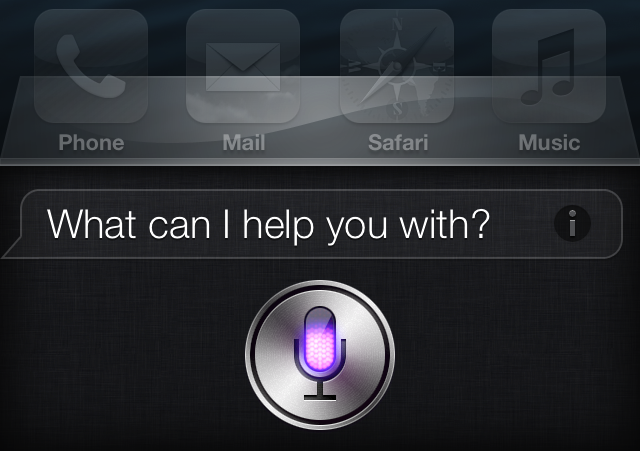
A new jailbreak tweak called SiriPort, which is now available for download in the Cydia store, allows A4 device owners to install Apple's digital voice assistant Siri. The tweak works on any jailbroken iPhone 4, iPod touch 4G or the original iPad running iOS 6. Folks over at AppAdvice have made a video tutorial on how...

How To Move Newsstand Inside A Folder In iOS 6 [Without Jailbreak]
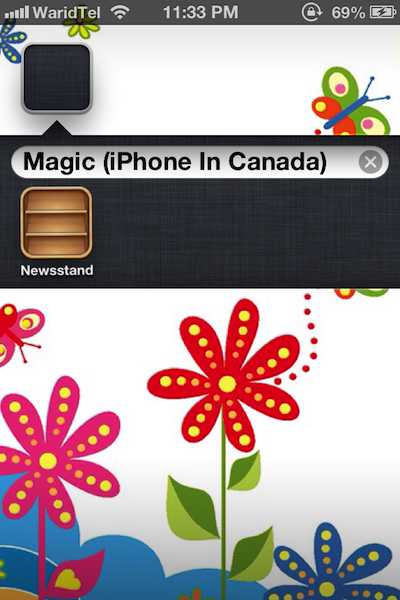
A lot of iOS users find this fact annoying that Newsstand ,which is basically a folder dedicated to App Store’s digital publications, can not be moved inside another folder. When iOS 5 came out, an easy trick was discovered that allowed users to place Newsstand in another folder and now, a rather easier solution has been...

How to Add Passbook to the Starbucks App in Canada [Workaround]
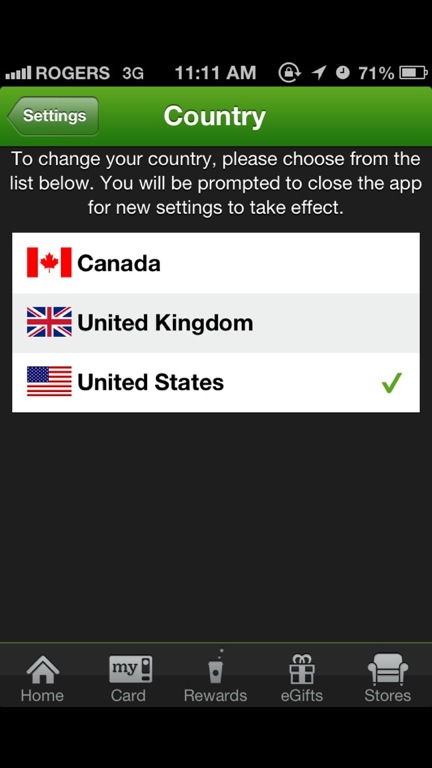
Yesterday Starbucks updated its iPhone app to add Passbook functionality but it did not include Canada (eh?!). As of writing, our American brothers and sisters are having so much fun using Passbook to pay for their lattes and frappuccinos while we have to slum it at Tim Horton's. Well, that's about to change. Looks like...

How to Setup Dropbox with 2-Step Verification and Google Authenticator
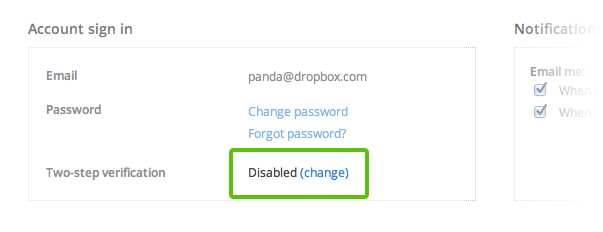
Dropbox has now enabled 2-step verification for accounts, which is similar to what has been available for Google Accounts for a while now: Two-step verification is an optional but highly recommended security feature that adds an extra layer of protection to your Dropbox account. Once enabled, Dropbox will require a six-digit security code in addition...

How To Receive A Refund From Apple’s iTunes Match Service
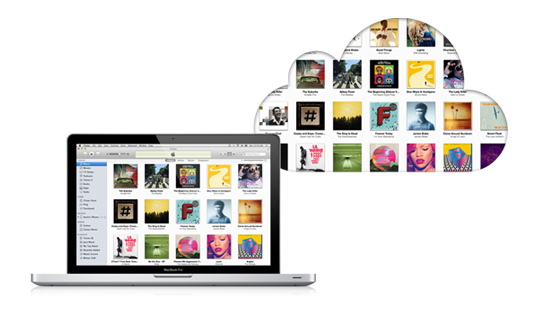
Earlier today I noticed an interesting post on Reddit (via Macgasm) about how a user received a refund from iTunes Match. This may not seem groundbreaking, but I have seen many complaints in the past with users having a displeasing experience when trying to obtain a refund for an Apple online service. So I am going to...

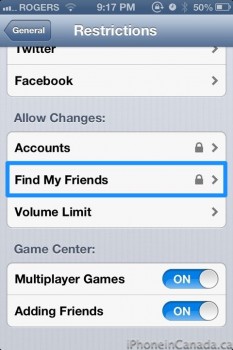
How to Secure your iPhone: Set Restrictions to iCloud and Find my Friends
Yesterday we wrote about a harrowing story where Find my Friends was used to locate a stolen iPad. To our surprise, the man behind it was none other than one our readers @shuether. Turns out it was his sister's iPad and he used Find my Friends to locate the iPad successfully, even though the thieves...

How To: Test Out Applications On The iPhone 5’s Rumored 640 x 1136 Resolution
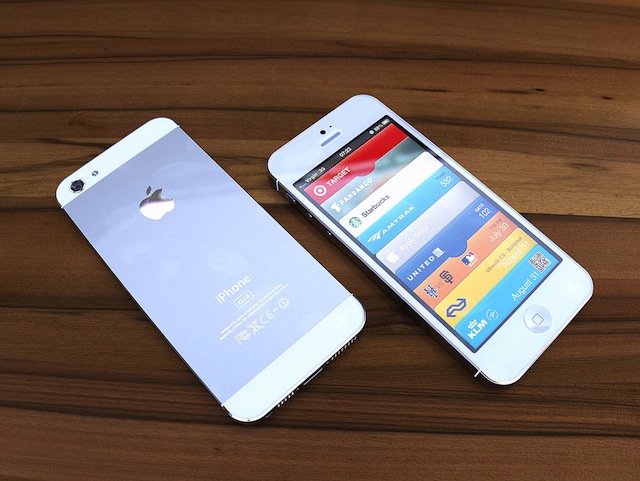
Earlier today we learned the iPhone 5 may come equipped with a 640 x 1136 display resolution; also known as a 16:9 aspect ratio. With this display, users will have the ability to watch movies and TV shows in their native quality. Ultimately Apple would just be adding pixels to either the top or bottom...

How To: Jailbreak iOS 6 Beta 4 With RedSn0w 0.9.13 Dev 3 [Tutorial]
Apple seeded iOS 6 beta 4 yesterday introducing improved 3D Maps, enhanced privacy and bluetooth sharing along with tons of bug fixes while removing the native YouTube app from iOS for good. Today, Dev Team's @MuscleNerd has confirmed that iOS 6 beta 4 can be jailbroken with the existing version of RedSn0w 0.9.13 dev 3 on Mac and...

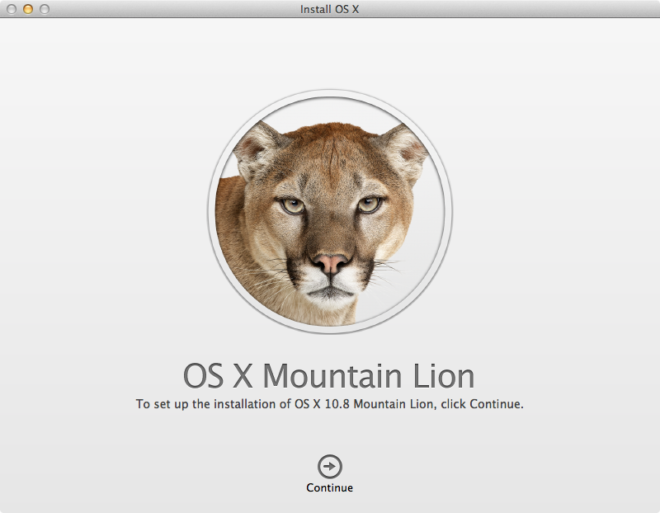
How To: Create A Bootable OS X Mountain Lion Install DVD Or USB Key [Guide]
Apple released OS X Mountain Lion yesterday exclusively as a digital download via Mac App Store for $19.99, or free if you own a qualifying new Mac computer. While Apple has decided not to sell the update on optical media or USB sticks, you can always keep a physical copy of your Mac App Store download in the...

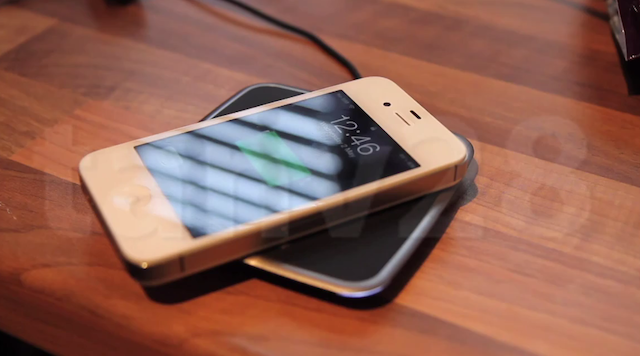
How To Mod Your iPhone 4S For Built-In Wireless Charging [VIDEO TUTORIAL]
An aftermarket modification technique discovered by Tanveer, a part time modder who also happens to be a doctor (like me), adds built-in wireless charging capability to your iPhone 4S (via Ubergizmo). The process requires a wireless charger pad and case, eliminating the need of a case for wirelessly charging an iPhone 4s. To start off the process, he solders the...

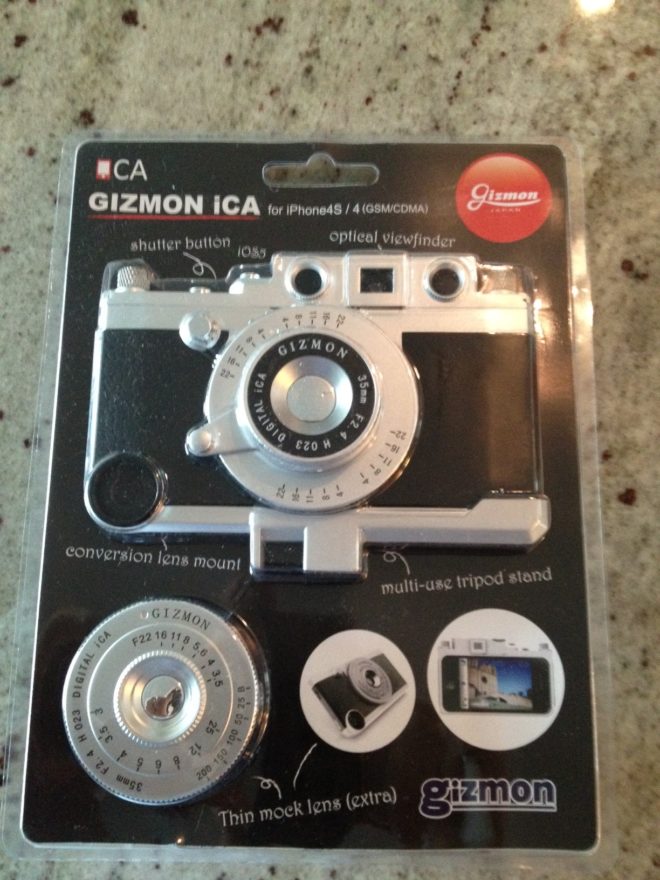
Gizmon ICA [REVIEW]
iPhoneinCanada's Trigger Happy Summer This is the first in a series of some of the must-have accesories and apps to help make your summer photo-taking a memorable one with your iPhone 4(S). The Land of the Morning Sun. They’ve brought us such now-staples in the Western World such as Hello Kitty, Transformers, Nintendo, Pocky...