Apple confirmed yesterday it had ended its production of AirPort base station devices, and shortly after it released a support document detailing what features you should look for in Wi-Fi routers to use with your Apple devices.
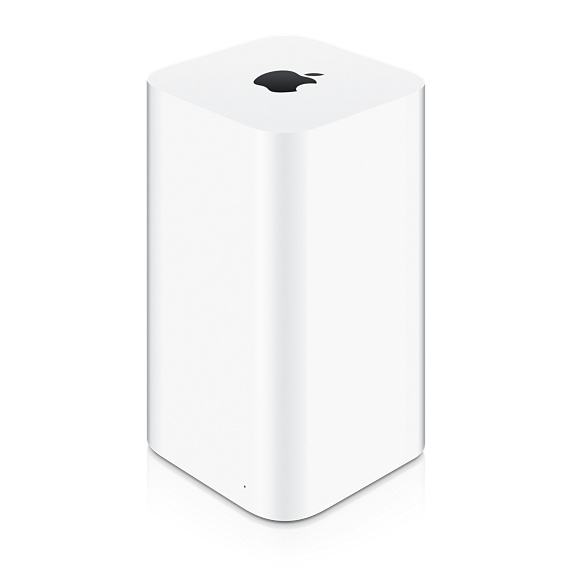

According to the company, “For the most compatibility, reliability, and performance when used with Apple devices, look for a Wi-Fi router that offers these features”:
- IEEE 802.11ac, which is the latest wireless-networking standard
- Simultaneous dual-band (2.4GHz and 5GHz), which allows the router to transmit over both frequencies at the same time, so no matter which band your wireless devices use, they automatically connect to the best available band for the fastest possible performance
- WPA2 Personal (AES) encryption, which is currently the strongest form of security available in a Wi-Fi router
- MIMO or MU-MIMO, which can offer improved performance when many devices use your Wi-Fi network simultaneously, you want to take full advantage of a high-speed Internet connection, or you need Wi-Fi coverage over a larger area
Apple says a single router is usually “suitable” for most homes, but for larger areas, mesh Wi-Fi setups are also something to consider.
It’s definitely sad that Apple has decided to abandon its AirPort hardware. If you’re looking for a mesh Wi-Fi setup, consider the Google Wifi as one of your picks, as it’s been excellent so far for us. Click here to read our review.



Don’t need to upgrade really until new wifi tech comes out. AC is strong enough I’m sure to last another few years. It’s not like we use it all anyways since they throttle our connections.
If you’re looking for a router that works really well, isn’t complicated, reliable, a good design, but perhaps a little overpriced for what it is (like an Apple router), try an AMPLIFI router.
Got one for my Dad, zero issues.
On the other side of the spectrum, if you’re a tweak enthusiast… A Netgear R7000 with a flashed firmware to install AdvancedTomato is always a good decision.
Hey Gary
Can you connect Apple Time Capsule to the Google Wifi system or connect the Google (1-3 of them) to the Apple router to gain the USB port as well as the HD for Time Machine backups? thanks
And secondary question: Does Airplay from iOS devices to Apple TV work fine with the google routers? I would think it should work fine. thanks
Yes, they are not related to each other.
One caveat is that with dual band routers (2.4 and 5 g) if they create 2 networks with a different name (example myhome_2g and myhome_5g) then airplay to the AppleTV may only work from a device on the same selected network – if AppleTV is on the 5G, and your iPad is on 2G, then you might have Airplay problems since it doesn’t see the device as part of same network. I only ran into problems with Homekit where the AppleTV acts as a hub, and the iPhone and Thermostat were on different wi-fi network names.