
Carney Won’t Bring Back Canada’s Tech Tax or Streaming Fees
Prime Minister Mark Carney says he won't reconsider scrapping the digital services tax or streamers' CanCon payments, despite pressure from the Bloc Quebecois.
Google has released an update to allow Mobile Safari to have the same Google Maps experience you would get from your desktop. All you have to do is visit maps.google.com in Mobile Safari, and you’ll be able to do the following:
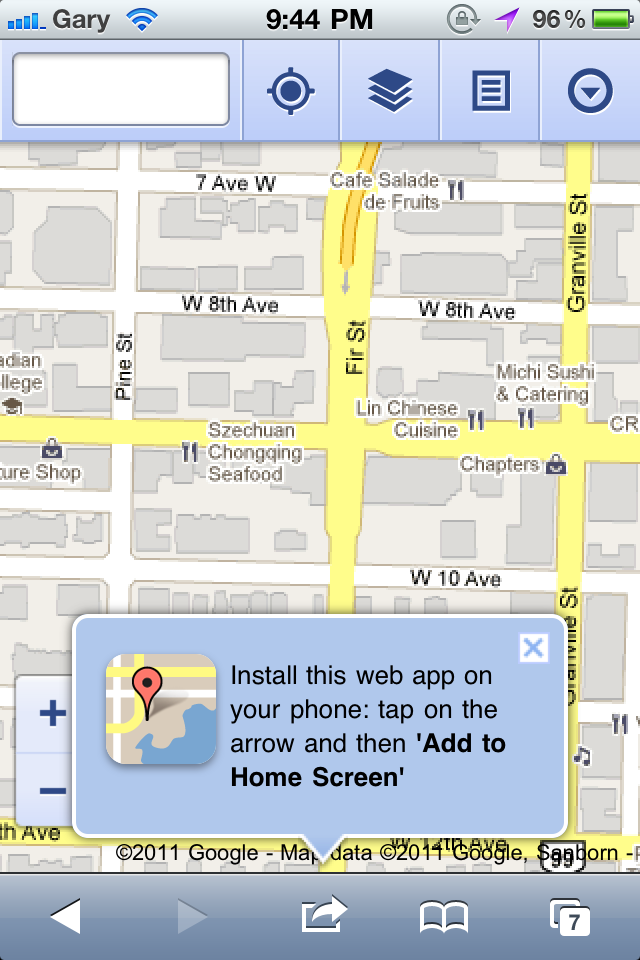
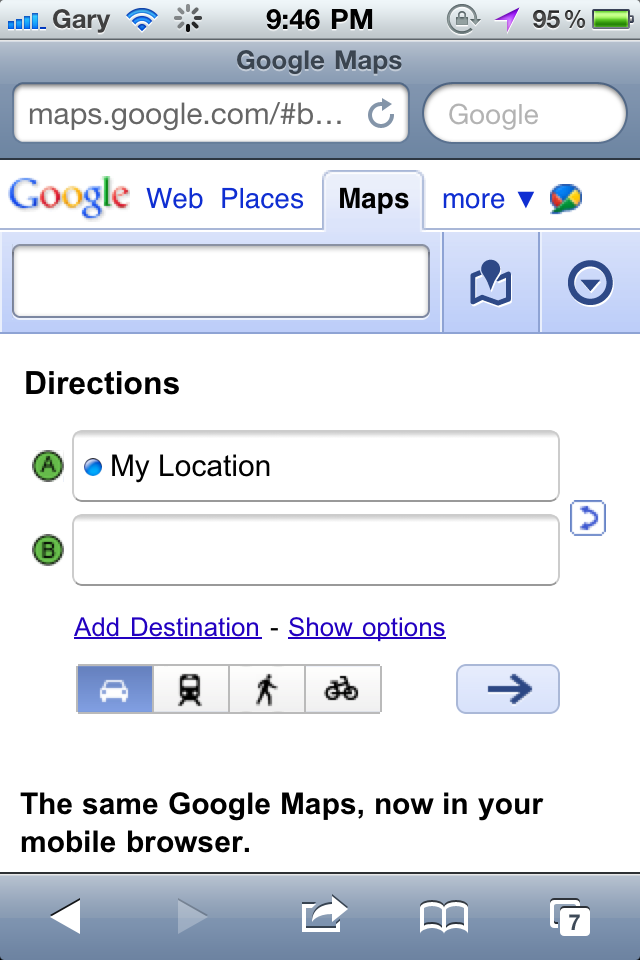
You have got to appreciate the work Google provides for iOS users. They have previously introduced interactive weather results, Google Docs editing, easter eggs within search, a ‘news near you’ feature, and the Google Authenticator app for 2-step verification.
Let me know what you think of Google Maps within Mobile Safari.
Want to see more of our stories on Google?

P.S. Want to keep this site truly independent? Support us by buying us a beer, treating us to a coffee, or shopping through Amazon here. Links in this post are affiliate links, so we earn a tiny commission at no charge to you. Thanks for supporting independent Canadian media!


 wats the point..?y dont u use the map app directly ?
Accessing My Maps and Starred location would be the point for me.Â