Okay this is pretty serious. A newly discovered security flaw in iOS 4.1 allows you to bypass the Passcode lock on a jailbroken/non-jailbroken iPhone. I tested this myself and it worked on my iPhone 4 on iOS 4.1.
Here’s how the exploit works:
1. On the Passcode screen, go to emergency call.
2. Dial a fake number. I dialed #1337.
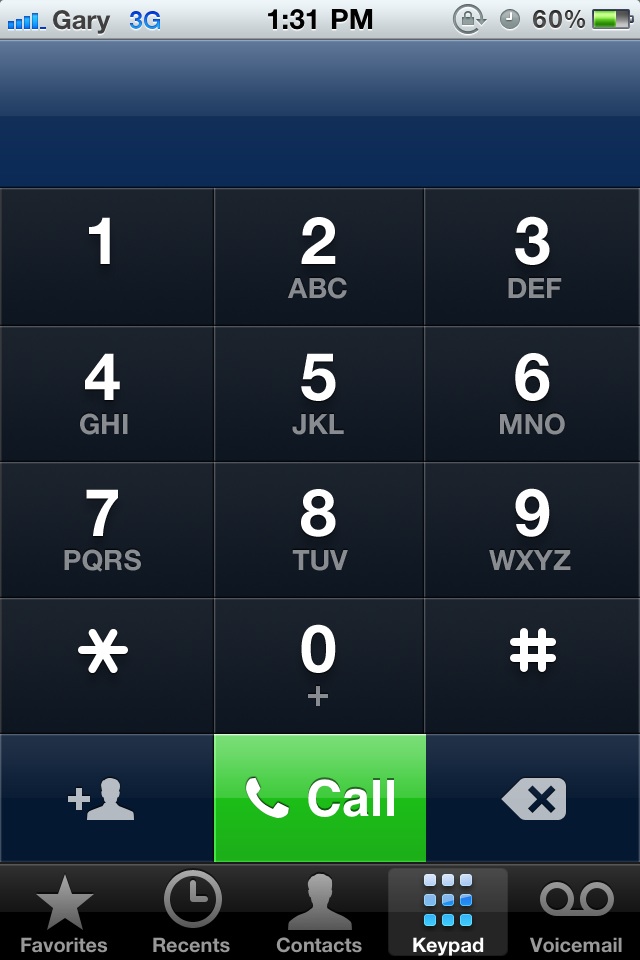
3. The moment you see the red “end call” bar press the sleep/wake button. You’ll need to perfect the 1-2 combo.
4. You will then be taken to the phone app, with full access to calling and contacts. You can share contacts and that will launch Mail. Mail contacts exposed too.

This is pretty serious as someone who bypasses your Passcode can cause serious damage through long distance calling and your contacts are wide open.
Apple will most likely release an iOS update I presume in the next 24-48 hours to address this.
Bug no iOS 4.1 from Salomão Filho on Vimeo.
Did the security flaw work on your iPhone?
[Macstories, MacMagazine]



On JB 4.0.1, this exploit works.
Just tried this—and it works. First try.
& this is on a closed system, folks. Even though Apple’s had 2 flaws in a week, I still prefer them to Android as mobile viruses are on the way.
you can open up sbsettings as well if your phone is jail broken.
Yup – pretty serious bug!
You can set it to not to, though.
this bug doesn’t seem to exist if you have a passcode that is set by a company policy/exchange mail server. i can try to do this, but i keep getting a message that states “Emergency Calls Only”. either that or i’m not doing this correctly.
this bug doesn’t seem to exist if you have a passcode that is set by a company policy/exchange mail server. i can try to do this, but i keep getting a message that states “Emergency Calls Only”. either that or i’m not doing this correctly.
oh snap..it worked on mine…shiiiit! lol…
oh snap..it worked on mine…shiiiit! lol…
Wow that is pretty serious. There was rumors of a 4.1.1 a couple weeks back for fixing the daylight savings bug which i figured they would just add it in to 4.2 being as its GM release is 2-3 weeks away. but this security issue shouldnt be put on the shelf. As Gary wrote, i too can see an update coming very soon because of this.
wrong buddy, I have the company enforced exchange password and this hack still works. This sucks, now I will have to JB and re-setup everything for this patch IOS release. 🙁
If you have multifl0w you can gain access to other apps running in the background
If you have multifl0w you can gain access to other apps running in the background
I have a 3GS – couldn’t make that work at all. The end call button just flashes for a second and pressing sleep/wake does exactly that so I end up back to the passcode screen again. Perhaps I’m just not fast enough but it didn’t seem that easy to do.
So this very serious security flaw requires that the criminal actually has possession of your device. Who would this actually affect? If somebody has your iPhone and you think they would run-up long distance fees through a complicated and deliberate method, shouldn’t you be more worried that they’d simply steal your phone? Or maybe a Russian spy could get a hold of your phone and be able to find your eMail contacts before he gives your phone back… don’t flatter yourselves.
If this exact same security flaw was on the Blackberry, you can imagine it
would be big news. Regardless, it bypasses the passcode and exposes your
phone and contacts. If your phone has sensitive company info, that would be
very valuable.
Good find. I wasn’t able to launch a mail client and/or Facebook (some of my contacts have fb:// links) though. So it’s pretty much limited to my contacts list. Still a very serious security breach.
This is also works on 4.0.1 JB
Yup, works.Also, when your phone is locked, you can press HOME button for over 3 seconds and it launches VOICE CONTROL. At this stage, you can say “CALL HOME” (if you have a contact saved as “HOME” in your contact list), I do, and your phone will dial the number saved under HOME. Or you can just say “CALL” and it will re-dial the last dialled number. This shouldn’t be allowed from the lock screen.PRETTY SERIOUS.
It works on mine, but since I had to turn on my passcode in order to test… I don’t care, since it won’t effect me.
I use the complicated “Don’t let others get their hands on it” security method, since I dislike how the passcode breaks my experience.
Tested on iPhone 3G and 4 running iOS 4.1 and it works!
Jailbroken and non-Jailbroken phones worked. It was easier on the 3G because it was slower, with the speed of the iPhone 4 required faster fingers. But with some practice you can get it working.
Oh man!
You can disable it via “Activator”
If you’re stupid enough to leave your phone lying around in public or unsavory places then you get what you deserve.
Worked lile a charm!
You’re assuming that’s the only way phones get into the wrong hands. I had mine ripped out of my hands by a dude when I was on the subway at 3:30pm on a Sunday (we had a tug-of-war but I lost, and he was a fast runner). Cops say it happens several times a day. Targets? iPhones, iPods, iPads… all Apple products. Bit of a headache now since the current possessor has been trying to reset the passwords on my accounts, so he’s bypassed my numerical passcode lock. The “Find my iPhone” OS update/release happened right after the phone was taken, so I’m SOL on that one. I’m taking WAY more physical and data precautions with this next iPhone.
Unfortunately you’re one of the few “exceptions” to my comment. Sorry to hear about your misfortune.
Thats what your worried about? Mobile viruses? Im a software developer.. rest assured a closed system is not whats protecting anyone. It only genrates more money for apple.