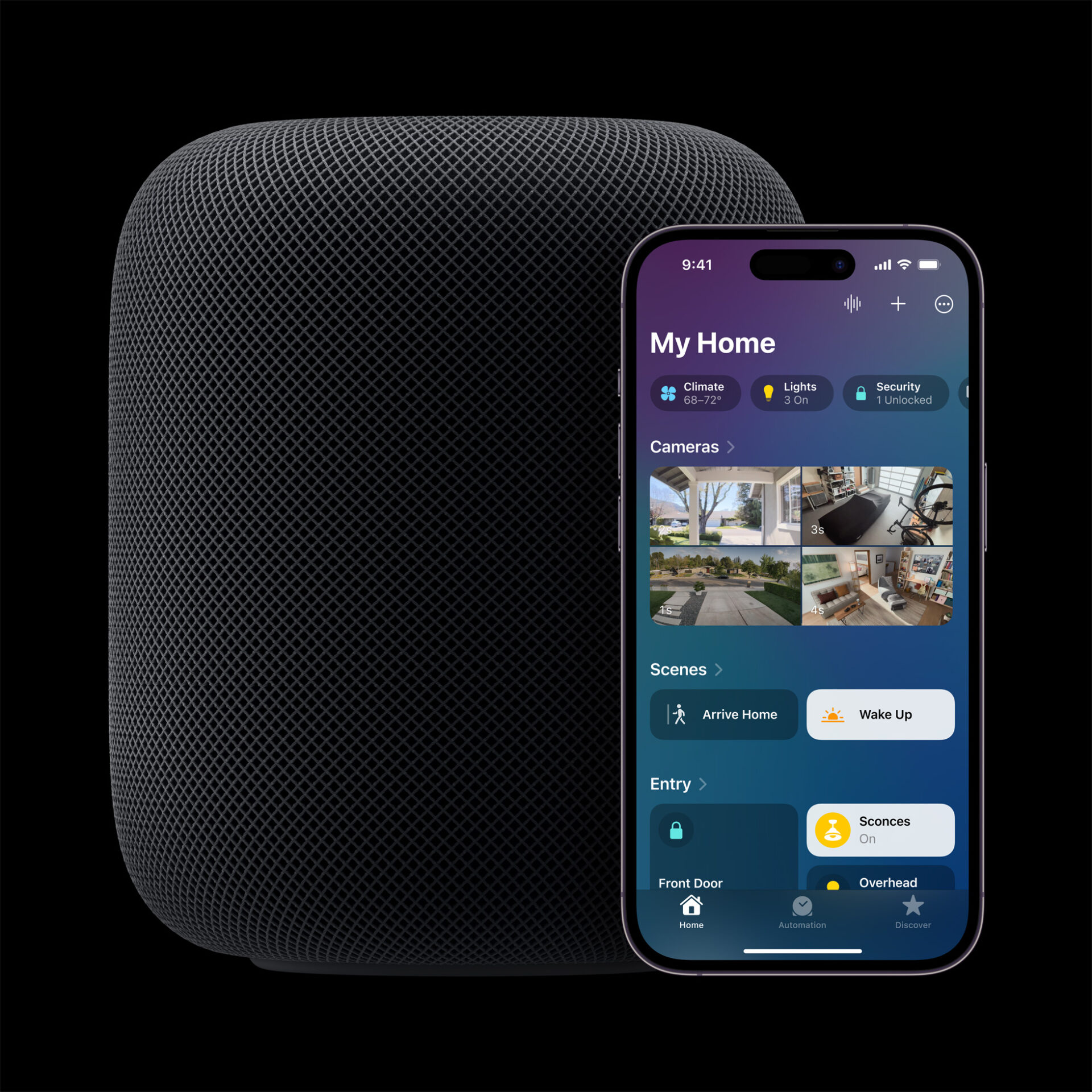
Apple’s Smart Home Hub With Siri AI and Face Recognition Could Launch Next Month
Apple's long-awaited smart home hub could launch as early as next month with facial recognition and Siri AI, according to Mark Gurman.
Jan-Michael Cart is back with another concept video, this time emphasizing his take on what would be UI improvements in iOS 5. With this latest firmware coming in the Fall, Apple has been releasing minor changes with each beta released to developers (currently at beta 2). Check out the following video:

What do you think? Who’s excited for iOS 5?
Want to see more of our stories on Google?

P.S. Want to keep this site truly independent? Support us by buying us a beer, treating us to a coffee, or shopping through Amazon here. Links in this post are affiliate links, so we earn a tiny commission at no charge to you. Thanks for supporting independent Canadian media!


i agree with every improvement. nicely done 🙂
I’m just hopping beta 3 will get here soon because this software is WAY to buggy
oh yeah…that last little bit makes so much sense.. in landscape mode everything is still backwards and should rotate. Actually better yet what they need to add is a kill switch for all the background apps so you don’t have manually close each one. They could put it as an option when you swipe further to the left.
oh yeah…that last little bit makes so much sense.. in landscape mode everything is still backwards and should rotate. Actually better yet what they need to add is a kill switch for all the background apps so you don’t have manually close each one. They could put it as an option when you swipe further to the left.
oh yeah…that last little bit makes so much sense.. in landscape mode everything is still backwards and should rotate. Actually better yet what they need to add is a kill switch for all the background apps so you don’t have manually close each one. They could put it as an option when you swipe further to the left.
oh yeah…that last little bit makes so much sense.. in landscape mode everything is still backwards and should rotate. Actually better yet what they need to add is a kill switch for all the background apps so you don’t have manually close each one. They could put it as an option when you swipe further to the left.
oh yeah…that last little bit makes so much sense.. in landscape mode everything is still backwards and should rotate. Actually better yet what they need to add is a kill switch for all the background apps so you don’t have manually close each one. They could put it as an option when you swipe further to the left.
How about replacing the useless volume slider with a brightness slider (accessed via double-click home, swipe left twice)? It’s literally the only thing I keep the jailbreak for!
How about replacing the useless volume slider with a brightness slider (accessed via double-click home, swipe left twice)? It’s literally the only thing I keep the jailbreak for!
How about replacing the useless volume slider with a brightness slider (accessed via double-click home, swipe left twice)? It’s literally the only thing I keep the jailbreak for!
How about replacing the useless volume slider with a brightness slider (accessed via double-click home, swipe left twice)? It’s literally the only thing I keep the jailbreak for!
they should have a short popup that lets you tap on the popup to lock orientation. I have seen this in a few apps, would be nice to see it in iOS …and then you would still have to open multitask to unlock orientationÂ
I think the iPad-style menus and rotating icons are pretty simple, yet obvious UI tweaks that Apple should look into. The WiFi one is not that needed – most people don’t need such quick access to nearby WiFi networks.Â
I think the iPad-style menus and rotating icons are pretty simple, yet obvious UI tweaks that Apple should look into. The WiFi one is not that needed – most people don’t need such quick access to nearby WiFi networks.Â
I already have all the tweaks above from cydia. The rotating multitasking icons and Peter Hajas notification centre. It’s all great. And, the wireless syncing, that’s always been there in cydia.
I love this guy’s concept videos 🙂
I love this guy’s concept videos 🙂
I love this guy’s concept videos 🙂