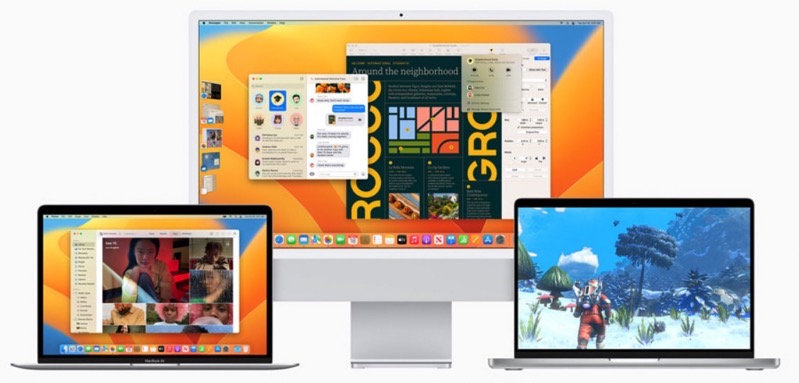
Today is Apple’s software release day, as iOS 16.1 and iPadOS 16.1 are now available for download, along with tvOS 16.1 and now macOS Ventura for the Mac as well.
According to Apple, “macOS Ventura takes the Mac experience to a whole new level with groundbreaking capabilities that help users achieve more than ever. New features like Continuity Camera enable users to seamlessly work across their Apple devices, and productivity tools including Stage Manager help users stay focused and easily move between tasks. Safari ushers in a passwordless future with passkeys, and big updates come to popular apps including Mail and Messages. macOS Ventura is available today as a free software update on Macs with Apple silicon and Intel-based Macs.”
You can download macOS Ventura by going to the Apple menu in the upper LEFT corner, then ‘About this Mac’ and then ‘Software Update’. macOS Ventura 13.0 comes in as a 5.52GB download.
There’s a macOS Monterey 12.6.1 upgrade at 1.51 GB that is required first, before macOS 13 can be installed.
You definitely should back up any data before upgrading or wait till later this evening for a faster download.

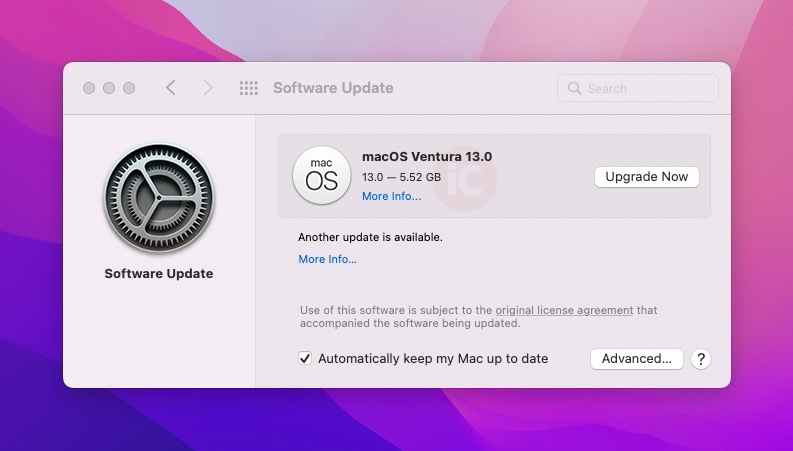



My M1 MacBook had to do an intermediate upgrade on MacOS 12 before doing the Ventura upgrade, and this intermediate upgrade was just made available today from what I can see. However, the intermediate upgrade is done and Ventura is downloading now.
Okay, that’s macOS Monterey 12.6.1 right? We saw that too on our M1 MBA.
i could not “download macOS Ventura by going to the Apple menu in the upper right corner,” but i could in the upper left corner… 😉
OMG i’m guilty for spreading fake news, LOL! fixed, thanks. #emotionaldamage
Hopefully this time it installs without issue on my USB-C NVME drive, last year my operating system completely crashed during the upgrade from Big Sur to Monterey, for no reason at all. (No hardware issues)