
Microsoft is Killing Popular Copilot Features as it Prepares a Massive ‘Super App’
Microsoft is merging its work and personal Copilot apps while cutting several consumer features to prepare for a new AI super app.
UGO Wallet was launched in late 2013, a collaboration between PC Financial and TD Canada Trust, touted as the nation’s “first open mobile wallet.” The app was updated back in February to support iOS, which only serves as a way to access loyalty cards on the iPhone.
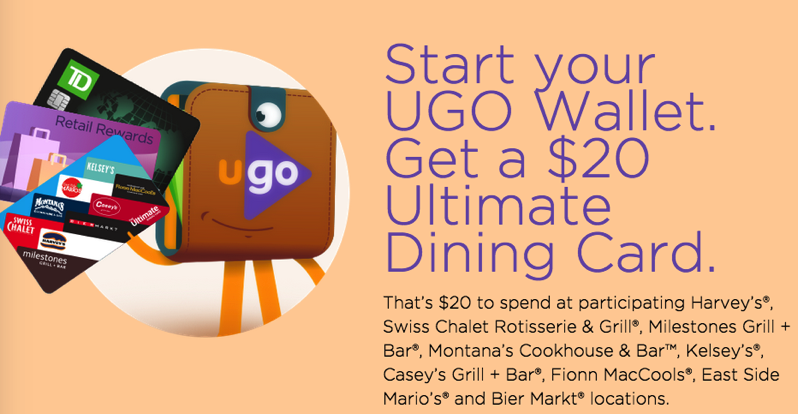
Right now, UGO Wallet really wants you to add your loyalty cards to the app. So much so that they’re offering a free $20 ‘Ultimate Dining Card’ for users when they sign up.
The card can be spent at participating Harvey’s, Swiss Chalet Rotisserie & Grill, Milestones Grill + Bar, Montana’s Cookhouse & Bar, Kelsey’s, Casey’s Grill + Bar, Fionn MacCools, East Side Mario’s and Bier Market locations.
How to get your free $20 Ultimate Dining Card? Easy…
1. Sign up for UGO Wallet here.
3. Add 2 loyalty cards (Air Miles, SCENE Card, etc) to the app on your iPhone by July 31, 2015.
UGO says eligible users will be able to claim their dining card by August 31, 2015. As long as you have the latest app update installed, the e-gift card will appear as an option to accept within the wallet; a confirmation email will also be sent to inform users they have been accepted. Cards have until October 31, 2015 to be claimed.
Now, here’s the fine print you need to know about:
Individuals must have agreed to receive “UGO News and Offers” to be eligible, since UGO will be sending an email confirmation letting individuals know if they qualify.
So make sure you accept these terms after installing the app, or you won’t quality. Also, only 10,000 gift cards are up for grabs, plus you must be connected to Wi-Fi or data when you add your cards.
Let us know if you’re ready to go through some work to sell your soul for a $20 gift card! Enjoy.
[via RFD]
Want to see more of our stories on Google?

P.S. Want to keep this site truly independent? Support us by buying us a beer, treating us to a coffee, or shopping through Amazon here. Links in this post are affiliate links, so we earn a tiny commission at no charge to you. Thanks for supporting independent Canadian media!


This app won’t run if you have a jailbroken phone “because it’s not safe”. That seems like an overly severe restriction 😛
Doh! 😉
It also doesn’t allow the app to be run even after removing the jailbreak and restoring your phone. Though I’m having a hard time understanding how it knows the phone was jailbroken to begin with.
I’m confused. When I click “Add first card”, it’s prompting me for Loyalty Card details. Where do I get that from?
Just enter the card number from your Air Miles, SCENE Card, etc.
Ohh, gotcha. I was thinking it wanted a Loyalty Card for one of those restaurants… I’m not familiar with UGO Wallet at all. Thanks, Gary!
No problem! You brought up a good point, I’ve similarly clarified the instructions too.
Got redirected to the App Store again today.
Did you happen to spot the forwarding URL by chance?
Sorry,I didn’t, I’ll try and get it next time.
Nope, not going to do it. I don’t like it when they collect your cell number and carrier, why would they need that unless they intend to use or sell it? I use Stocard which doesn’t collect personal information and is also free. Not it doesn’t offer a gift card, but phffft!
what about those of us who already have and use the app? We can’t get this?
Unfortunately no