
Tubi Launches ‘Terror on Tubi’ Horror Hub in Canada With 13,000 Hours of Content
The new Terror on Tubi Hub brings together more than 13,000 hours of horror content available on the free, ad-supported streaming service in Canada.
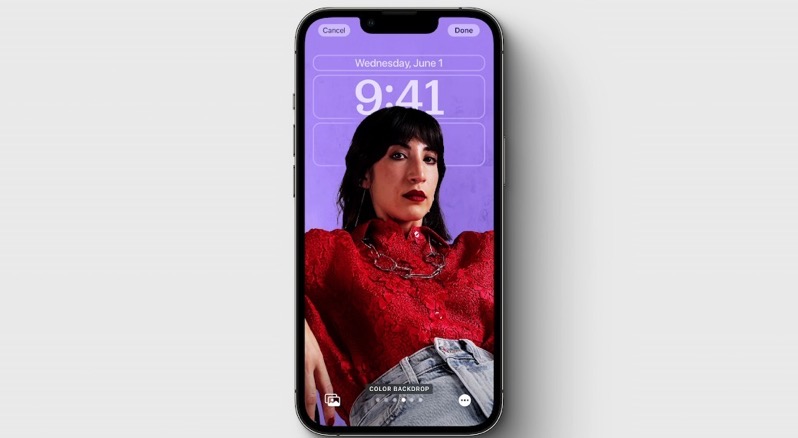
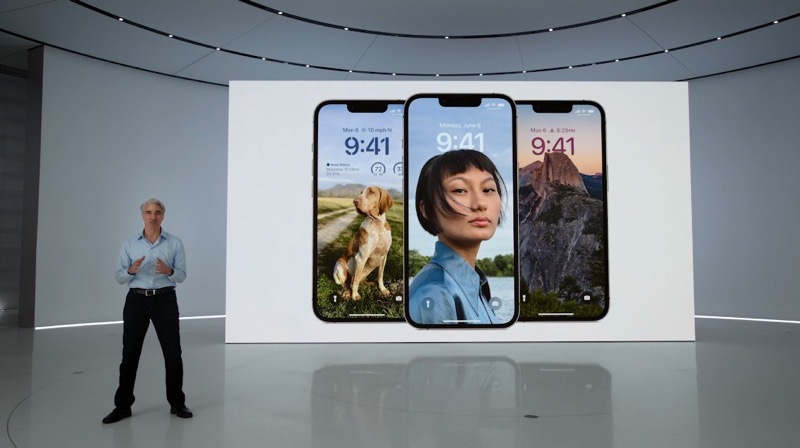
Apple has unveiled a new lockscreen in iOS 16 at its WWDC keynote, allowing users to now customize their iPhone’s display.
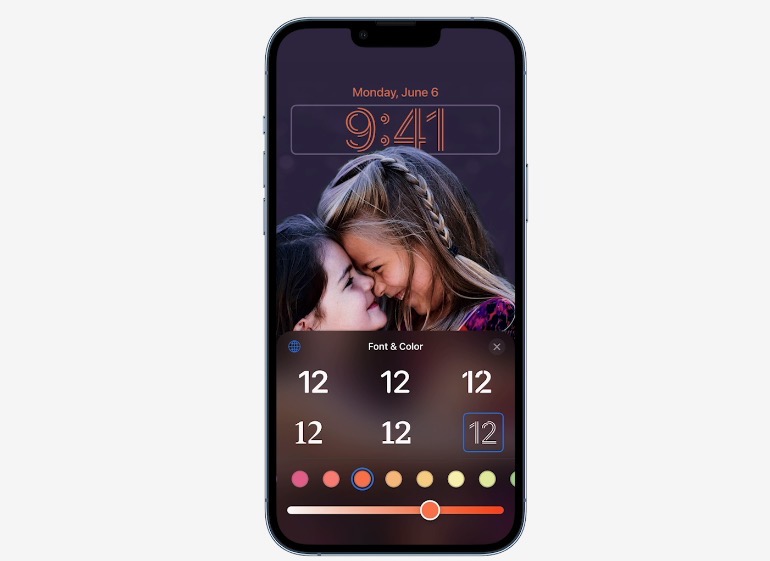
Essentially, you just press and hold to personalize your lockscreen and also swipe left or right to try out new styles, that automatically change colour filter and background. You can tap on any element to customize font and colour, similar to customizing an Apple Watch face.
Tap on any element to customize font and colour, as seen below:
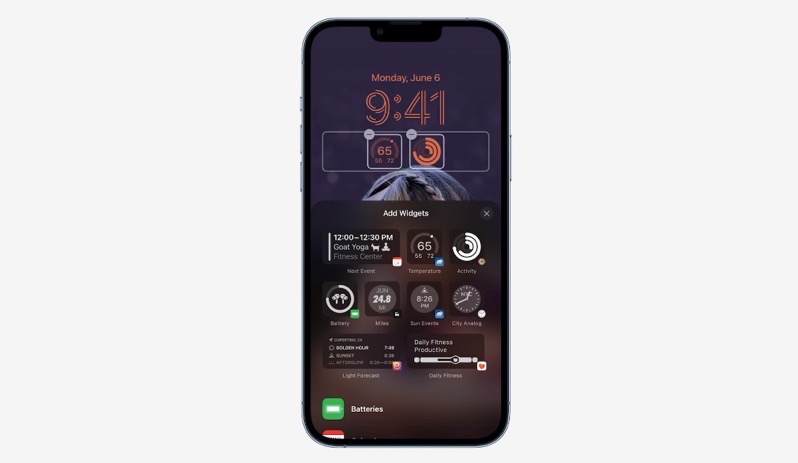
Apple says WidgetKit will be available for developers to add lockscreen widgets for iPhone users. There will also be a new wallpaper gallery to offer millions of combinations. There’s a Photo Shuffle feature and suggested photos to show new pictures throughout the day.
…developing, more to follow
Want to see more of our stories on Google?

P.S. Want to keep this site truly independent? Support us by buying us a beer, treating us to a coffee, or shopping through Amazon here. Links in this post are affiliate links, so we earn a tiny commission at no charge to you. Thanks for supporting independent Canadian media!

