
Sony CEO Hiroki Totoki Confirms PlayStation 6 Release Date Isn’t Set
Some analysts have suggested the PlayStation 6 could reach $1,000 USD (approximately $1,380 CAD).
This sure didn’t take long.
While most eager soon-to-be 4th generation Apple TV owners are still waiting for their devices to arrive (I was able to pick a unit up at an Apple Store before even getting a shipping notification for my online order), less than 24 hours after the device’s official launch, the very first game console emulator for the new Apple TV has made its way online.
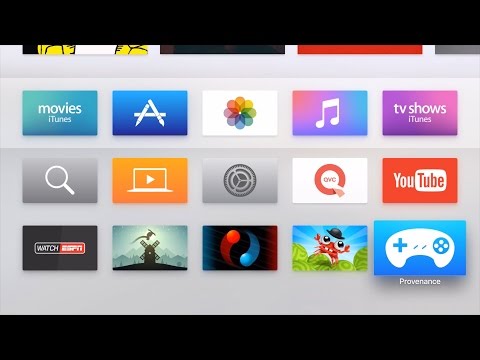
The app is called Provenance, and it allows you to play ROMs from Sega Genesis, Master System, MegaCD, and Game Gear, along with Nintendo Entertainment System, SNES, Gameboy / Gameboy Color, and Gameboy Advance.
Yep, all within one application.
Obviously, you’re not going to find Provenance on Apple’s official (way too hard-to-navigate) App Store, but the company has made it beyond easy to sideload apps of your own (or others) onto the device. The folks over at iDownloadBlog have just released a video tutorial, which will take you through every step needed to get Provenance running on your Apple TV. Take a look below:
As you’ll see in the video, Provenance will even automatically grab metadata like the game’s title and box art, and it’s already compatible with any MFi controllers (which is going to make your experience infinitely better than trying to use the not-for-gaming Siri Remote).
In any case, seeing an app like this running so well, so soon after the new Apple TV’s official release is incredibly exciting. What will apps, official or otherwise, look like just a few months from now?
In any case, you can head to the official Provenance GitHub page here to learn more.
Which classic games are you looking forward to playing on your new Apple TV? Be sure to sound out below!
Obviously, here at iPhoneinCanada we don’t condone any shady antics, so we sure hope that you’ll only use Provenance to install games that you actually own.
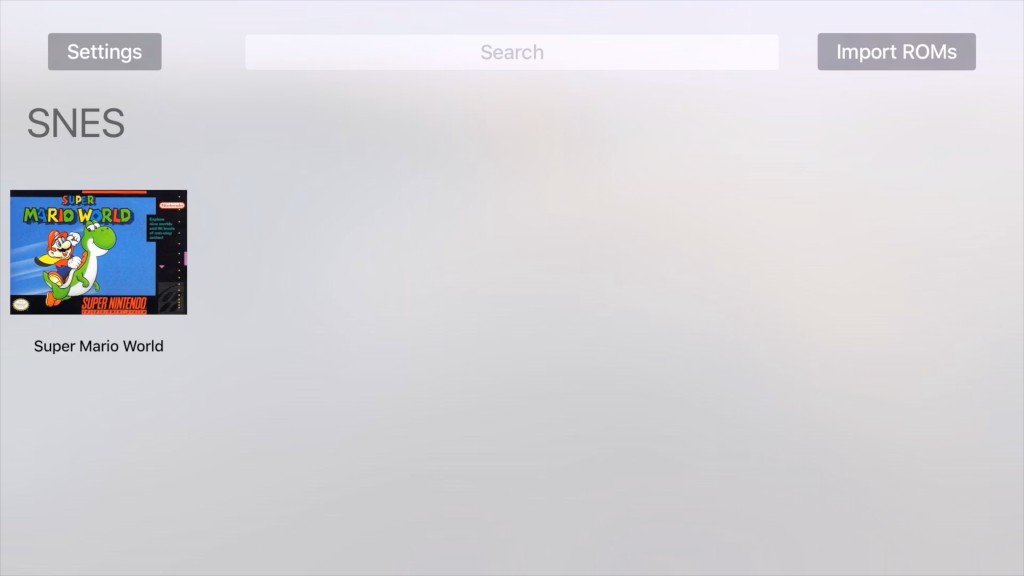
Screenshot via iDownloadBlog
Want to see more of our stories on Google?

P.S. Want to keep this site truly independent? Support us by buying us a beer, treating us to a coffee, or shopping through Amazon here. Links in this post are affiliate links, so we earn a tiny commission at no charge to you. Thanks for supporting independent Canadian media!


The app has been around for iOS for a while adding new emulators. They ported it over to TVos within hours of the Xcode beta being released. Been playing it for weeks with my developer Apple TV unit. Well worth the download and signing up for a free developer account and installing it if you have a Mac.
just wondering if you know how to fix error ‘com.jamsoftonline.Provenance’ is not available when building it?
Sounds like a code signing identity issue. Have you created a wildcard tvOS development provisioning profile?
I did. Posted to reddit last night and someone suggested that & worked perfect. Thanks for reply
how do you do that?
A Mac is required for this? Gah.