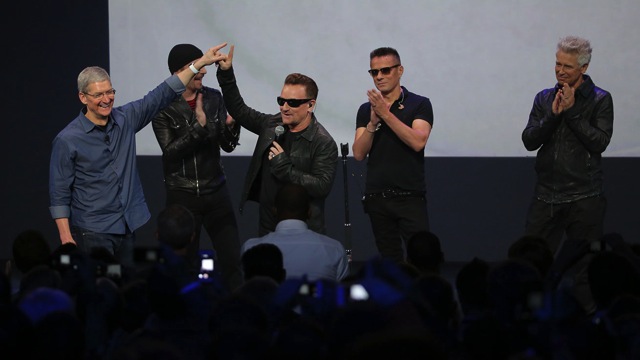
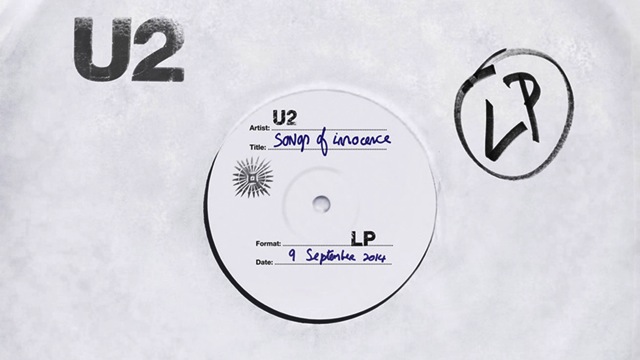
Earlier today at the iPhone 6 / iPhone 6 Plus and Apple Watch launch event, U2 performed live at the Flint Center for the Performing Arts in Cupertino, followed by a surprise announcement of their brand new album “Songs of Innocence”, which is releasing today exclusively on iTunes, as a free download for every iTunes user.
“We’re giving U2’s new album to every iTunes Store customer in 119 countries. The album is already in your iTunes music library. All you have to do is tap to download it.”

According to Apple’s press release, the entire album is available to every iTunes Store customer through October 13 as a gift from Apple.
Biggest Album Release Ever in History—Gifted to Over Half a Billion Music Fans by Apple:
“Songs of Innocence” features 11 new songs from the band and is their most personal work to date, charting their earliest influences from 70s rock and punk rock to early 80s electronica and soul, and giving insight into how and why the band came together and the relationships in and around them, their family and friendships. Recorded in New York, London, Los Angeles and Dublin, the album is produced by Danger Mouse, along with Paul Epworth, Ryan Tedder, Declan Gaffney and Flood.
So what are you waiting for? Go ahead and download U2’s entire “Songs of Innocence” album on iTunes while its free!




It’s not my iPhone Library …
— It is in the store
How do you download it? When I go to it on the iTunes store it says ‘purchased’ but there’s no download button
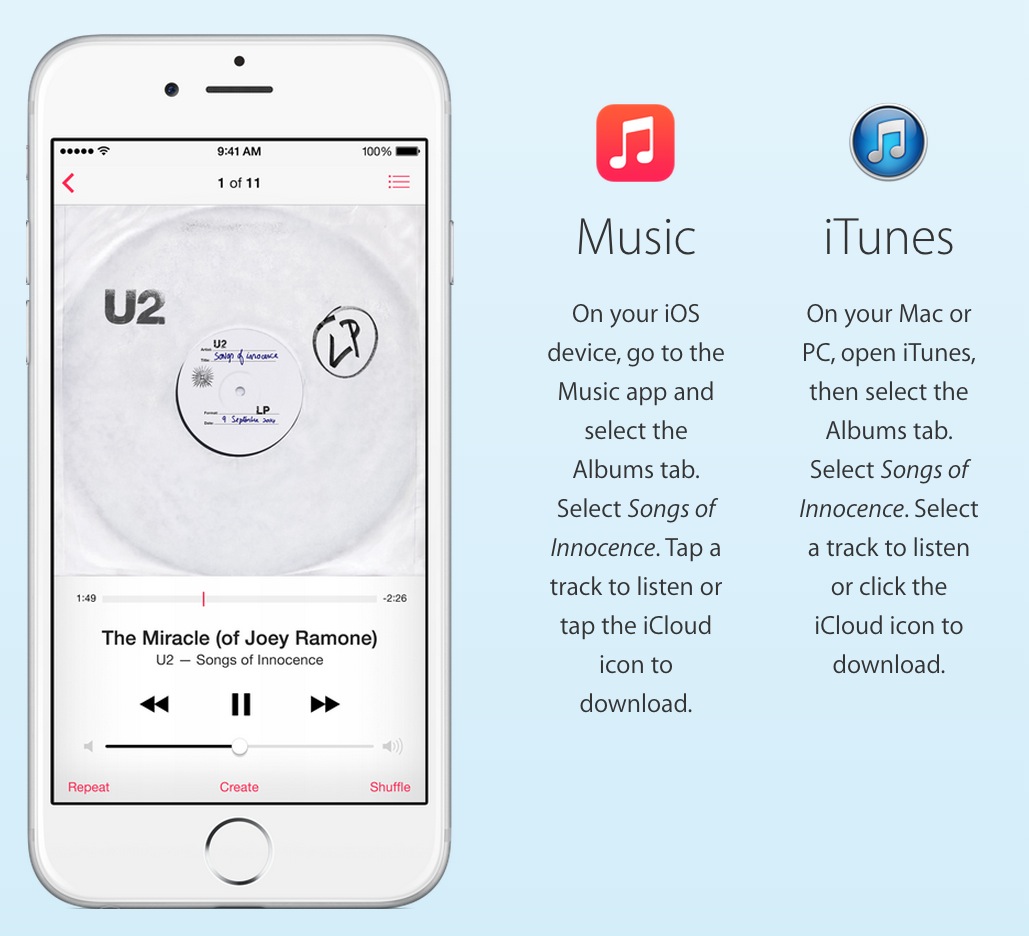
Go to purchased at the bottom of iTunes. It should show up there with the iCloud icon to download it.
I don’t see it on my purchased playlist below iTunes store in the sidebar. Is that where you mean?
Go onto the store through iTunes. At the bottom you will see purchased. In here you will find the album. Make sure you pc I’d authorised
Ah there it is. They could have made that a little easier to figure out, since normally when you purchase something it downloads right away, so people don’t usually face trying to download something in this way.
It should be in your library, if you have the “All Music” option enabled. If not, it’s in the iTunes app under “Purchases”.
Their instructions are seriously screwed up or there’s a technical issue with it showing
itunes store > more > purchased > music > various artist
Scroll down to the bottom of iTunes and click on the Purchased link. Then click on the CD in your Purchased list to download it.
Thanks man.
What I meant to say was, I needed to:
Open up your iTunes library on your computer, locate the album (you may need to enable “Show iTunes in the Cloud purchases” in the Store preferences tab)
Once I did that it showed up & I was able to see the iCould icon & download
I don’t have any Apple devices, other than iTunes, and only work with PCs and Linux. I am not able to open an iCloud account for this reason. I’m guessing this is why it is not appearing in many people’s Purchased list in Library.