Instagram to Allow Users to Reorder Posts on Profile Grid
The company announced the feature, saying, "You can move posts around on your Instagram grid starting this week."
Update: This post has been updated daily since its inception, so bookmark it as updates continue to grow. Do you have a tip to share that isn’t here? Email us!
iOS 5 beta was released by Apple today right after the WWDC keynote. Only some major features were covered from iOS 5 and iCloud. Thanks to the iPhoneinCanada.ca community, we have received some specific details to share about this beta.
There are supposed to be 200 new features, and here are some of them. After installing iOS 5 beta, the word is text appeared a bit ‘sharper’ on the Retina Display.
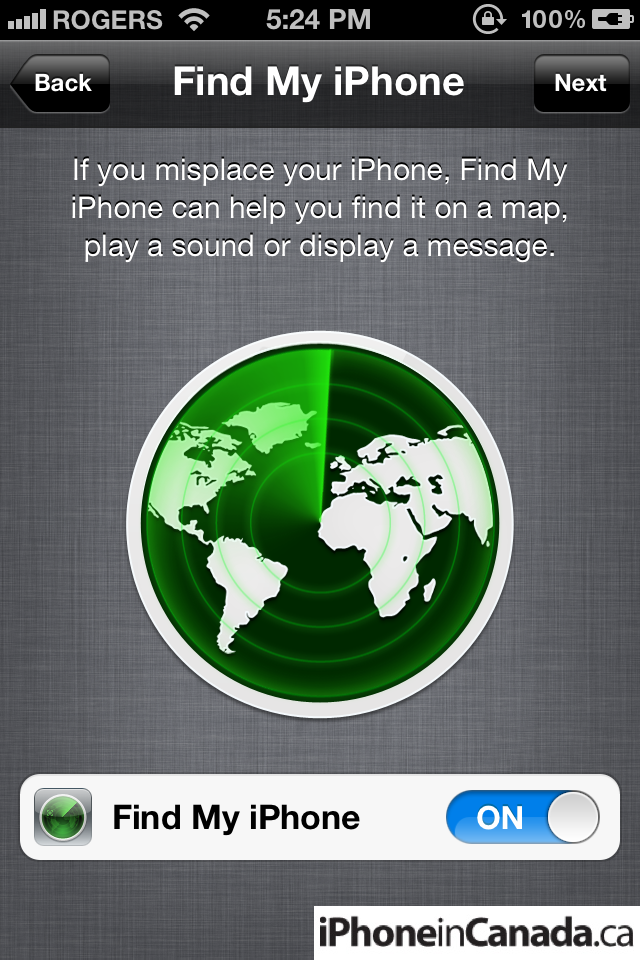
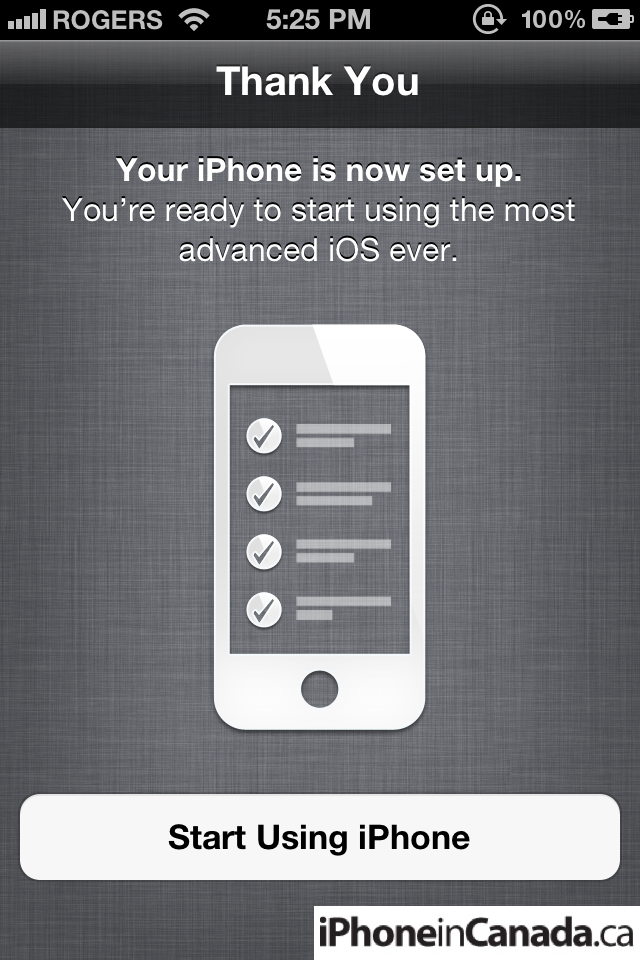
PC-Free Setup: you don’t need a computer anymore to activate

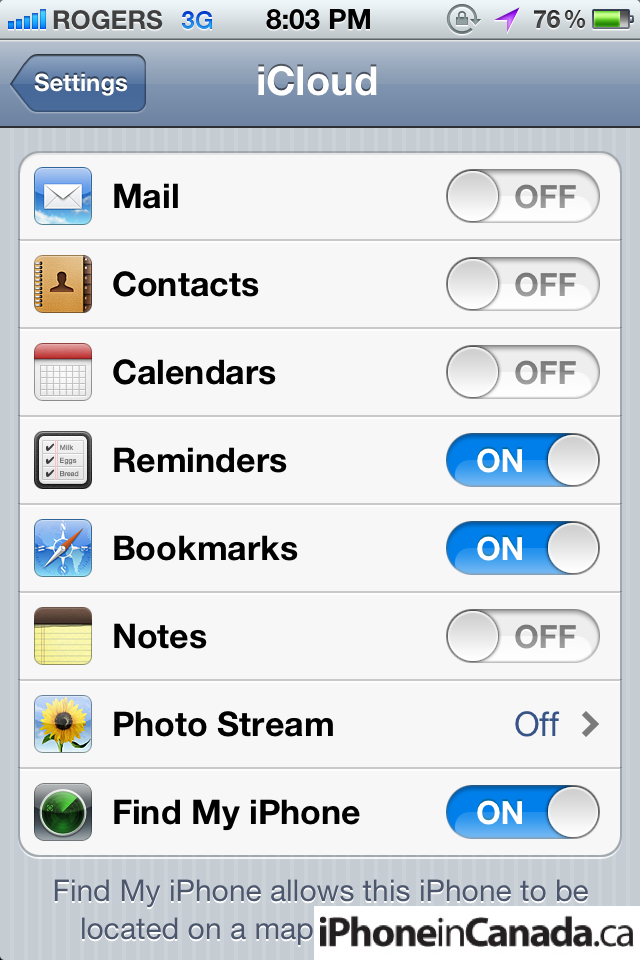
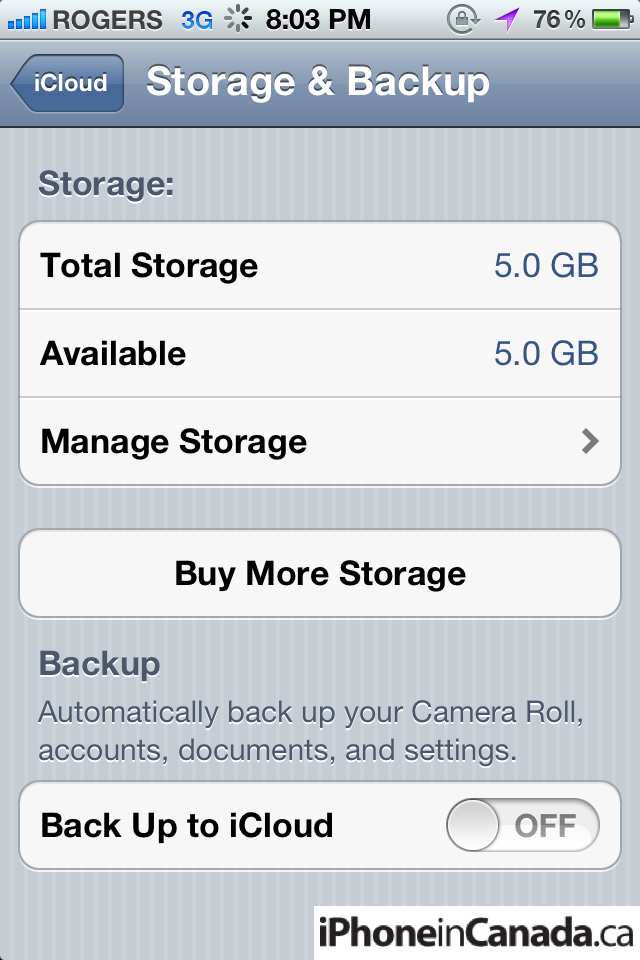
iCloud settings:
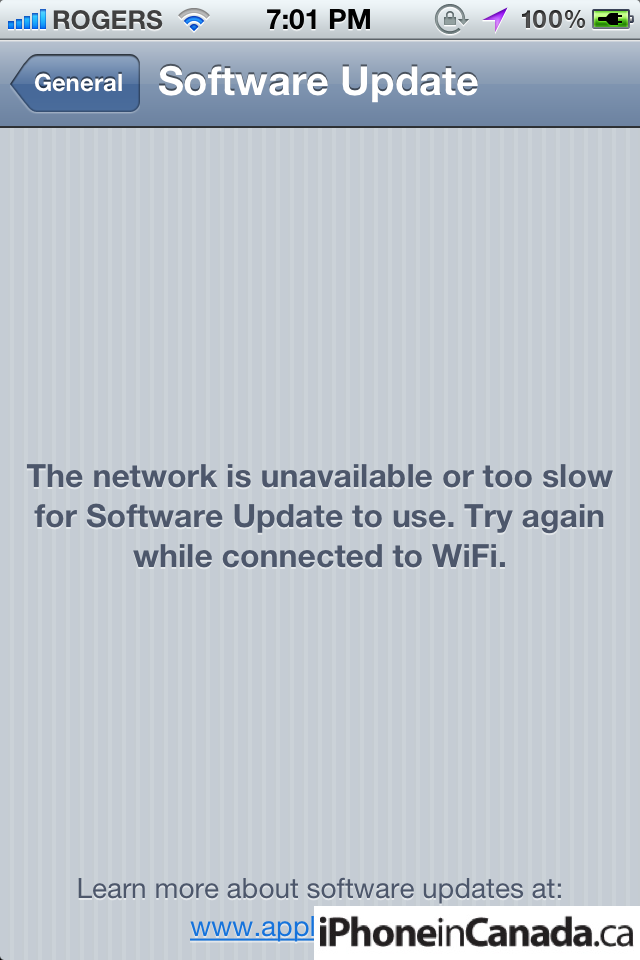
Software Update OTA:
Mobile Safari – Private browsing (dark):
Finally–Windows Live Hotmail setup:

Safari’s Reader feature:

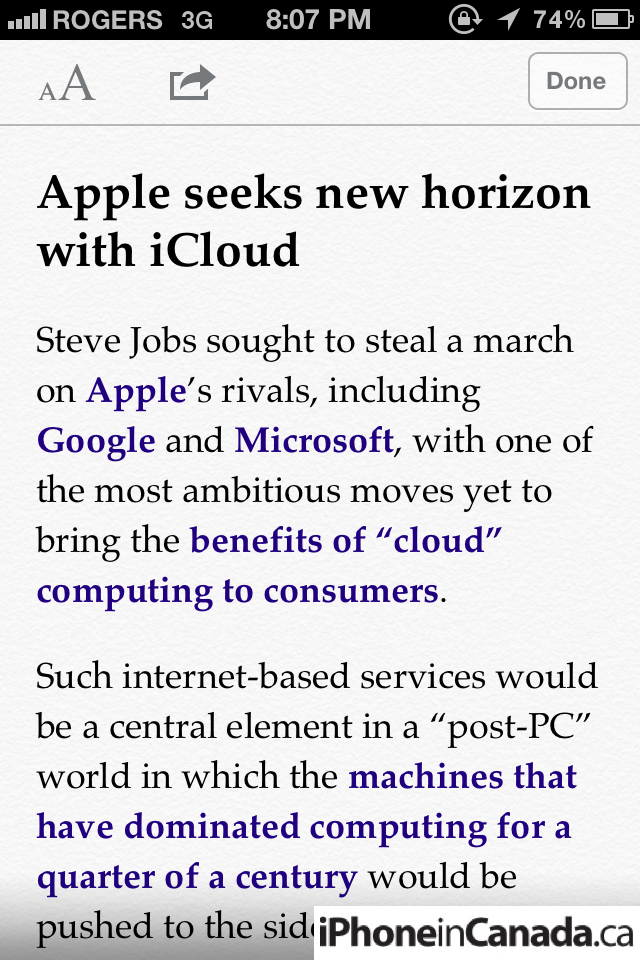
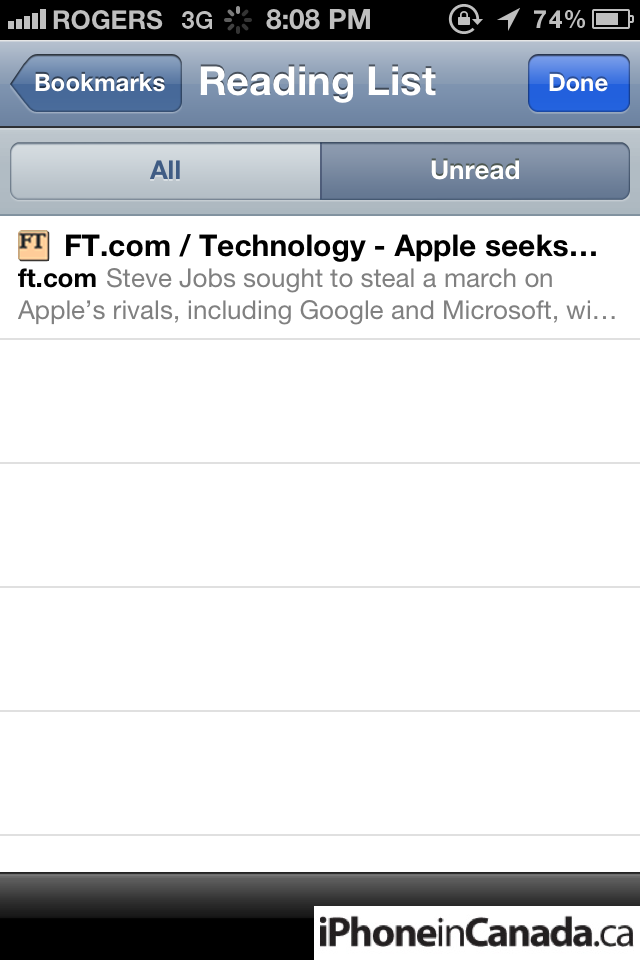
Safari’s Reading List (aka Instapaper):
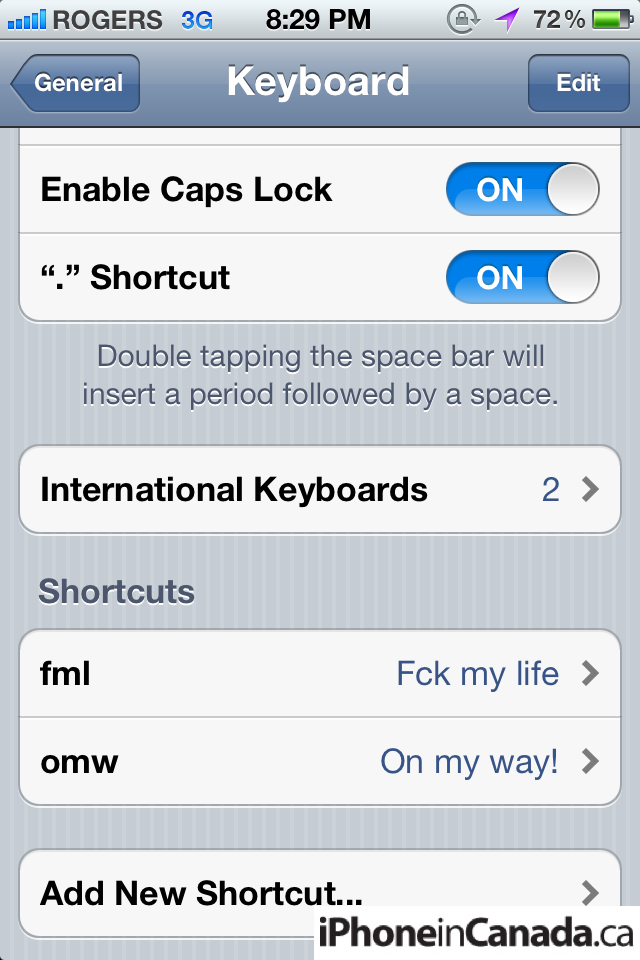
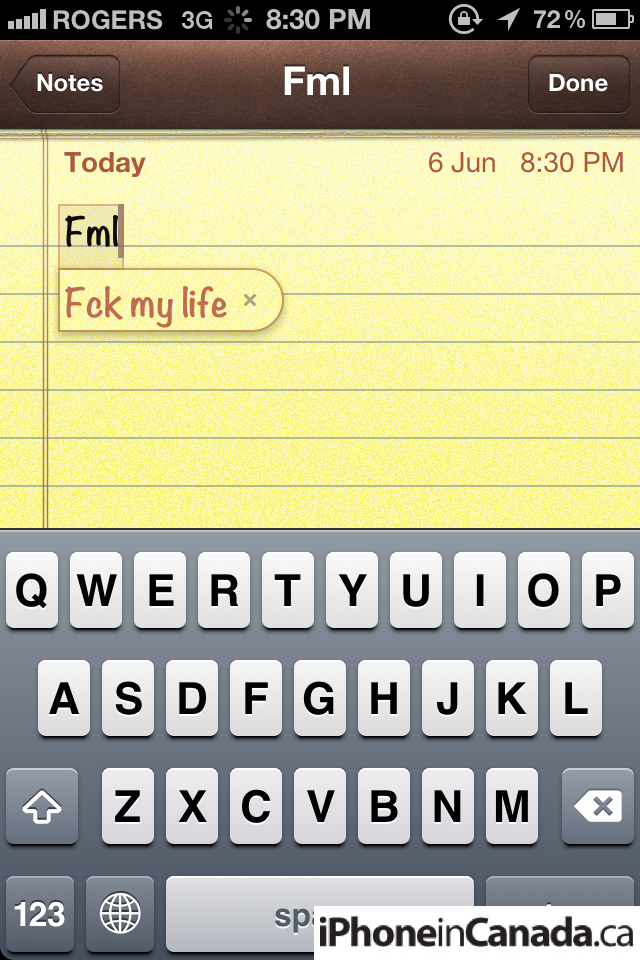
Keyboard shortcuts:
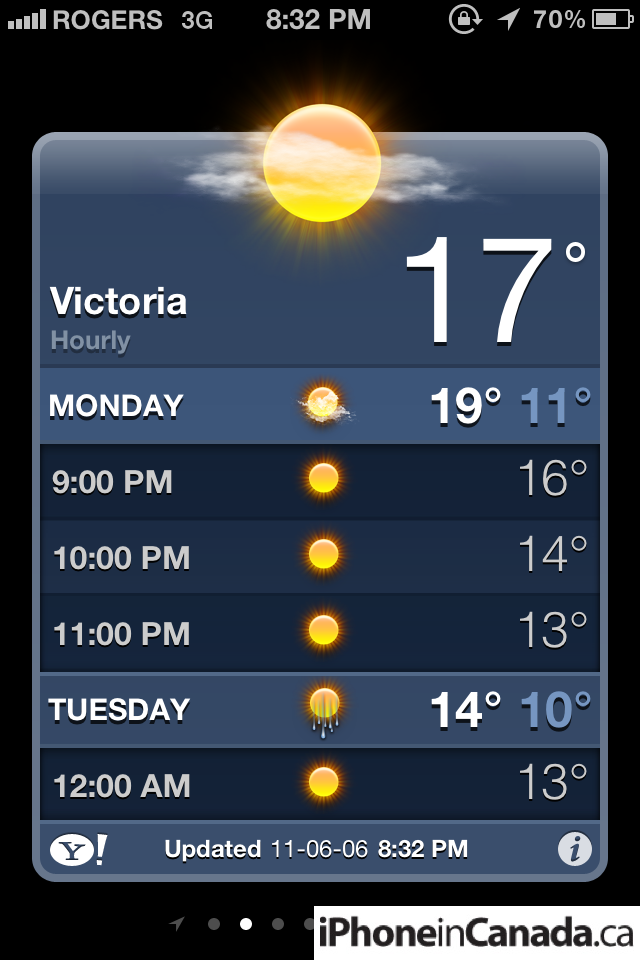
Pull down to see hourly weather:
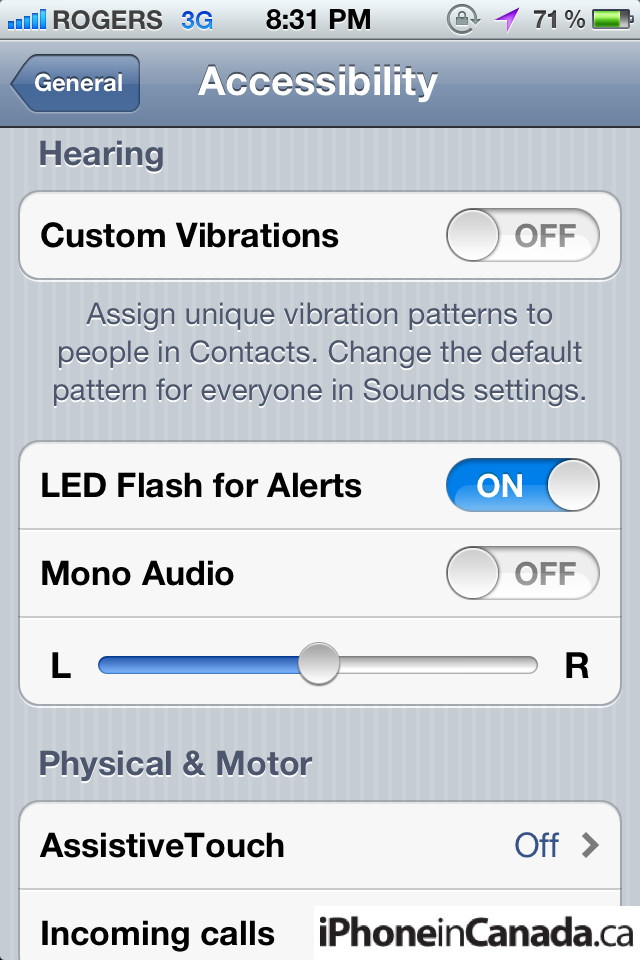
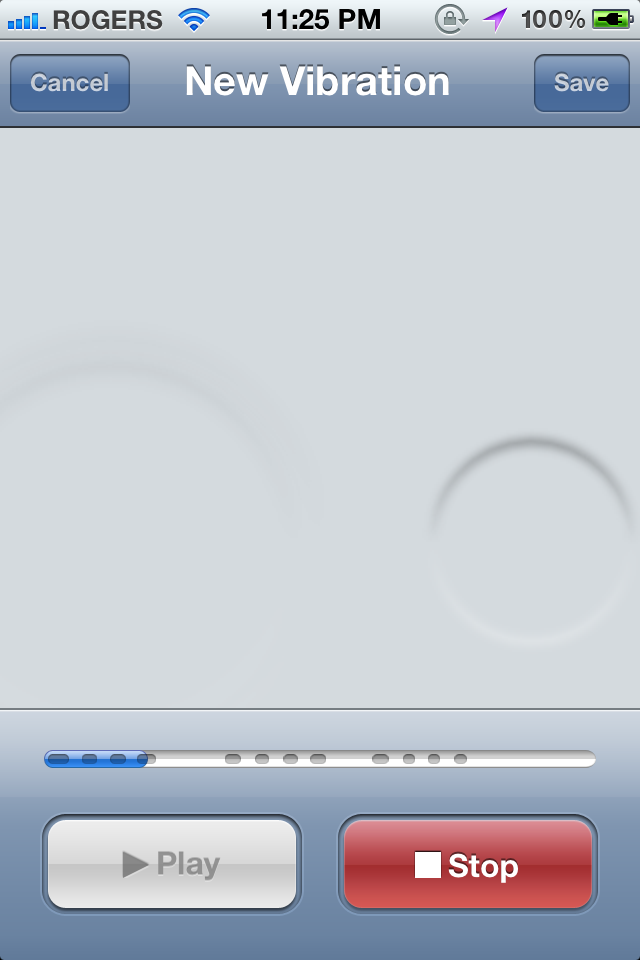
Custom Vibrations, Led Flash for Alerts: you can ‘tap’ to record custom vibrations for contacts. Also, LED Flash for alerts means your LED fires when you receive notifications. Handy if you work in a dark place?
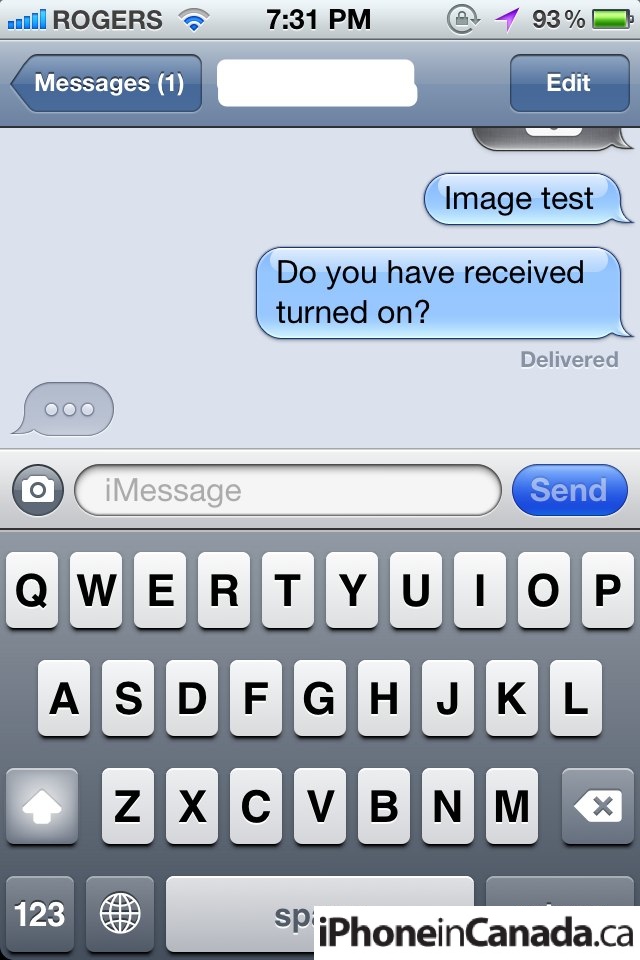
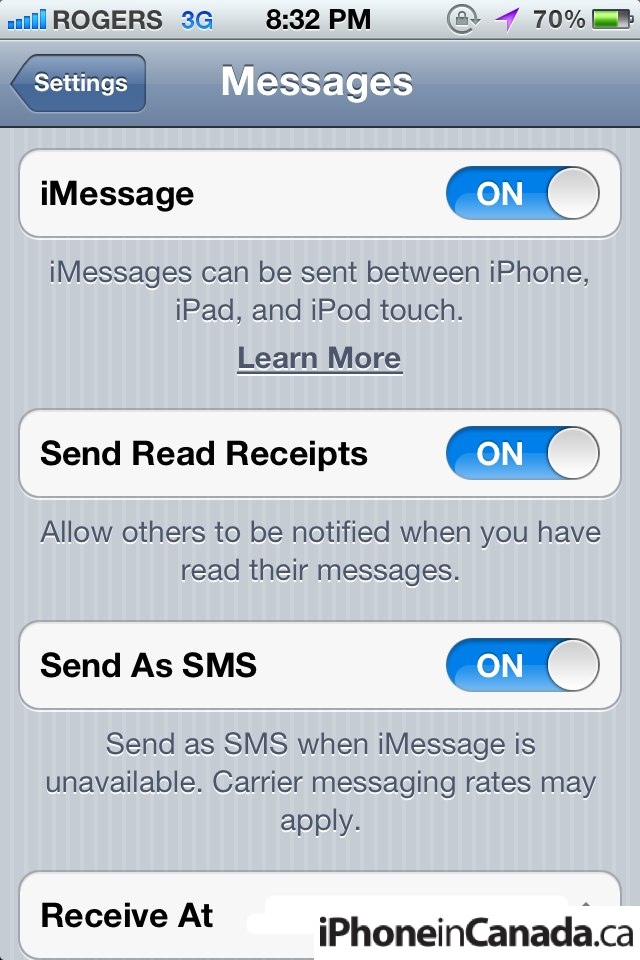
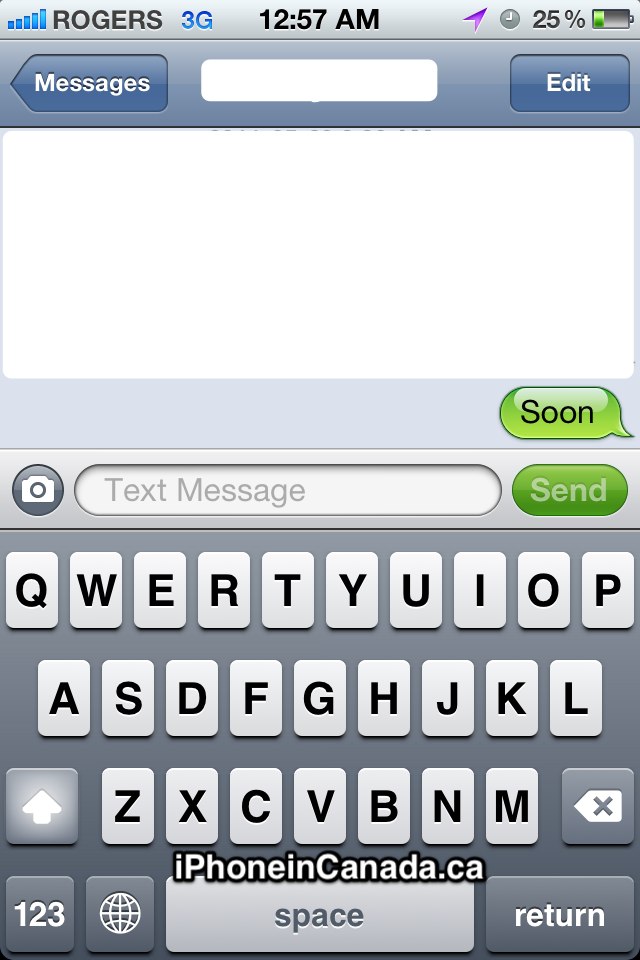
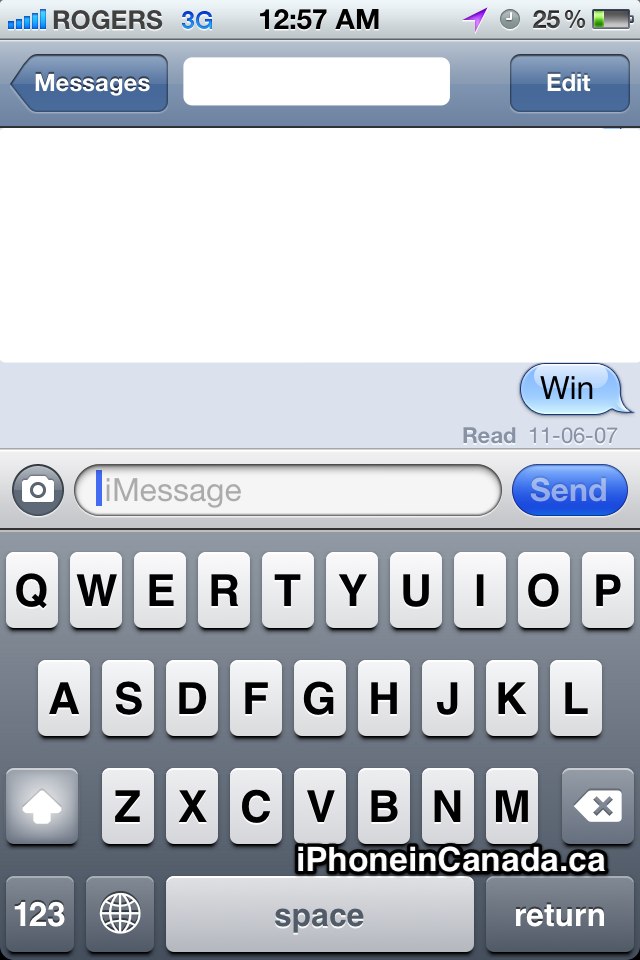
iMessage: utilizes the existing Messages app and is seamless. Recognizes when other user is on iOS 5 via email or phone number. Text field shows “iMessage” and blue coloured text for iMessage, and shows ‘Text Message’ and a green coloured text for SMS. Once toggled ON, iMessages will essentially eliminate your SMS charges. You hear that? The carriers just started weeping quietly.
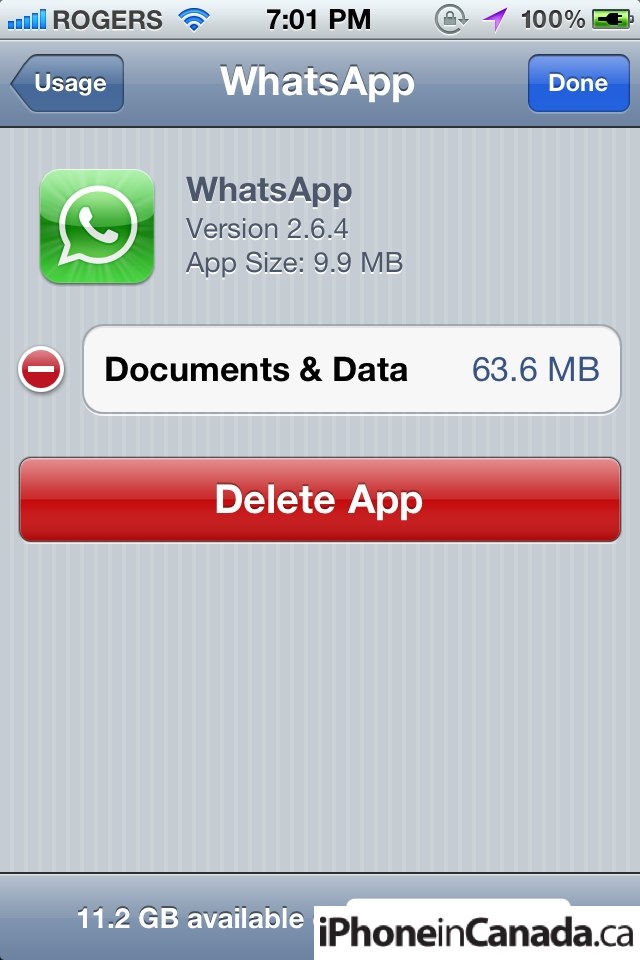
Delete individual app data:
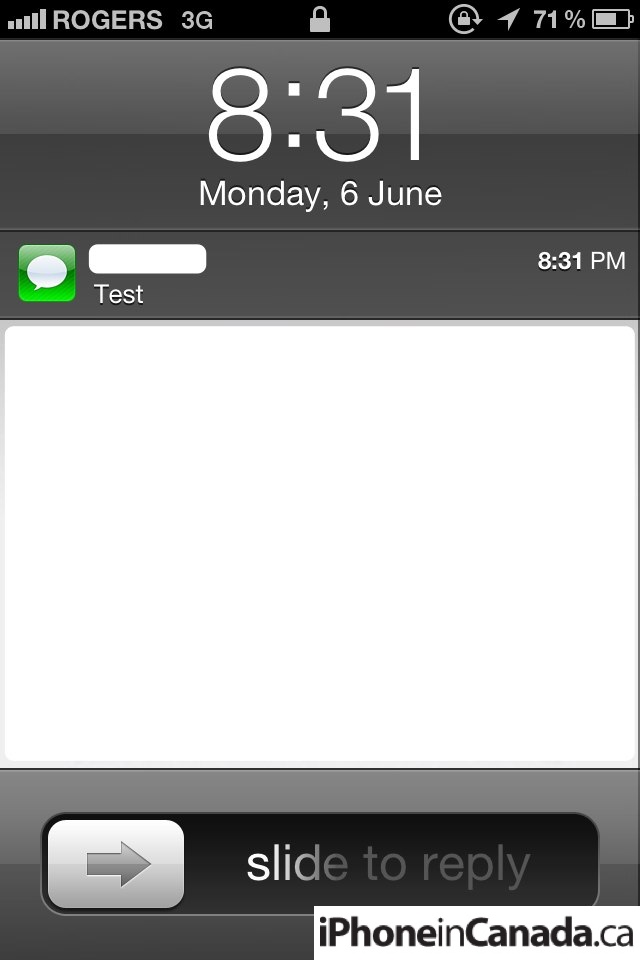
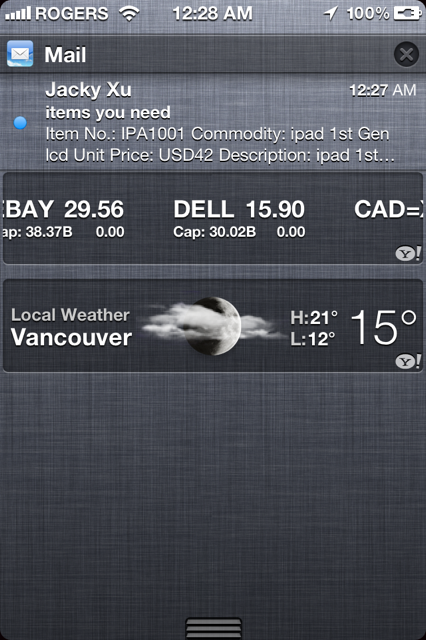
Notification Center (also works the same way in landscape). You can also customize notification alerts to show the ‘old’ badge style under Notifications:
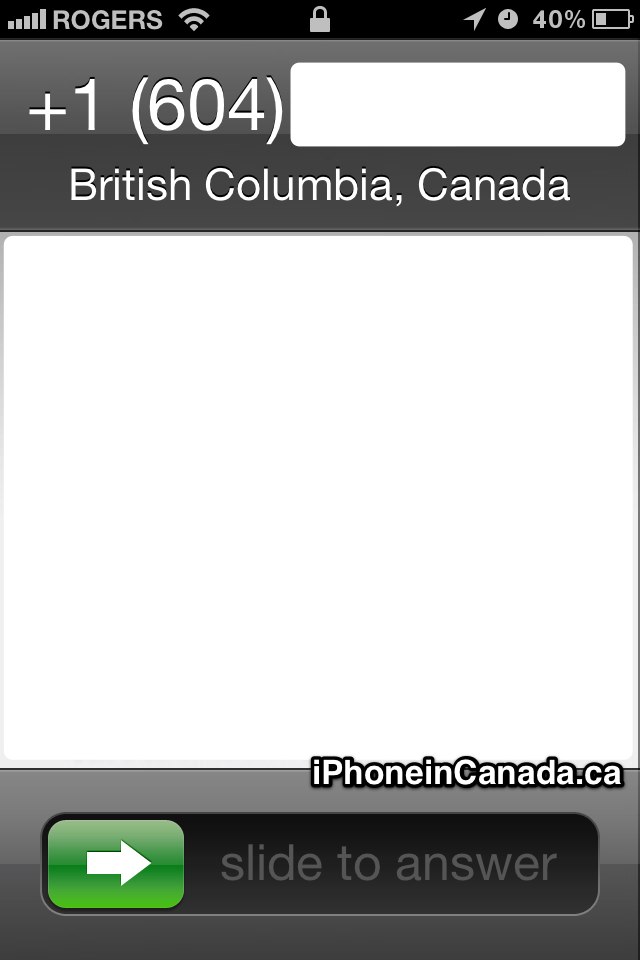
Incoming calls now show details of the location (edit: okay some are saying this was there before):
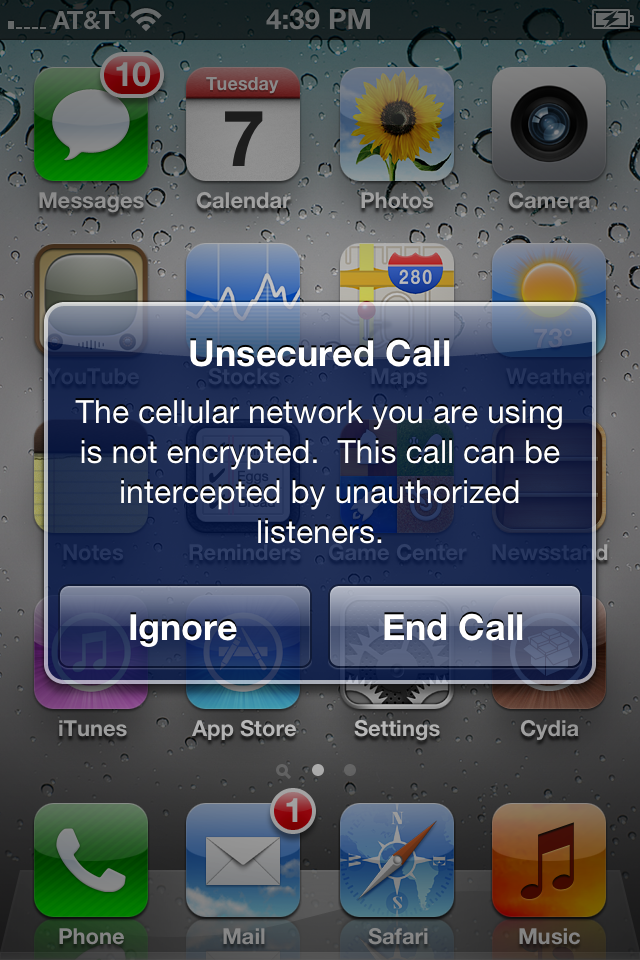
Unsecured calls, via @musclenerd:
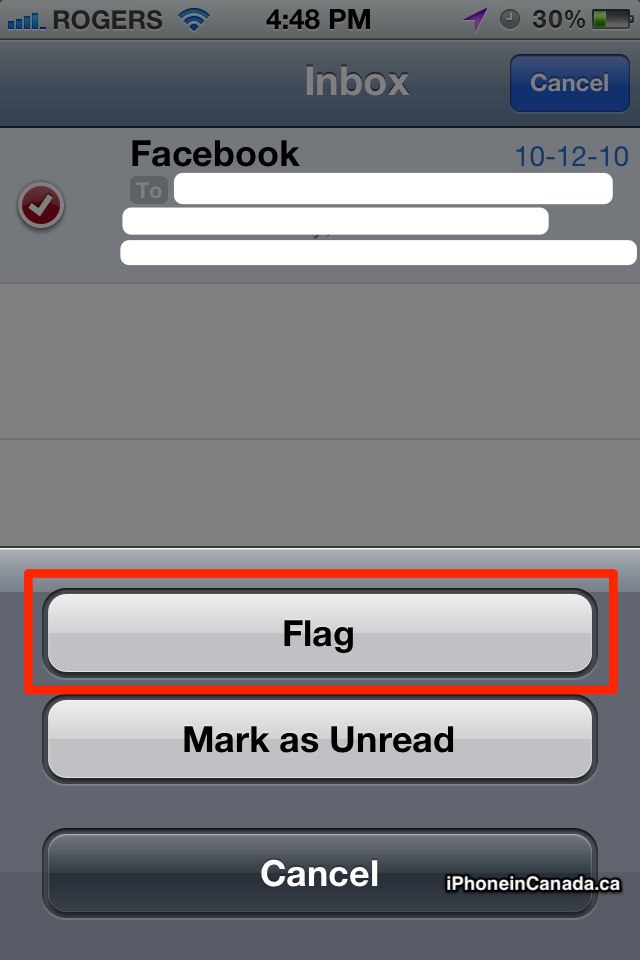
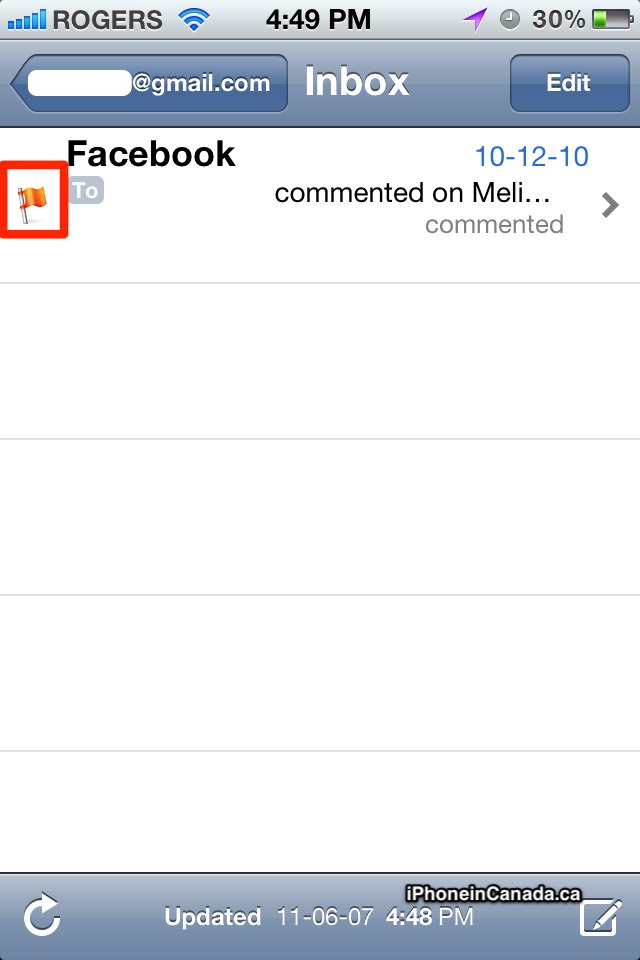
Flagging of emails in Mail. For Gmail accounts, emails will be “Starred” when viewed on the web (thanks Anonymous):
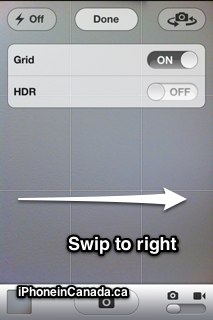
Camera: shortcut to Camera roll, just swipe to the right (via @reianz)
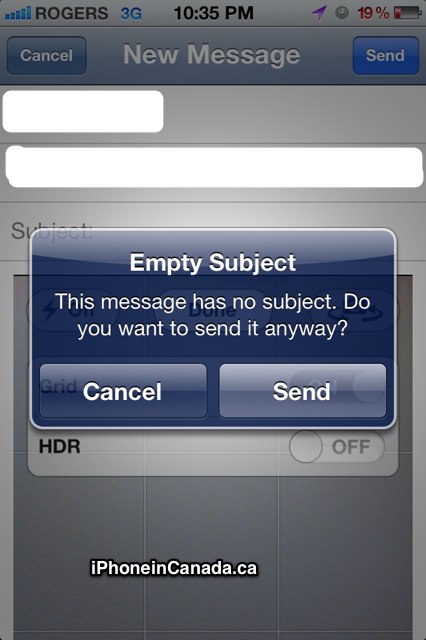
Mail: new prompt for Empty Subject
Text Message (green) vs iMessage (blue). Uses the same Message app, and will auto detect an iOS 5 user
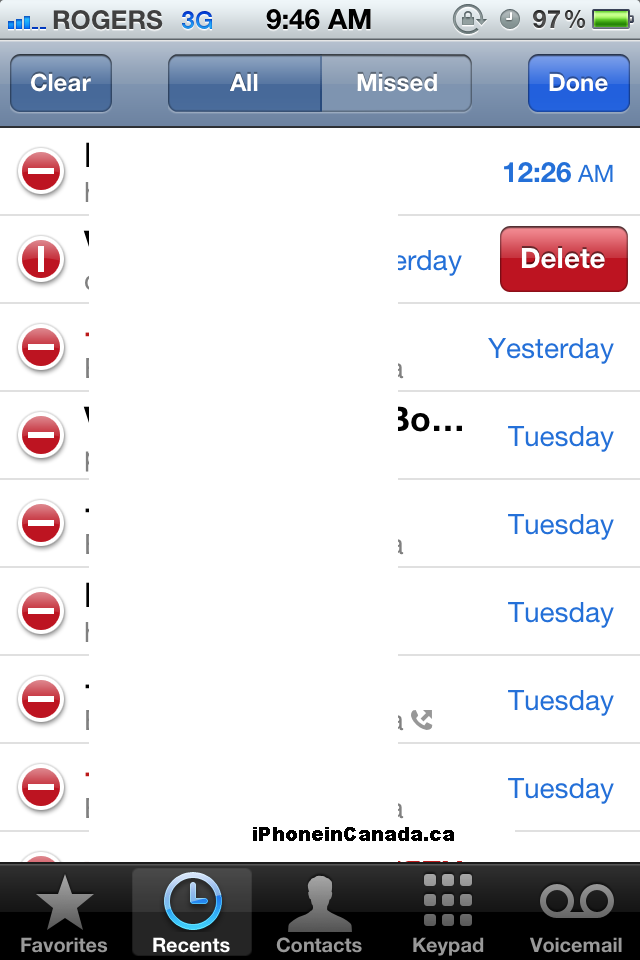
Edit for recent phone calls:

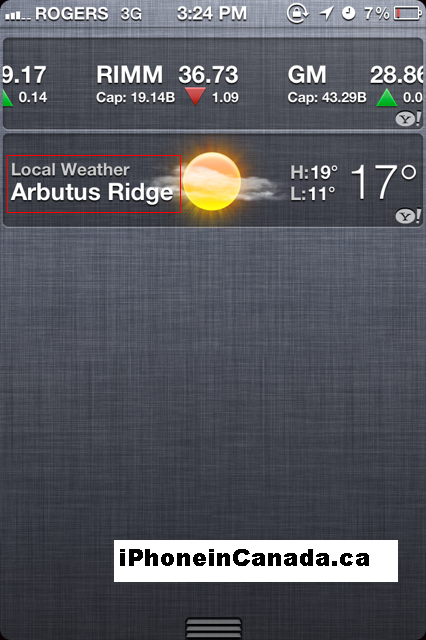
Local Weather adjusts to the area in your city:
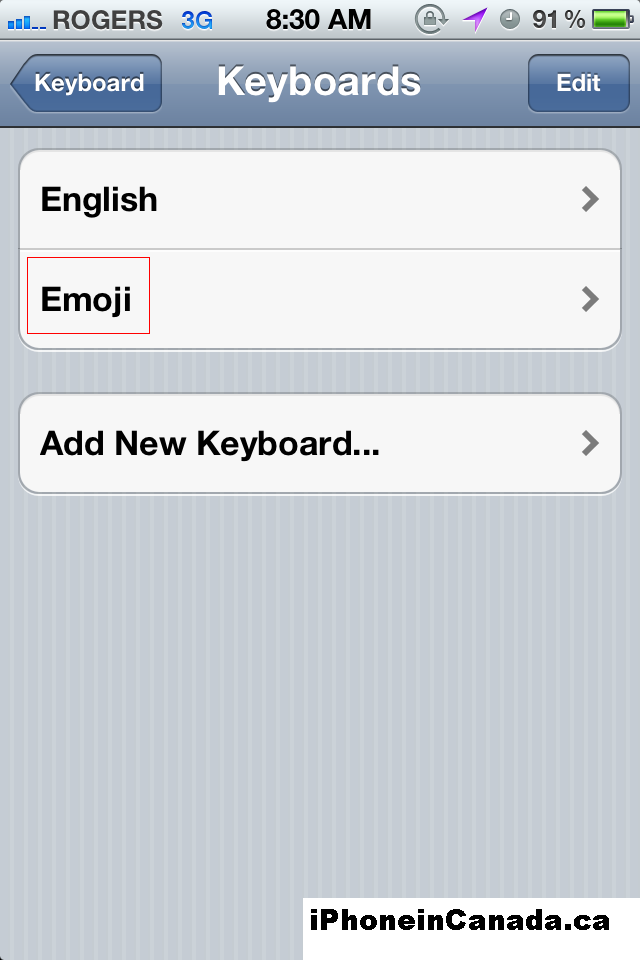
Emoji keyboard now included:
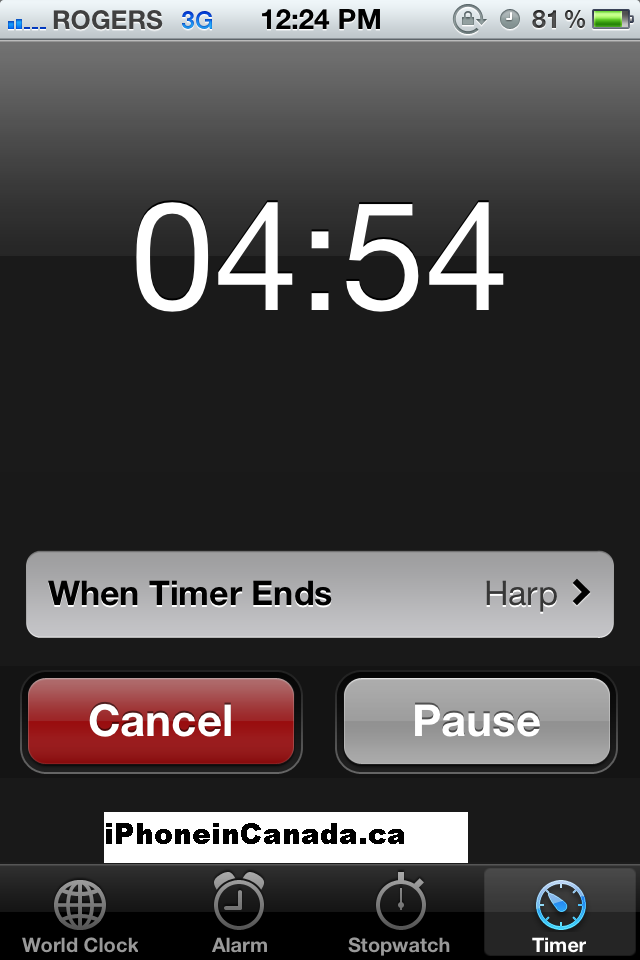
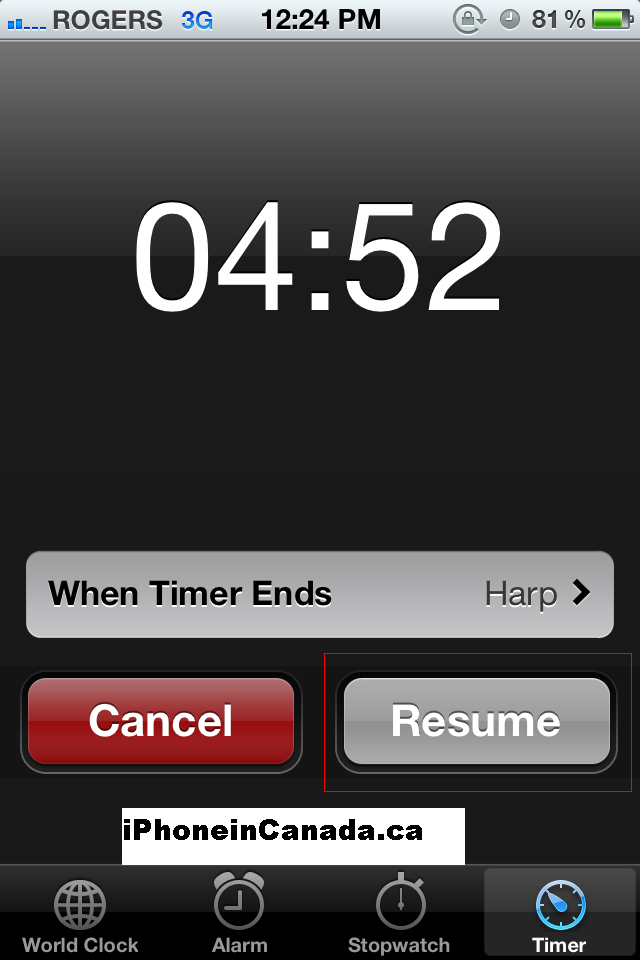
Pause and resume any Timer:
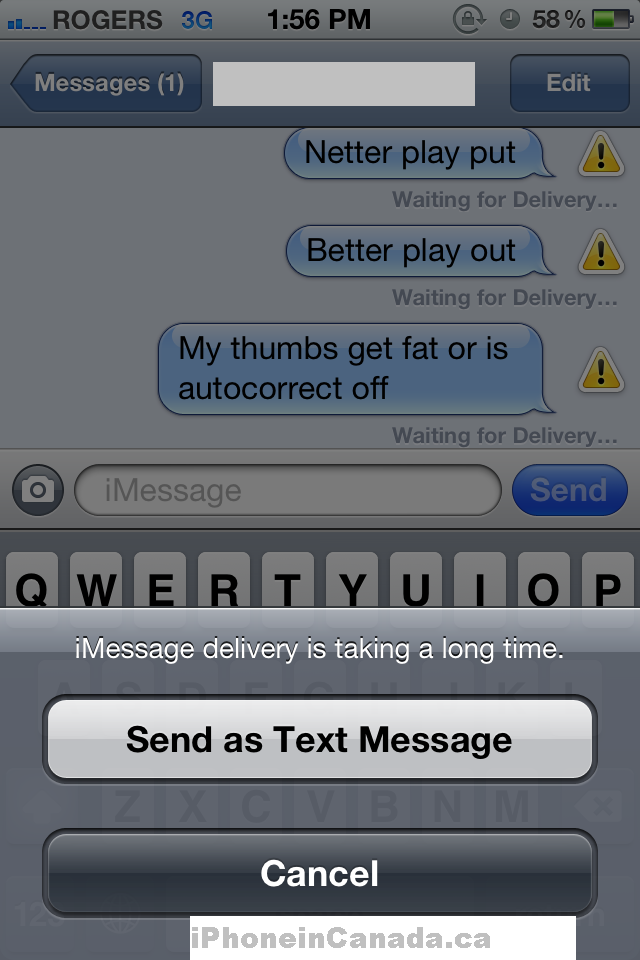
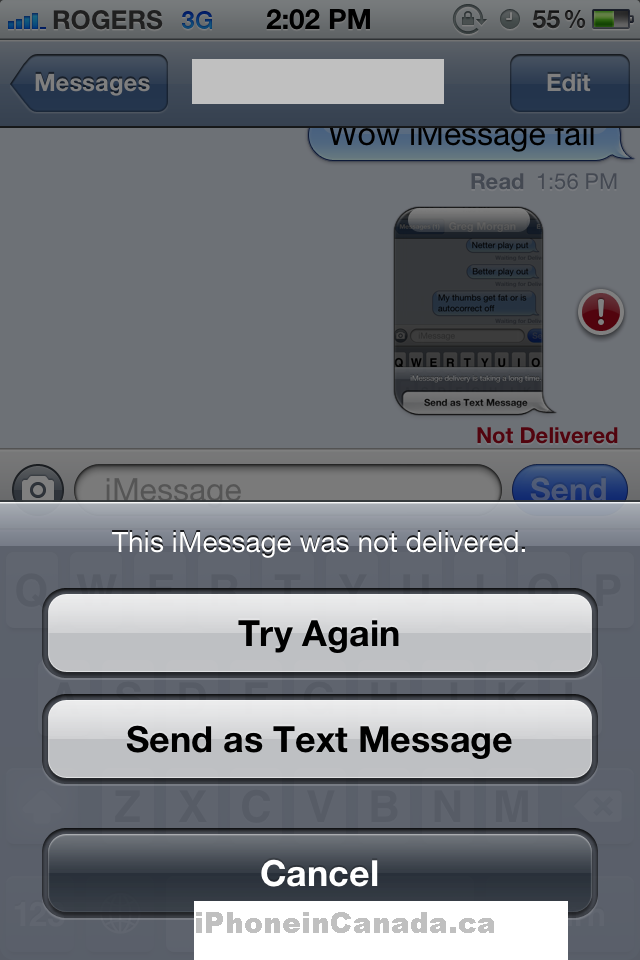
What happens when iMessage fails? A hazard icon appears next to the message, and when you tap the following popup reads: “iMessage delivery is taking a long time,” and the option to Send as Text Message appears. When sending images fail, you’ll see “Not Delivered” in red (which also shows up for text too), and the option to Send as Text Message appears again.
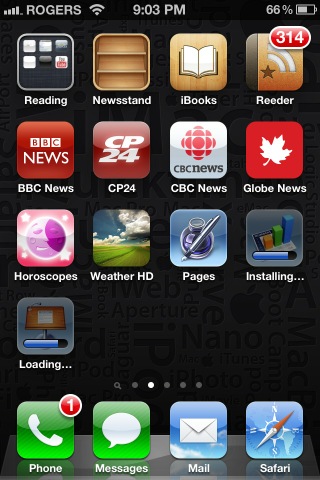
Simultaneous downloading of apps (via @andreten):
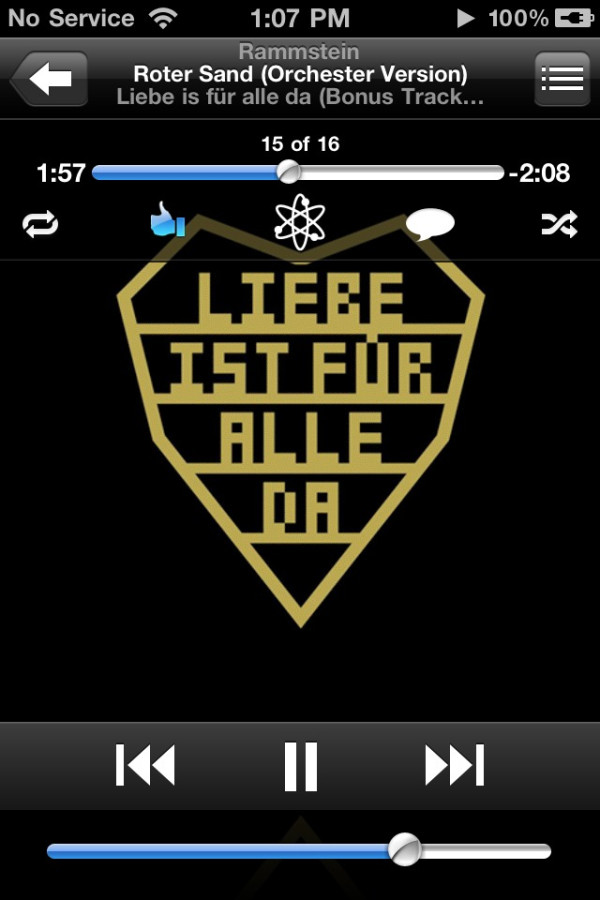
New controls for Ping in iPod (edit: these appear to be in 4.3 too; first noted by @JordanCournoyea, screen via @KyleJDuffield):
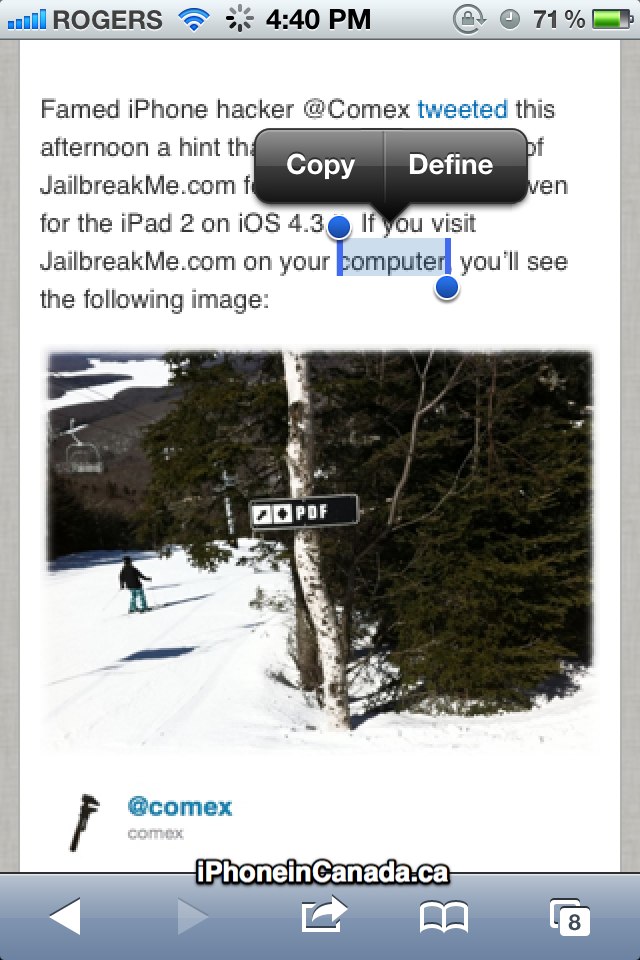
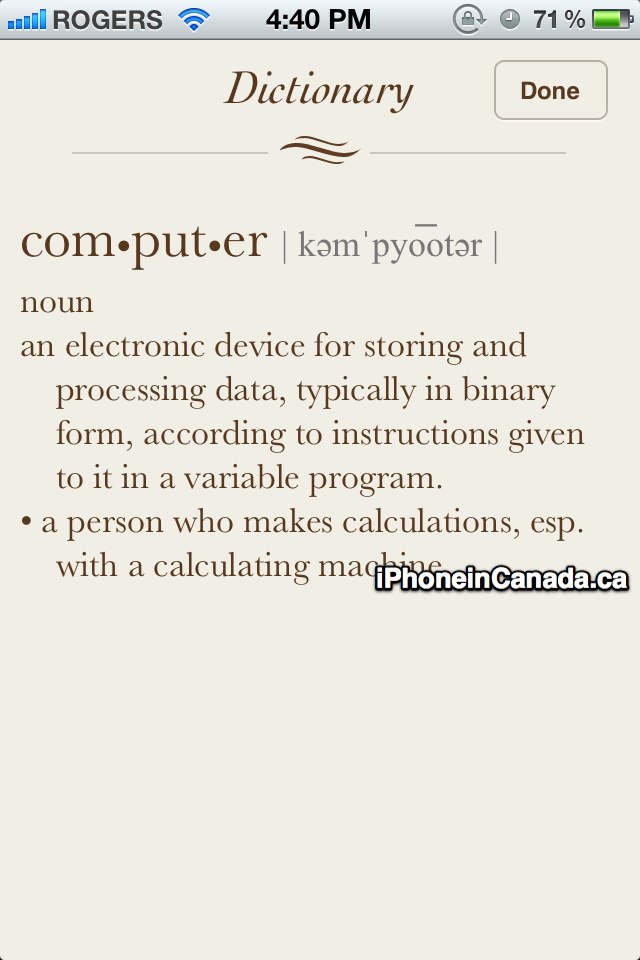
Dictionary for the entire iOS:
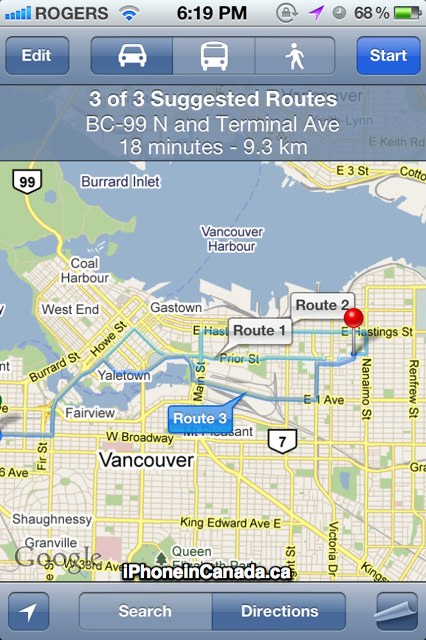
Multiple route suggestions for Google Maps, and option to Print:

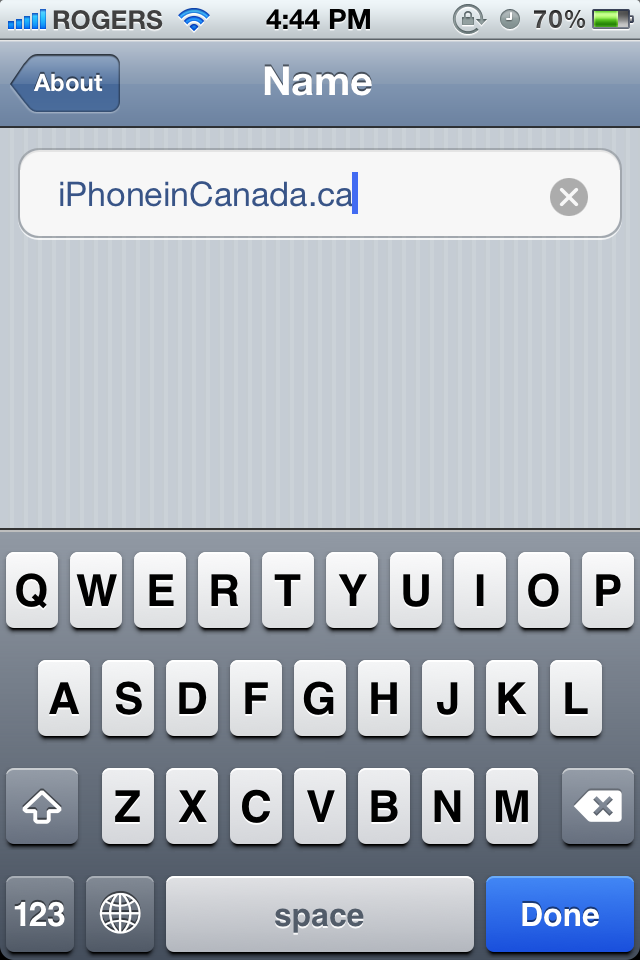
Ability to change device name via Settings–>About:
That’s all we know so far, and if we receive more info we’ll keep this post updated. What features are you looking forward to the most? If you have any questions, we’ll try our best to get them answered by our sources.
Want to see more of our stories on Google?

P.S. Want to keep this site truly independent? Support us by buying us a beer, treating us to a coffee, or shopping through Amazon here. Links in this post are affiliate links, so we earn a tiny commission at no charge to you. Thanks for supporting independent Canadian media!


So music doesn’t count towards the 5gb right?
thank you so much! wish i was a dev lol cant wait for the public release 🙁
looks awesome
Can you turn off the stock info in the notifications?
Correct.
Yes. Weather too.
what about imessage does upload display pic or something ?
Yes, just like how the Messages app operates.
Yes, just like how the Messages app operates.
Yes, just like how the Messages app operates.
How do upcoming calendar events work with the notifications screen? That’s a big one for me…
Just get a udid registration from ebay if u are impatient, that’s what i’ve done. It’s 5 bucks.
Can you customize notifications per mail account? Can you search in photos?
Can you customize notifications per mail account? Can you search in photos?
Hello,
If I show the iOS 5 beta to my youtube viewers, like make a video showing what’s changed, impressions, reactivity, etc… would this be violating the developer licensee or is it okay to do this?
As I understand it, you cannot re-distribute pre-releaase software, but it doesn’t say anything about making a review of it.
Thanks in advance.
Hello,
If I show the iOS 5 beta to my youtube viewers, like make a video showing what’s changed, impressions, reactivity, etc… would this be violating the developer licensee or is it okay to do this?
As I understand it, you cannot re-distribute pre-releaase software, but it doesn’t say anything about making a review of it.
Thanks in advance.
Hello,
If I show the iOS 5 beta to my youtube viewers, like make a video showing what’s changed, impressions, reactivity, etc… would this be violating the developer licensee or is it okay to do this?
As I understand it, you cannot re-distribute pre-releaase software, but it doesn’t say anything about making a review of it.
Thanks in advance.
Yes posting videos on YouTube would be in violation of the NDA. Whoever took these screenshots would be in violation too however.
Yes posting videos on YouTube would be in violation of the NDA. Whoever took these screenshots would be in violation too however.
Yes posting videos on YouTube would be in violation of the NDA. Whoever took these screenshots would be in violation too however.
Hey Gary,
Thanks for the screenshots and overview! I’m concerned over the iPod app being split up into videos and music; could you quickly go over that and where podcasts show up etc?
Thanks
Hey Gary,
Thanks for the screenshots and overview! I’m concerned over the iPod app being split up into videos and music; could you quickly go over that and where podcasts show up etc?
Thanks
Hi Gary,
Is the french language already in?
Thanks for checking
Hi Gary,
Is the french language already in?
Thanks for checking
Hi Gary,
Is the french language already in?
Thanks for checking
Hi Gary,
Is the french language already in?
Thanks for checking
Anyone able to get the Camera shortcut on the Lock Screen to appear? I’m not having much luck with that.Â
Anyone able to get the Camera shortcut on the Lock Screen to appear? I’m not having much luck with that.Â
Anyone able to get the Camera shortcut on the Lock Screen to appear? I’m not having much luck with that.Â
It is now possible to assign your own custom ringtones to text messages?
this is awesome Gary!! Does anyone know: We have 5 iOS devices, 3 different users all on 1 apple accout > will iCloud differentiate information saved between each different user? I don’t want my son’s emails or music etc
It is now possible to assign your own custom ringtones to text messages?
this is awesome Gary!! Does anyone know: We have 5 iOS devices, 3 different users all on 1 apple accout > will iCloud differentiate information saved between each different user? I don’t want my son’s emails or music etc
Same question…..wondering how cloud, and iMessage will work for Family’s with 1 apple account, but multiple users.
Same question…..wondering how cloud, and iMessage will work for Family’s with 1 apple account, but multiple users.
Same question…..wondering how cloud, and iMessage will work for Family’s with 1 apple account, but multiple users.
Same question…..wondering how cloud, and iMessage will work for Family’s with 1 apple account, but multiple users.
Was wondering the same thing. Don’t want everyone reading my iMessages…
Was wondering the same thing. Don’t want everyone reading my iMessages…
You have to double click home.
You have to double click home.
Thank you! That’s /exactly/ what I needed to know. Works perfectly!
Thank you! That’s /exactly/ what I needed to know. Works perfectly!
How will the whole cloud thing effect my multiple acocunts on one device? I’ve got a select few apps I had to download using a US itunes account. Will only one acocunt be synched per device?Â
can you set a customized vibration for incoming mail and sms?
Wondering this too. Why would they implement custom mail and calendar alerts but not SMS?
What’s the reliability of iMessage like? I’m a fan of WhatsApp but my biggest issue is that about 5% of the time, the message takes forever to get delivered to friends who have perfect reception. Also, will Apple store the message until delivery is confirmed then delete it or do they hold onto it for n number of days before deleting it? I’m not expecting anyone here to be able to answer the second question but just something that might want to consider.
In my uses, iMessage is 500x better than WhatsApp. WhatsApp stalls way too much. So happy to delete it.
In my uses, iMessage is 500x better than WhatsApp. WhatsApp stalls way too much. So happy to delete it.
In my uses, iMessage is 500x better than WhatsApp. WhatsApp stalls way too much. So happy to delete it.