For quick text translation, I usually jump on Safari but today, there’s an app for that! Introducing Babelshot.
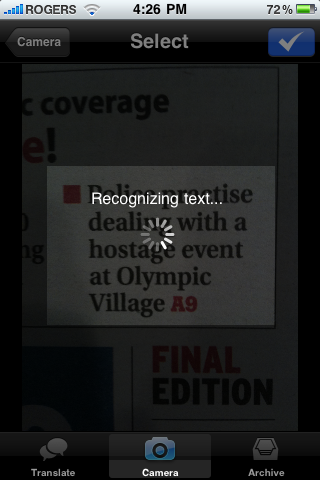
Babelshot for iPhone 3GS is a shoot-to-translate application that makes use of the iPhone 3GS camera. Any text in any language that you want translated is done quickly and easily through the app using a built-in OCR engine and Google Translation services (Internet connection required).
Translation
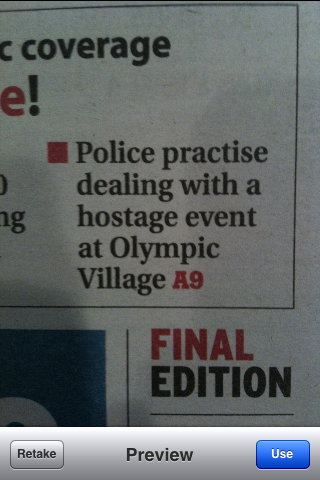
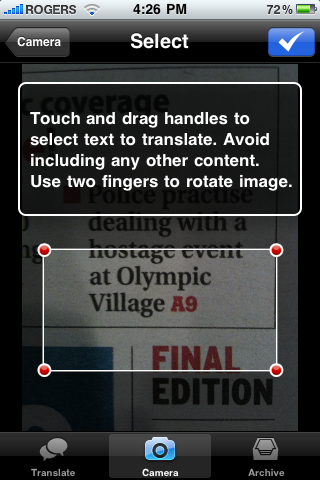
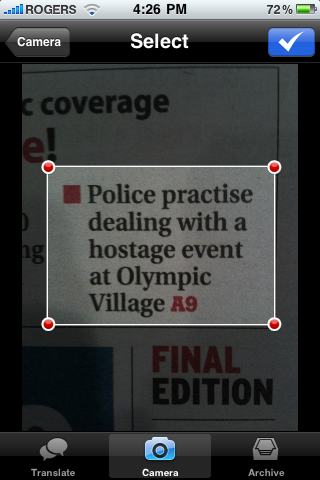
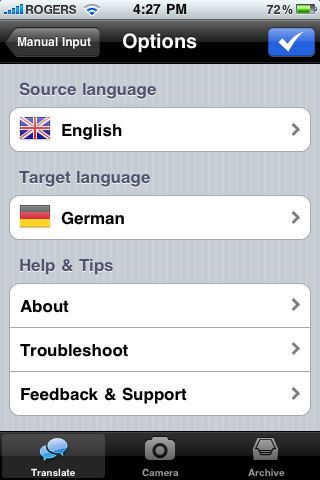
Using Babelshot, you take a photo of a block of text and then choose the source language and the language that you want the text translated. Before translation, the app allows you to adjust the area of translation by using a cropping tool in case your area of text is larger or smaller.
After the text is translated, you can easily swap translation languages using a Swap button and also archive the translation session for later use.
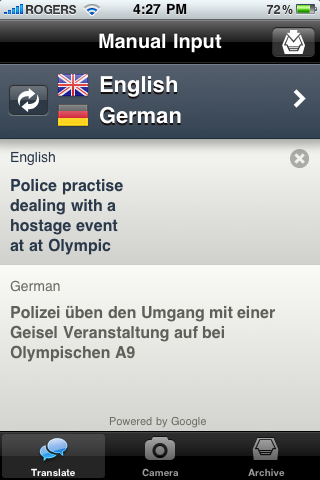
However, using the camera to take photos of text is one method of translation. The app also allows you to manually type in or paste in text without the need of the camera. In this case, the app is a 2-in-1 translation service.
I tested the app using a few different methods of translation such as from a newspaper, regular white paper, an Internet Browser and a street sign. Overall, I would give it about 75% accuracy as it translated most words correctly, but some were either missed or not translated at all, even though the word should have been translated.
You can check out a video of the app in action here.
Language Support
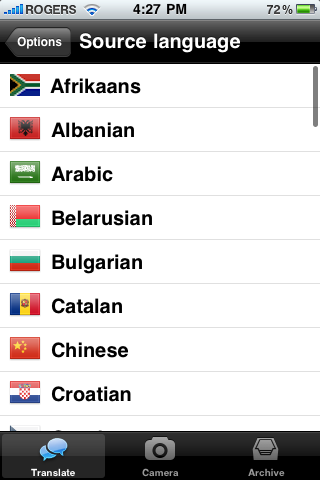
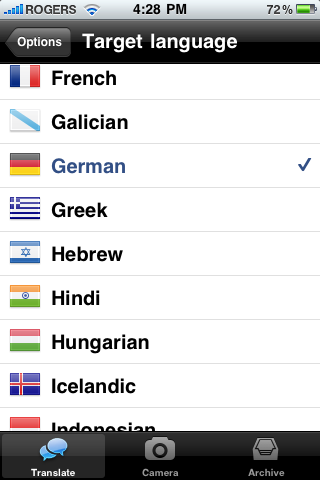
When using the camera for translation, Babelshot supports the following languages:
Afrikaans, Albanian, Catalan, Croatian, Czech, Danish, Dutch, English, Estonian, Finnish, French, Galician, German, Hungarian, Icelandic, Indonesian, Italian, Latvian, Lithuanian, Malay, Maltese, Norwegian, Polish, Portuguese, Romanian, Slovak, Slovenian, Spanish, Swahili, Swedish, Tagalog, Turkish.
When using manual input for translation, Babelshot supports the same languages as above, plus:
Arabic, Belarusian, Bulgarian, Chinese, Greek, Hebrew, Hindi, Japanese, Korean, Macedonian, Persian, Russian, Serbian, Thai, Ukrainian, Vietnamese.
Upcoming Updates
Since this type of app can always benefit from fixes and refinements, the following updates are coming:
- Adding camera input for more languages
- Improving speed and accuracy of text recognition
- Optimizing text selection work flow
- Landscape mode
Overall, Babelshot delivers a quick method for translation services on the iPhone 3GS. The navigation menus are quick and intuitive and it is simple to swap between languages. The translated text was not always completely accurate but this is something that will likely improve with increased usage over time. The supported languages is what you would expect from a translation application with more coming in the future.
Babelshot is scored a 4 out of 5.
Babelshot is available on the iTunes App Store for $1.99.
Arabic, Belarusian, Bulgarian, Chinese, Greek, Hebrew, Hindi, Japanese, Korean, Macedonian, Persian, Russian, Serbian, Thai, Ukrainian, Vietnamese.




You forgot to mention that this app is not ONLY for the 3GS. You can still use it with the original iPhone and 3G as well as the iPod Touch. However, if you use the older iPhones, you can only translate pictures taken of larger text (1/3″ or bigger) and if you use an iPod Touch, you can only use manual input.
I can really see this app being a great companion on a holiday to a country that is non-english. I must try it out!
I really like PicTranslator… it works really well and it's free. It can also pronounce the text. http://pictranslator.com
Bart, PicTranslator is not free. It is marketed as free, but in fact it costs $1.99 per language. A.k.a. free for your first abroad trip only.
Bart, PicTranslator is not free. It is marketed as free, but in fact it costs $1.99 per language. A.k.a. free for your first abroad trip only.
I really like PicTranslator… it works really well and it's free. It can also pronounce the text. http://pictranslator.com