We’ve talked about how to enable Emoji (from the Japanese iOS keyboard) on your iPhone via free apps in the App Store. Currently, just by searching the term “emoji” in the App Store produces many solutions to satify your Emoji needs.
But what about getting universal emoticons on your iPhone? Emoji can only be seen by iOS, so your Blackberry/Android/Nokiasoft friends on WhatsApp won’t be able to decipher your emoticons. How to solve this? Easy. Install universal emoticons via a new jailbreak tweak, called Vmoji.
How to Install Universal Emoticons on your iPhone with Vmoji
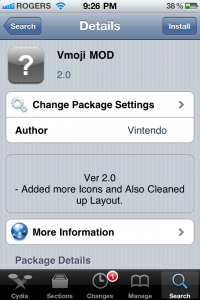
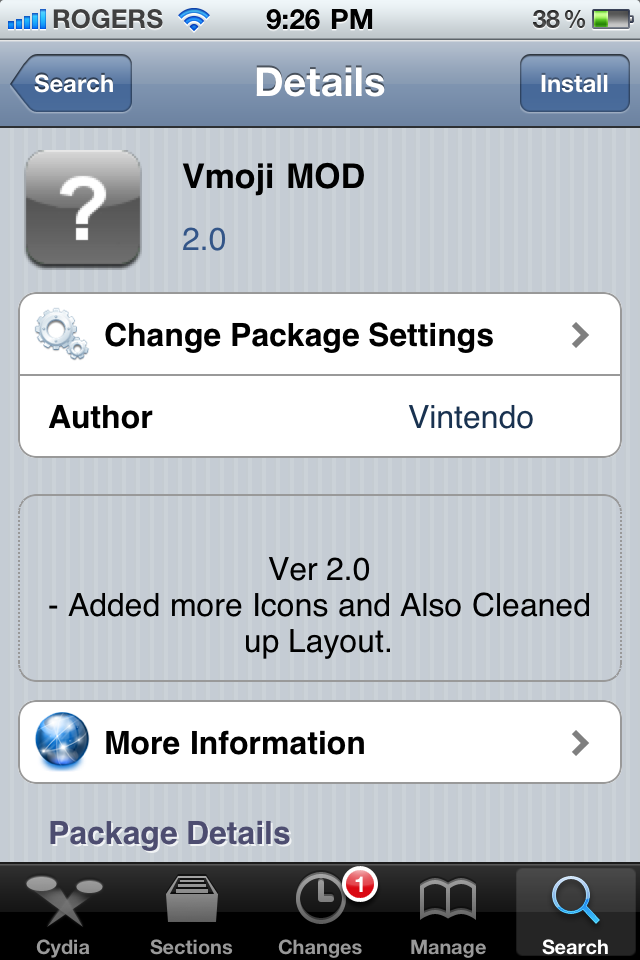
1. Launch Cydia –> Manage –> Sources –> Edit –> Add
2. Enter the following repository: http://www.vintendo.com , tap Add Source
3. Next, go search for Vmoji and install it.
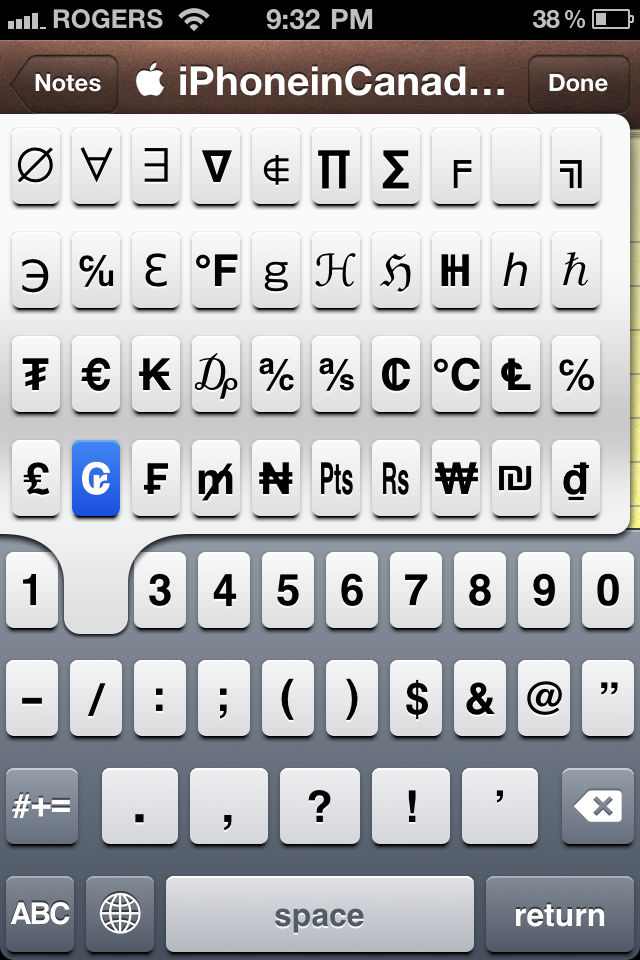
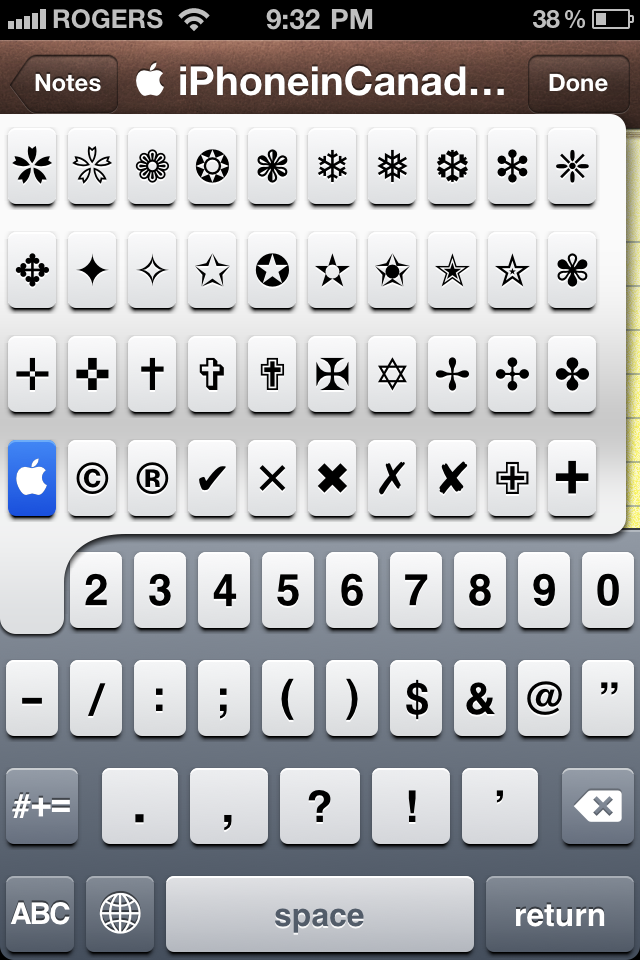
To activate your newly installed Vmoji, just hold down the number keys 1-5, and pages of universal emoticons will appear. Slide to the icon you want, and release your finger. Voila!

Vmoji is in beta, and so far has worked perfectly for me. Let me know what you think of it!
[RazorianFly]



Awesome Gary! But one question: Do you need to uninstall any current emoji apps on the phone or do they work independent of one another? Thanks!
Nope!
I’m on iOS 4.2.1 and I get the same deal. Number 6 gives additional keys, but 7-9 gives some invalid crap. 7 gives a black bar, 8 gives some iPhone jiberish, and 9 gives more black bars. 0 gives a small circle.
Gary,
iOS Emoji app work just fine with the latest version of whatsapp in the blackberry.
Vik
The icons in the library are mostly useless… there are hardly any smilies… And its annoying to delete, you have to remove the installed application, install the “uninstaller” and then reboot your phone for the changes to occur… a little pointless, just sayin.
Fine! Be like that! lol
Would of been so much better if they made this as a keyboard instead of modifying the existing keyboard. Just like how the current emoji’s are a keyboard, don’t mess with the actual phone software.
I just received an emoticon from an iphone user (to my Droid)…it came through as ;$ I’m trying to figure out what it means. Anyone know?