
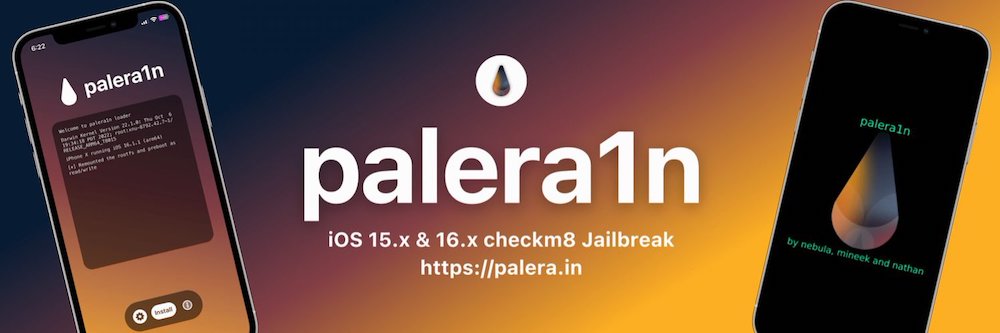
You Can Now Jailbreak iOS 16.4.1 with Palera1n 2.0.0 Beta 6
Codenamed Bakepale, the latest v2.0.0 beta 6 update to jailbreak tool Palera1n has just been released, which fully supports iOS 16.4 - iOS 16.4.1 jailbreak.

With today’s firmware update for the latest Apple TV, we were warned to not update to preserve the existing untethered jailbreak. It didn’t take long, but @i0n1c passed on his untether exploit to the iPhone Dev Team, and updated tools have been released for a new jailbreak.
Update #2: Apple released a minor update to iOS 4.3 for AppleTV2G (the IPSW name still says 4.3, but the build version changed from 8F202 to 8F305). @i0n1c was once again able to quickly port his original 4.3.1 untether (the exploit that wouldn’t die!) to this version.
If you do feel like updating to the “new†4.3 (although there doesn’t seem to be any good reason to), you’ll need to drop this bundle into the correct folder in PwnageTool.app. If you don’t know how to do that, there are lots of tutorials on the web, and we’d be glad to help in the comments below.
Thanks once again, @i0n1c!
You don’t need to update your Apple TV 2G, unless you’re running into problems. But if you want to stay up to date and have a jailbroken Apple TV, you’ll have to follow the instructions of the Dev Team. Well done, i0n1c!
Want to see more of our stories on Google?

P.S. Want to keep this site truly independent? Support us by buying us a beer, treating us to a coffee, or shopping through Amazon here. Links in this post are affiliate links, so we earn a tiny commission at no charge to you. Thanks for supporting independent Canadian media!
There wasn’t an atv2 update on iOS 4.2.2. The title of the article is confusing the Apple TV Software version with the iOS version. This update is for Apple TV Software version 4.2.2 (the application) that runs on iOS 4.3 (the operating system).
http://en.wikipedia.org/wiki/IOS_version_history#Version_history:_Apple_TV_.28second_generation.29
http://www.macrumors.com/2011/05/11/apple-issues-new-4-2-2-ios-4-3-update-for-apple-tv/
Well, how do I add the file to the folder to jailbreak the apple tv?
Nevermind, I got it. You need to add the bundle to the Firmware Bundles folder in the Resources folder by taking the app OUT of the DMG file (otherwise it’s read only) then right clicking and selecting show package contents.
Thanks, clarified. This is so un-Apple to have confusing update versions.