Dropbox has announced today on their blog the new ability for users to share and send a link to their files and folders:
Anyone with the link gets access to a snazzy page where they can view (but not edit) your stuff. Our gallery pages give your photos, videos, and even docs the gorgeous, full-browser view they deserve. This means that people who follow your link can see pictures, look at presentations, and watch home videos without having to download and open them separately.
But just in case a friend wants to save that picture or PDF for later, they can choose to either download it or save it straight to their Dropbox.
The Dropbox iOS app also allows you to create and send links to your files and folders. Once your links are open, users on the other end can save them remotely or right into their own Dropbox. Just click on the ‘link’ icon within the iOS Dropbox app:
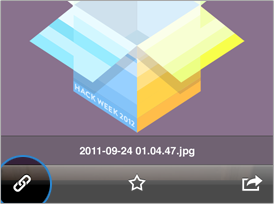
Check out the screenshots below:


Click here to sign up for Dropbox–we’ll both get 250MB of bonus storage.
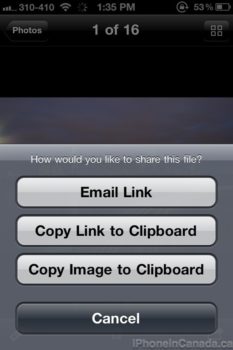
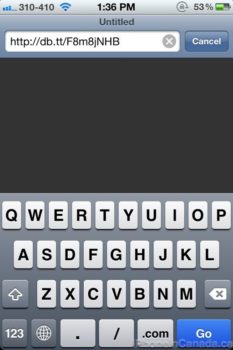
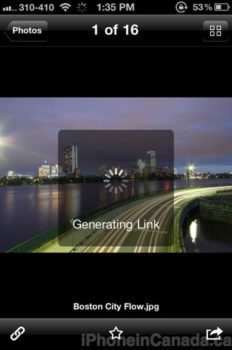




iOS app actually creates a shortened URL that I like better than the full URL. I wish the desktop or web app could also create the shortened URL’s. I find myself creating the URL on my iPhone and pasting it on emails, even if I’m trying out the email on my laptop. An annoying extra step…
“typing” out the email…
How do you send a link to a folder in the iOS app? I was only able to send a link to a single photo.