
Apple’s AirPort Utility App is Being Removed From the App Store
Apple warns that "functionality is not guaranteed" when using AirPort Utility on iOS 27 or later.
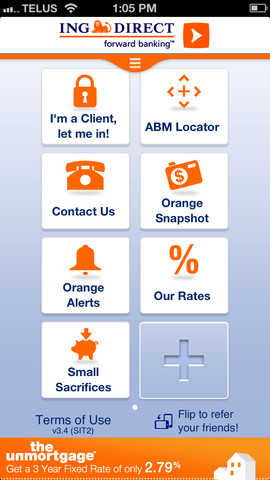
ING Direct has had their ‘photo chequing’ feature planned for a while now and as of today their iOS app has been updated to reflect this new feature. Known as ‘Cheque-In Deposit’, customers can now deposit cheques via the iPhone or iPad’s camera from anywhere.
What’s New in Version 3.4
Cheque-In DepositGot a cheque to deposit? As long as it’s payable to you, issued by a Canadian bank and in Canadian dollars, you can deposit it from anywhere, using your smart phone with our Cheque-In Deposit. Simply take photos of the front and back of the cheque and verify your deposit details. Hit “Deposit Cheque”, and you’re done! There are no service charges or monthly fees to use this service, and you’ll start earning interest right away.
ING Direct notes their recent research found roughly 55 percent of Canadians deposit at least one cheque per month to their bank account, either by ABM (71%), in-branch deposits (41%) or by mail (1%).
Westminster Savings was the first iOS app in Canada to allow ‘photo chequing’ to both personal and business customers back in April, beating out our ‘Big Six’ banks which have yet to debut the service, even though reports stated they were ready to launch.
Click here to download the ING Direct iOS app–it’s free. The new feature is also available for Android, BlackBerry 10 and tablets running Windows 8. Let us know how you like this new feature!
Want to see more of our stories on Google?

P.S. Want to keep this site truly independent? Support us by buying us a beer, treating us to a coffee, or shopping through Amazon here. Links in this post are affiliate links, so we earn a tiny commission at no charge to you. Thanks for supporting independent Canadian media!


Mmmm… that means you can link your other bank’s account within the apps?
What bank account are you asking about?
You need to send them a cheque if you ant to link your other bank’s account with ING. I’m wondering if you can now just scan it within the apps.
Limit of $1500 check–which means my monthly paycheck still needs to go to the bank.
Just tried this feature with a cheque, it worked flawlessly. Within 12 hours ING emailed me to say the cheque had been processed and I can destroy the original. Pretty cool.
Nice!