
Microsoft 365 Support to End on Older Macs and iPhones Starting in July
Microsoft is ending core support of Microsoft 365, Office 2019, and Office 2021 on older Macs and iPhones, starting July 13th.
Just two weeks after seeding the first beta of the highly anticipated iOS 7, Apple has seeded iOS 7 beta 2 to developers, which finally adds support for the iPad. Here are a couple of notable improvements brought by the update.
Welcome Screen: with iOS 7 beta 2, users will be greeted by a new welcome screen asking for iCloud credentials, and then asked to turn on iMessages, picking up alternate email addresses.
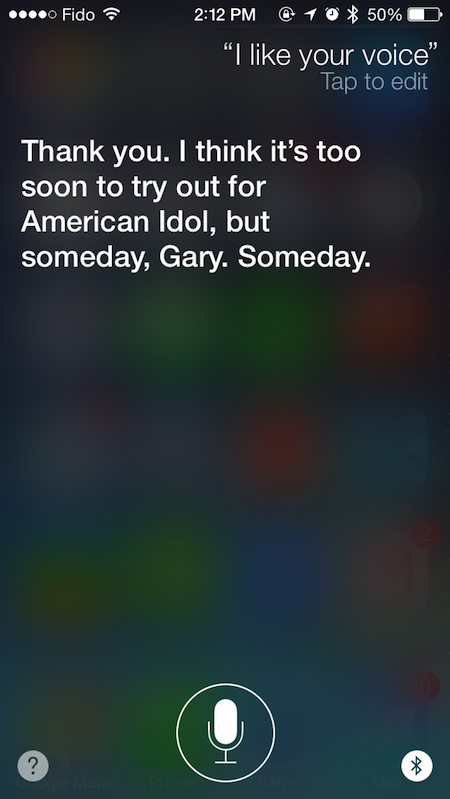
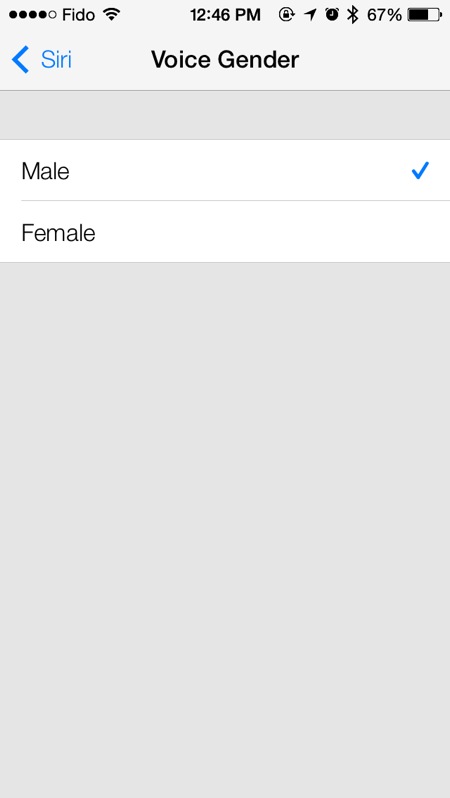
Siri: The first impression after launching Apple’s virtual assistant is that it loads faster than in beta 1, and users can now choose between a male and female voice. This is the first time the male and female option has been available.
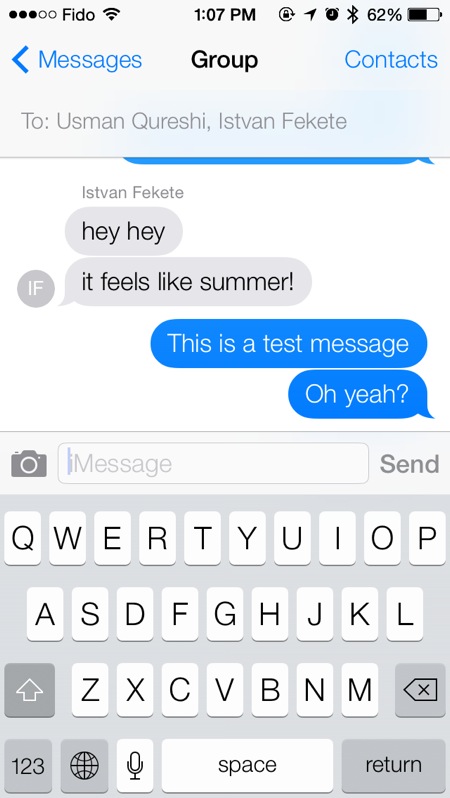
iMessage: The biggest change that captures the eye of iMessage users is the presence of contact photos in case of a group chat. Also, by swiping left, it reveals timestamps.

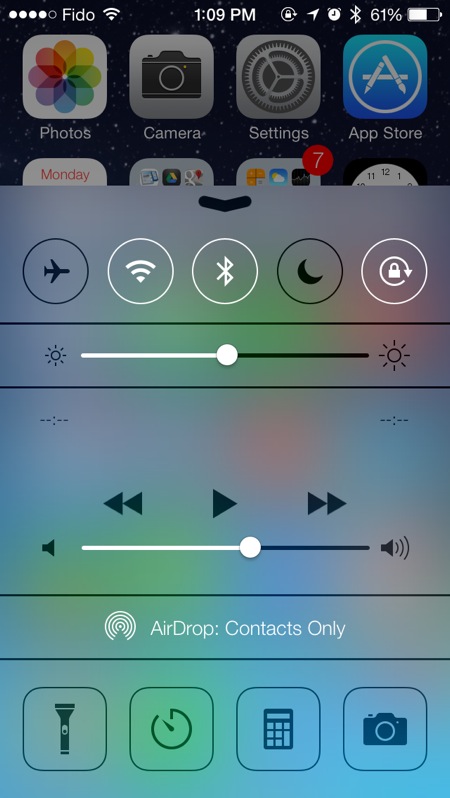
Control Center: The Clock icon has been slightly redesigned. The previously dark icon is now a simple clock outline.
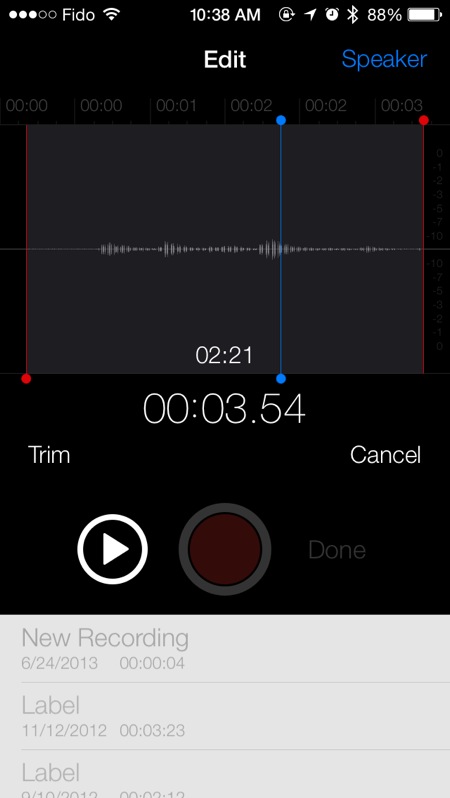
Voice Memos: The missing Voice Memos application is finally back with the second beta; it is simple and functional.
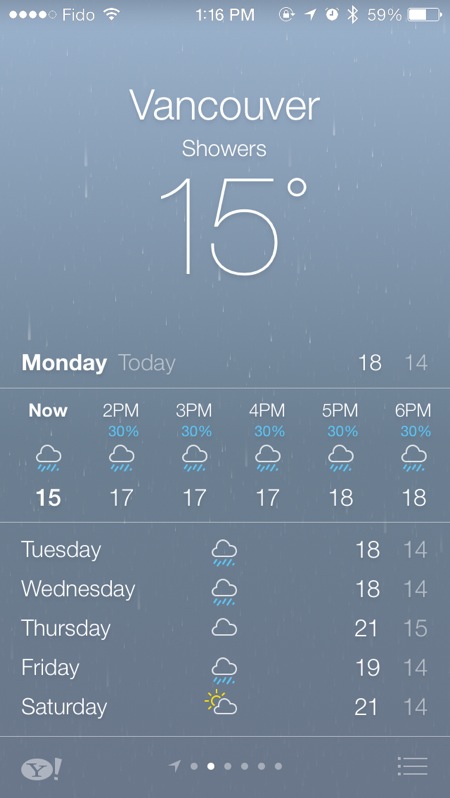
Weather: The app now features a new stacking button. By tapping that button located bottom-right, the full list of all cities tracked appears.
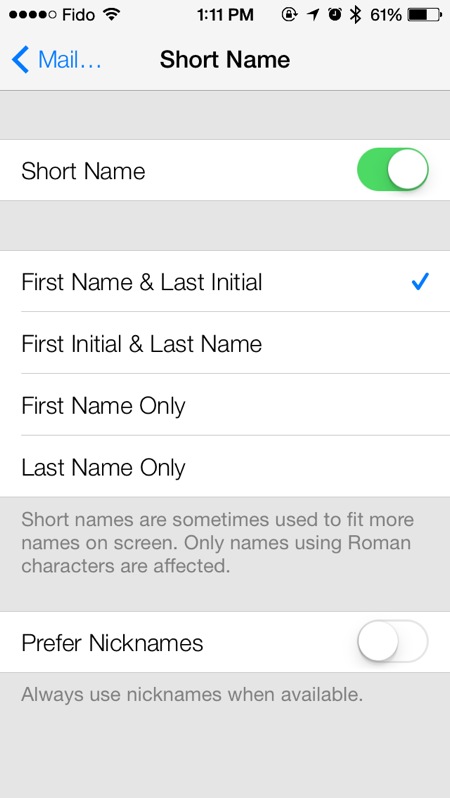
Mail: Users are presented with the option of using nicknames when available, instead of their contact’s name.
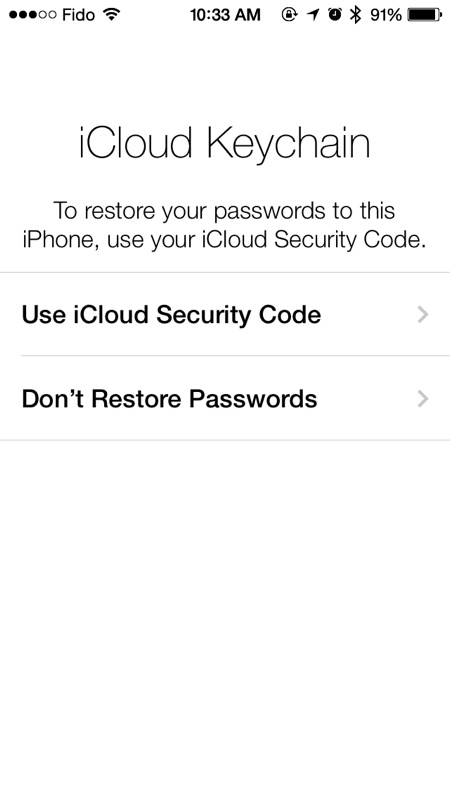
iCloud Keychain: Users who enabled iCloud Keychain in beta 1 are given the option to restore their passwords. iCloud Keychain was present with the beta 1.
Reminders: The new layout is more compact and features a clock icon next to the search bar.
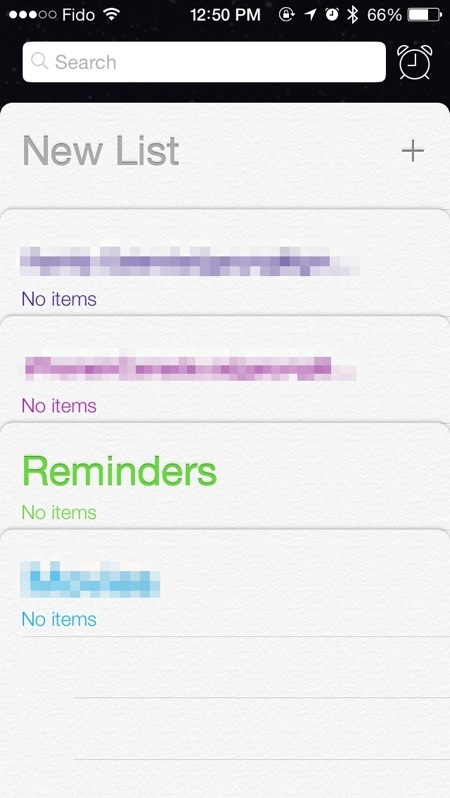
Overall iOS beta 2 feels much faster and responsive than the first beta.
Want to see more of our stories on Google?

P.S. Want to keep this site truly independent? Support us by buying us a beer, treating us to a coffee, or shopping through Amazon here. Links in this post are affiliate links, so we earn a tiny commission at no charge to you. Thanks for supporting independent Canadian media!


Is the podcast app working reliably yet?
I was able to fix it by doing and reinstall hasn’t crashed on me on beta 2 yet.
Gary, any improvements on the battery life?
Too early to tell
From the usage I’ve had so far, battery life seems to have improved over beta 1…. But again, too early to tell.
Beta 1 was terrible even on standby. On beta 2 it’s better, but still drains fast. Standby mode seems good but if you wake phone up its horrible. I also noticed location is turning on a lot. Looks like weather app is pulling location a lot. I’m going to try it with location services off and see what happens.
Is it just me or is the battery drain alot worse then beta 1. I actually found beta 1 was alot better then 6.1.2.
I’m with you on that one.
Can you please post a picture of the time stamp in Messages please ? And does it work only on group messages or normal conversation as well ? Thanks !
Works in normal chat.
Slide left to see is weird, would like option to just always show.
Thanks for the info ! And I agree with you for the option to show without having to swipe !
Updated
Thanks !
Hooray! Is that a timestamp on EVERY SINGLE MESSAGE? It’s about friggin’ time!
Yep. I’m SO glad they finally offer time stamps on all messages. Such a simple thing that never should have been missing.
Can can those who installed beta 1 without a developer ID, do the OTA update to beta 2 without worrying?
Yeah, it works, but if you have a lot of pictures, try to transfer the, to your computer or the update process hangs after the reboot:P
I factory reset before installing beta 2. I setup as new iPhone an imported my contacts. Battery life it’s much better.
Battery life is killing me on Beta 2. Charging is VERY slow. Wish I could revert back to Beta 1. Had no problems. All apps closed and wifi off. Still very bad…. I didn’t have any battery issue with Beta 1.
Can anyone tell me if you can shuffle songs by artist?
Beta 1 you couldn’t unless I couldn’t figure it out?