We all have things we love to do, and with the app DIY you can share your skills, explore what other people are making, and discover new projects to attempt.
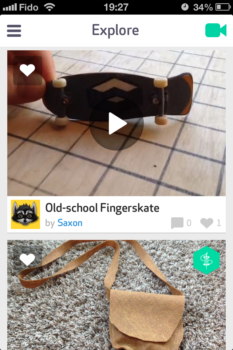
Explore what people have uploaded

There’s a lot of skills to explore too
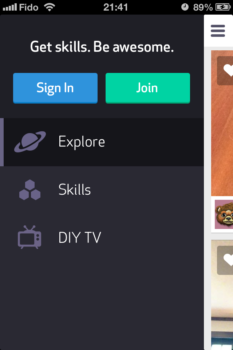
There are two ways to explore projects in DIY. You can go to the Explore tab and see photos and videos of projects people have recently uploaded. Your other option is the Skills tab, which has a long list of skills, such as Baker and Mechanical Engineer, and each has a list of projects, and guides (of varying detail) to complete each project. When you have completed a project, you can easily upload images and videos of your projects by tapping on the camera icon found on the top right of every page.
Unfortunately, DIY is not as useful as another “Do-It-Yourself” app, Snapguide. The main reason being Snapguide’s projects are all in the app and formatted the same. DIY links to projects somewhere on the web, which means you might not always get viewable or clear instructions for a project. Also, DIY and its projects are aimed at children, so if you’re an adult you’re going to feel weird when DIY prompts you to submit your parent’s email address, and get permission from them to create an account. Additionally, unlike Snapguide you can’t add to DIY’s list of skills and projects. It’s curated by the DIY staff.
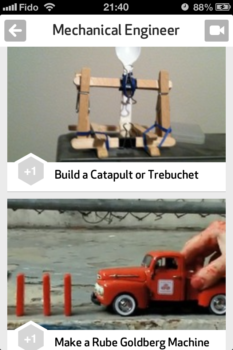
Each skill has a few projects to try, and at least one guide for each project
Navigating through DIY is easy, because the user interface is so clean and simple
If your looking for some ideas for a project DIY can help, but if you’re also looking for clear user-generated projects and instructions you should check out Snapguide. You can download both DIY and Snapguide for free from the App Store. Then, tell us which one has the best do-it-yourself projects.