You Can Now Jailbreak iOS 16.4.1 with Palera1n 2.0.0 Beta 6
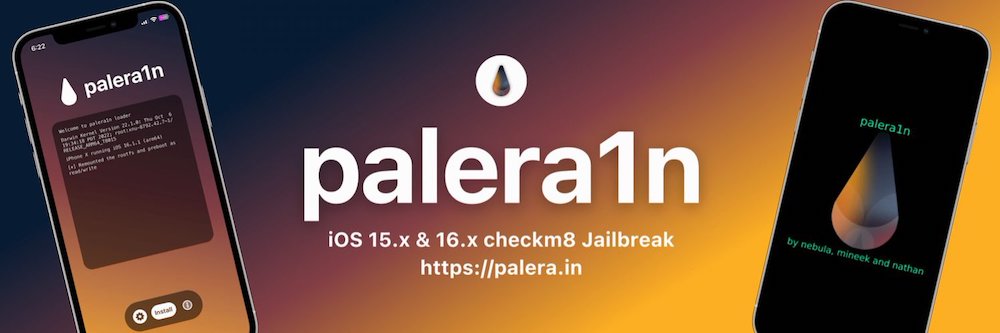
Codenamed Bakepale, the latest v2.0.0 beta 6 update to jailbreak tool Palera1n has just been released, which fully supports iOS 16.4 - iOS 16.4.1 jailbreak.
Yesterday, Canadian jailbreak hero @iH8sn0w released p0sixspwn, an untethered iOS 6.1.3, iOS 6.1.4 and iOS 6.1.5 jailbreak for all A5-powered devices. Like many other initial jailbreak releases, it that seems yesterday’s jailbreak release is causing some users to experience data connection, iMessage and iCloud connectivity issues.
Fortunately, @iH8sn0w has today shared an easy fix for these problems on his official blog.

“Hi,
For those experiencing “No Data” or “No LTE”, or similar symptoms… Try this fix…”
Simply follow these steps:
Step 1:
Install OpenSSH via Cydia (or optionally perform this as root in Mobile Terminal).
Step 2:
SSH in to your phone via Terminal (Mac/Linux) or PuTTY (Windows).
Step 3:
Type the following command: chmod 755 /var/mobile/ /var/mobile/Library/ /var/mobile/Library/Preferences/
Step 4:
Reset Network Settings (Go to Settings –> General –> Reset).
That should be it.
An update to the untether in Cydia (bumping it to 1.3-2) will be released soon to automate this fix. Also, an update for the Mac version of p0sixspwn will be available shortly to address the problem for new jailbreakers.
Let us know if you were facing this problem and these steps helped resolve the issue!
Want to see more of our stories on Google?

P.S. Want to keep this site truly independent? Support us by buying us a beer, treating us to a coffee, or shopping through Amazon here. Links in this post are affiliate links, so we earn a tiny commission at no charge to you. Thanks for supporting independent Canadian media!