Have you ever filmed something and while watching the video playback said “this isn’t going by fast enough”? Well with Hyperlapse you’ll be able to speed up your videos.
Film, set speed, then share
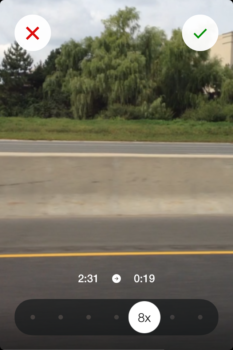
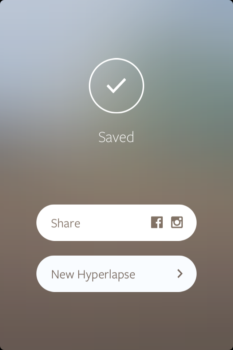
Hyperlapse is a time-lapse video maker developed by Instagram. You have to take the video using Hyperlapse and then you can set the speed from anywhere between 1x to 12x. Once set you have the option to either share the time-lapsed video on Facebook or Instagram, or share it later thru the Photos app. Also, choose your speed carefully, because you won’t be able to change it.
A short Hyperlapse
I love that Hyperlapse is free and I don’t need to sign in with Facebook or Instagram to use it, but it’s lacking the filtering and editing features that Instagram is known for. That said, it does a good job stabilizing videos I made walking and also riding in a car on a highway and a gravel road.
Additionally, the complete lack of any editing tools makes Hyperlapse really easy and intuitive to use. Literally, all I need to do is point, shoot, set speed and share, and only in that order.
If capturing videos and time-lapsing them interests you, then download Hyperlapse for free from the App Store. Then, tells if you prefer time-lapse or slo-mo when it comes to videos.