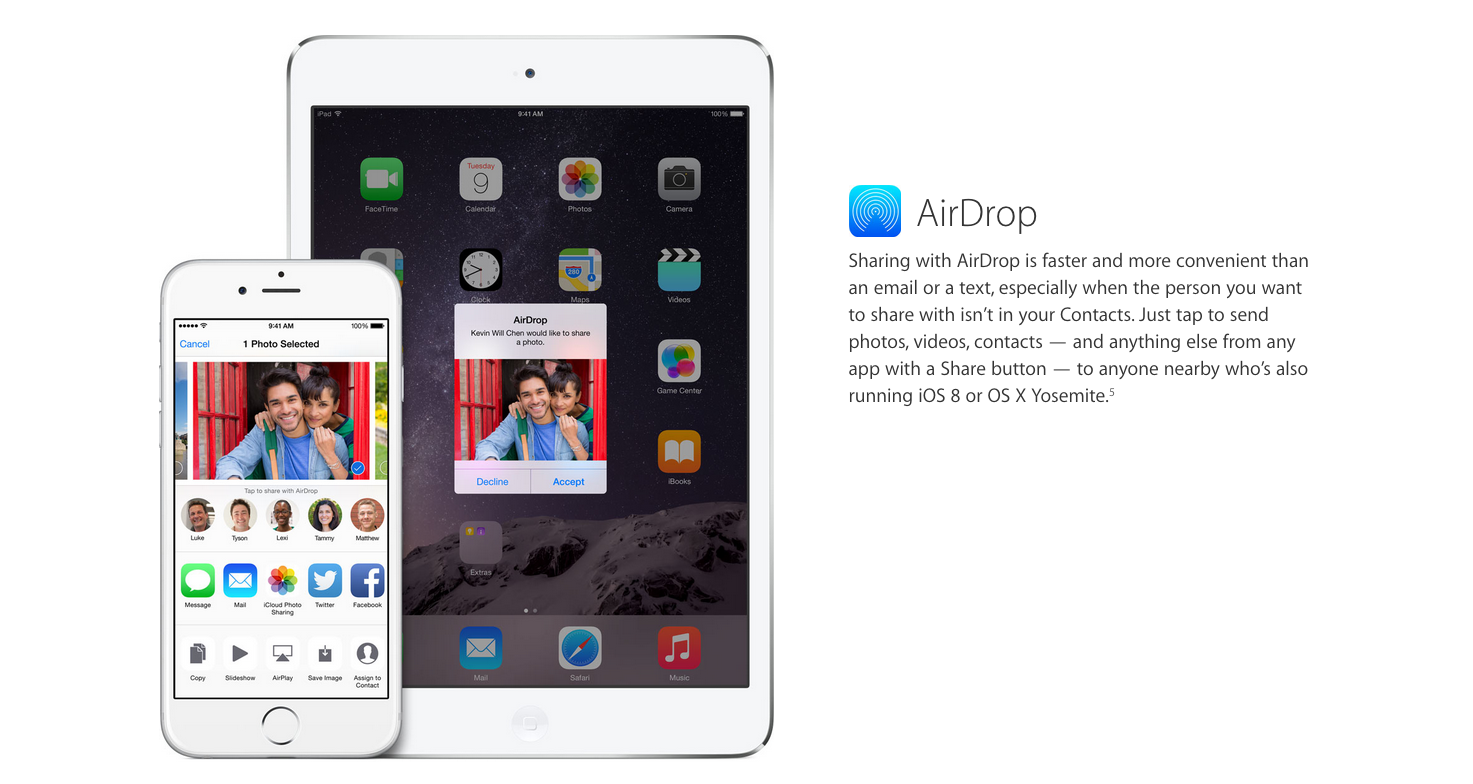
Josh Lowensohn, senior reporter for The Verge, has discovered an interesting way to troll strangers by using Apple’s AirDrop on iOS.
Everyday Lowensohn uses the train to get to work in San Francisco and he is usually surrounded by people who are using iPhones or iPads. Most of these users have AirDrop configured to accept an AirDrop request from anyone in the vicinity using an iOS device. Given the way AirDrop is set up on most peoples’ devices, he was able to send a picture of a sloth wearing a spacesuit to almost anyone around him.
“I use it to send photos of sloths to strangers. And not just any sloths, but sloths wearing spacesuits.
I’ve done it perhaps a hundred times, and the thrill has not waned one little bit. I’ve seen reactions that range from amused to confused, but never has anyone been visibly angered. Part of the act involves a poker face and pretending to be doing something more important so as not to be caught. ”
As seen in the example above, if AirDrop is not configured correctly you run the risk of being trolled by strangers. Here are some steps you can take to maintain some privacy.

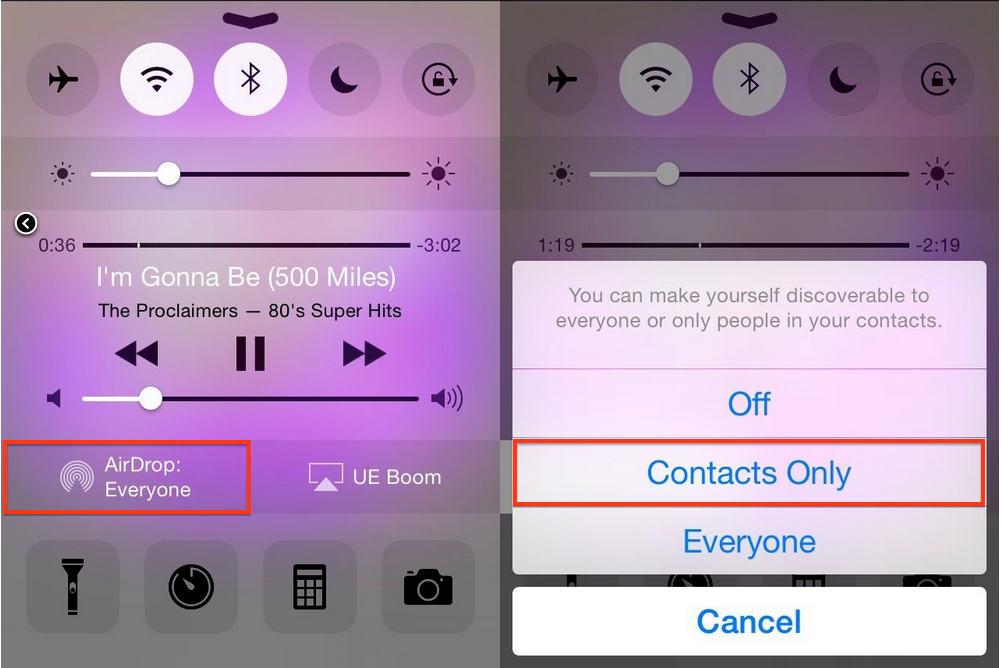
In order to protect yourself against any unwanted files or images, open Control Center on your iOS device (by swiping up from the bottom of the screen), click AirDrop, and then select “Contacts Only.” Doing this will prevent anyone outside of your contact list from seeing your device when they attempt to share files or photos.
Apple launched AirDrop as a simple way to exchange files between two devices without the need for a physical USB key or sharing an email address. The company opened up the functionality in September to allow cross-device file sharing between iOS and OS X.



“sloths wearing spacesuits.”
that would be damn hilarious to get that on your way to your lowly 9-5 job
I want one. Dam
Do you not have to accept it on the other end? So it’s not really an invasion of unwanted files – just don’t accept it.
I would assume so, I don’t have a device that supports Airdrop so I can’t confirm. I imagine that those that have it set to ‘everyone’ will accept anything.
I have mine set to everyone just cause if I run into someone on a meeting I can send him my business card if he asks without having to add him to my contacts first etc. if some anonymous person wants to send me nudes…I mean pictures of a sloth then it’s up to me to accept/deny.
Agreed. Actually the simplest way to avoid being trolled is to look before you accept.
You have to have your phone open and you have to actually accept the files. If the day comes when I’m inundated with people trying to send me things then I might switch it up. This isn’t a problem at the moment.
How is this even possible unless you’re on the same wifi network. Dont both devices need to be on same wifi network for it to work?
I only turn it on if I’m using it … No need to keep it on and drain the battery.