
SpaceX Revives Starlink Mini Hardware Bonus for Top-Tier Subscribers
SpaceX has brought back the popular free Starlink Mini rental perk and 50% Roam discount for Residential Max subscribers in the US and Canada.
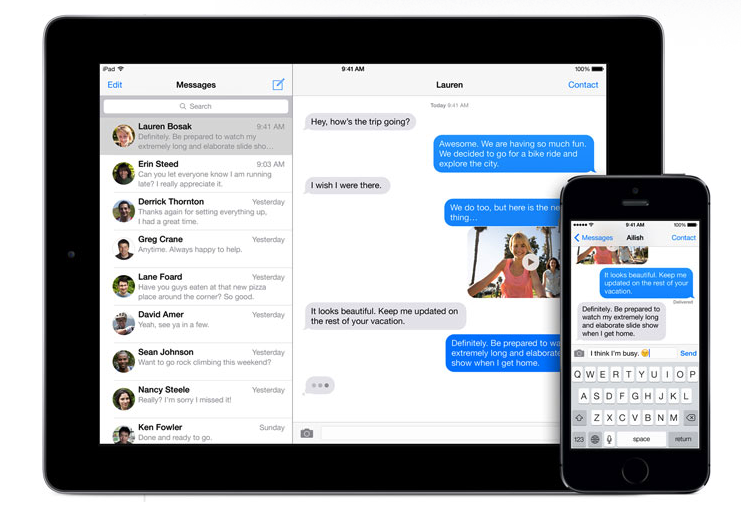
Today, Apple released iOS 8.3 which comes with a variety of new features and enhancements. One of the new features in the update is the ability to report any iMessages that look like spam or junk.
Once you update your device to iOS 8.3, you will see a Report Junk link when you get an iMessage from a number that doesn’t appear in your contact list. After clicking this link, the sender’s information and message body will be sent to Apple.
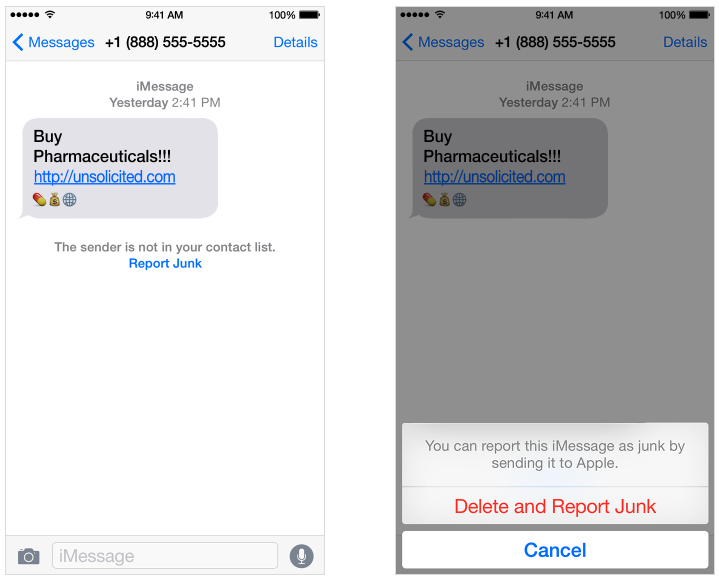
If you don’t have iOS 8.3 installed or you have a device that doesn’t support the update, you can send the following information to im***********@***le.com.
– A screenshot of the message (See how to take a screenshot on your iPhone, iPad, iPod touch, or Mac.)
– The email address or phone number that sent the iMessage
– The date and time that you got the iMessage
The method explained above can only be used to report iMessages. If you would like to report any SMS or MMS messages, contact your cellular carrier.
[via Apple Support]
Want to see more of our stories on Google?

P.S. Want to keep this site truly independent? Support us by buying us a beer, treating us to a coffee, or shopping through Amazon here. Links in this post are affiliate links, so we earn a tiny commission at no charge to you. Thanks for supporting independent Canadian media!

