Apple has pressed the launch button for the public release of OS X El Capitan, their latest update to their Mac operating system, which brings new features and performance updates.
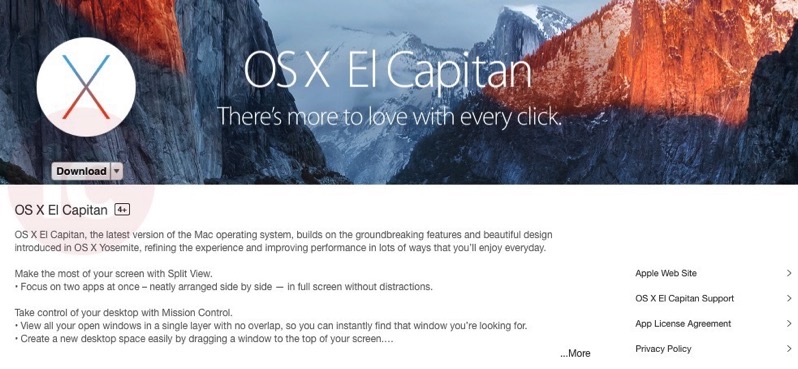
What are the requirements for OS X El Capitan? If your Mac can run OS X Yosemite, you’re good to go. So this means the following Macs are supported:
iMac (Mid 2007 or newer)
MacBook Air (Late 2008 or newer)
MacBook (Late 2008 Aluminum, or Early 2009 or newer)
Mac mini (Early 2009 or newer)
MacBook Pro (Mid/Late 2007 or newer)
Mac Pro (Early 2008 or newer)
Xserve (Early 2009)
Before you update, please back up your system, along with any precious photos or files. We’re going to do a full clean install on our MacBook Air later today.
Click here to download OS X El Capitan. It comes in at a 6.08GB download.
Update: here are all the security fixes in OS X El Capitan.



Thank you, It is not showing up for me. But your link is working.
Same here – thanks for the link!
Same here – thanks for the link!
Same build as the GM?
Nope, GM was 15A282b, whereas this one is 15A284.
Anyone else having problems with Exchange not working in Mail after upgrading to El Capitan?