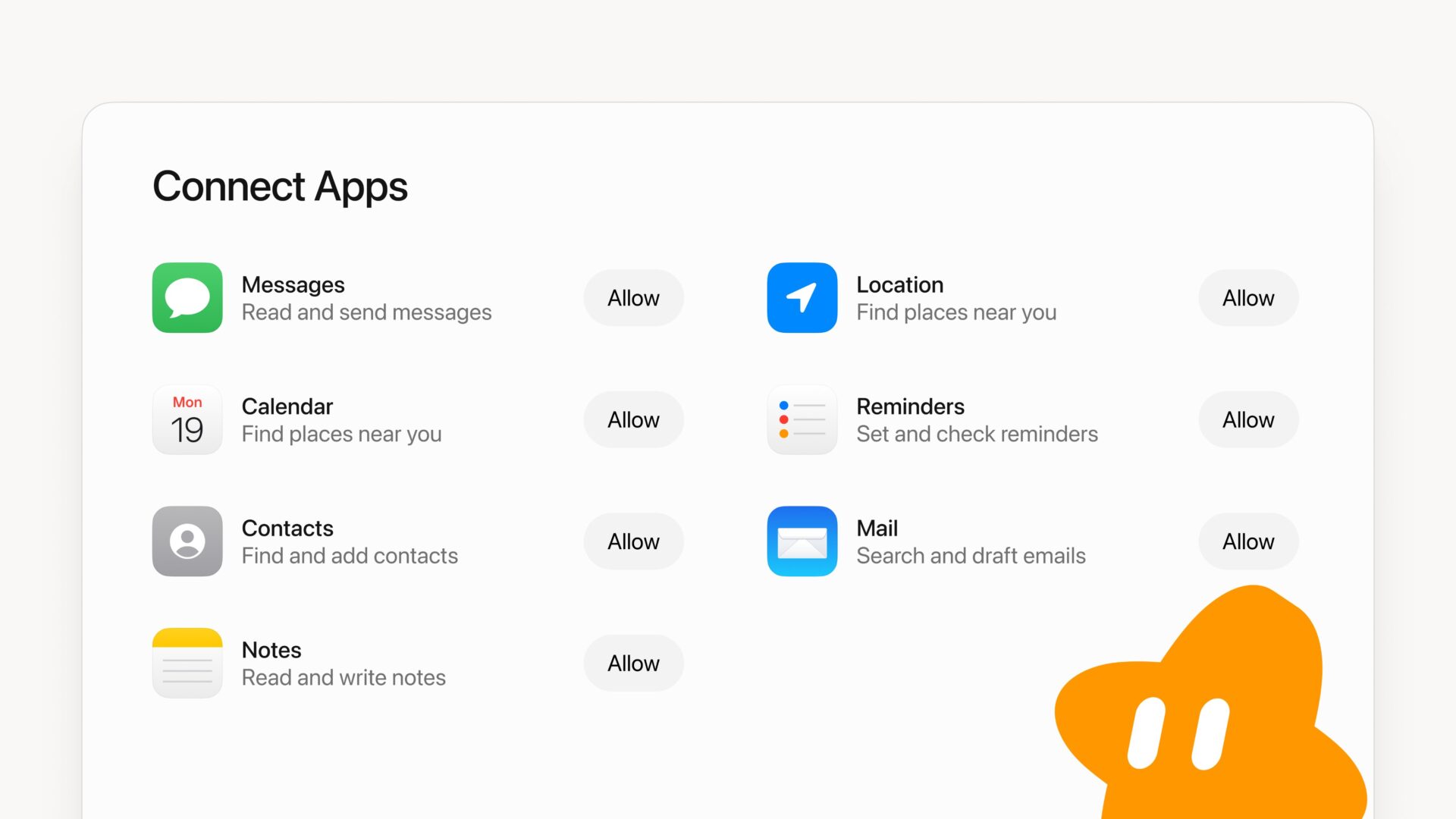
Grok Bot Can Now Read and Send Messages on Your Mac
Grok Bot adds Mac access to Messages, Mail, Notes and more, with separate permissions for each app. Here’s what the new connections can do.

Apple is changing how Mac apps ask for access to your files and control other apps, giving you more ways to say yes without handing over the keys to everything.
The changes arrive in macOS 27.3 beta 2, part of today’s developer beta releases. Apple says the goal is to make powerful permissions easier to understand, so you know what an app can actually see or do before approving it.
The biggest change is that Device Control and Data Access is being split into two settings: System & App Protection Override and Accessibility. The first covers access that lets one app control other apps, while Accessibility gets its own setting for assistive tools.
Simply put, Apple wants you to be able to let an app do a specific job without automatically giving it broad access across your Mac.
For example, you’ll be encouraged to choose only the apps a tool needs to control. When an app requests Full Disk Access, you’ll be encouraged to limit it to the folders it needs instead of opening up all your files. You can also set an app to ask each time it needs access, rather than granting ongoing permission.
Apple is moving to one way of approving these requests: selecting the requesting app from a list. It will also show more clearly how much data an app can access when you grant full permissions, and add an indicator when an app is controlling another through System & App Protection Override.
Apple says permissions you’ve already granted will stay in place. You’ll see the new choices when approving new requests, so installing the update won’t reset every app’s existing access.
Developers will need to update their setup instructions and make sure their apps can cope when you allow only certain folders or apps. If a tool asks for more access than you’re comfortable giving it, the new controls should make it easier to narrow that down.
Apple is also making allowances for disk-backup software and accessibility tools. Their developers will be able to request special permissions, called entitlements, to keep the previous setup experience for new installations. Apple says known apps in these categories can currently keep that experience without an entitlement, with more details to come.
For Mac owners, the useful part is having more choice than simply approving a powerful request or refusing it altogether. An app may need access to get its job done, but that doesn’t mean it needs everything on your computer.
The changes also come as more people use AI agents that can interact with apps and files on their behalf (think Muse, Grok Bot, ChatGPT Dot, Claude, etc). Apple hasn’t said AI agents prompted the update, but the new controls could give Mac users more say over what those tools can access.
These changes are in the developer beta for now. Would more specific permissions make you more comfortable letting apps work with your files?
Want to see more of our stories on Google?

P.S. Want to keep this site truly independent? Support us by buying us a beer, treating us to a coffee, or shopping through Amazon here. Links in this post are affiliate links, so we earn a tiny commission at no charge to you. Thanks for supporting independent Canadian media!