



BioWare Is Shutting Down, and Edmonton Is Losing More Than a Studio
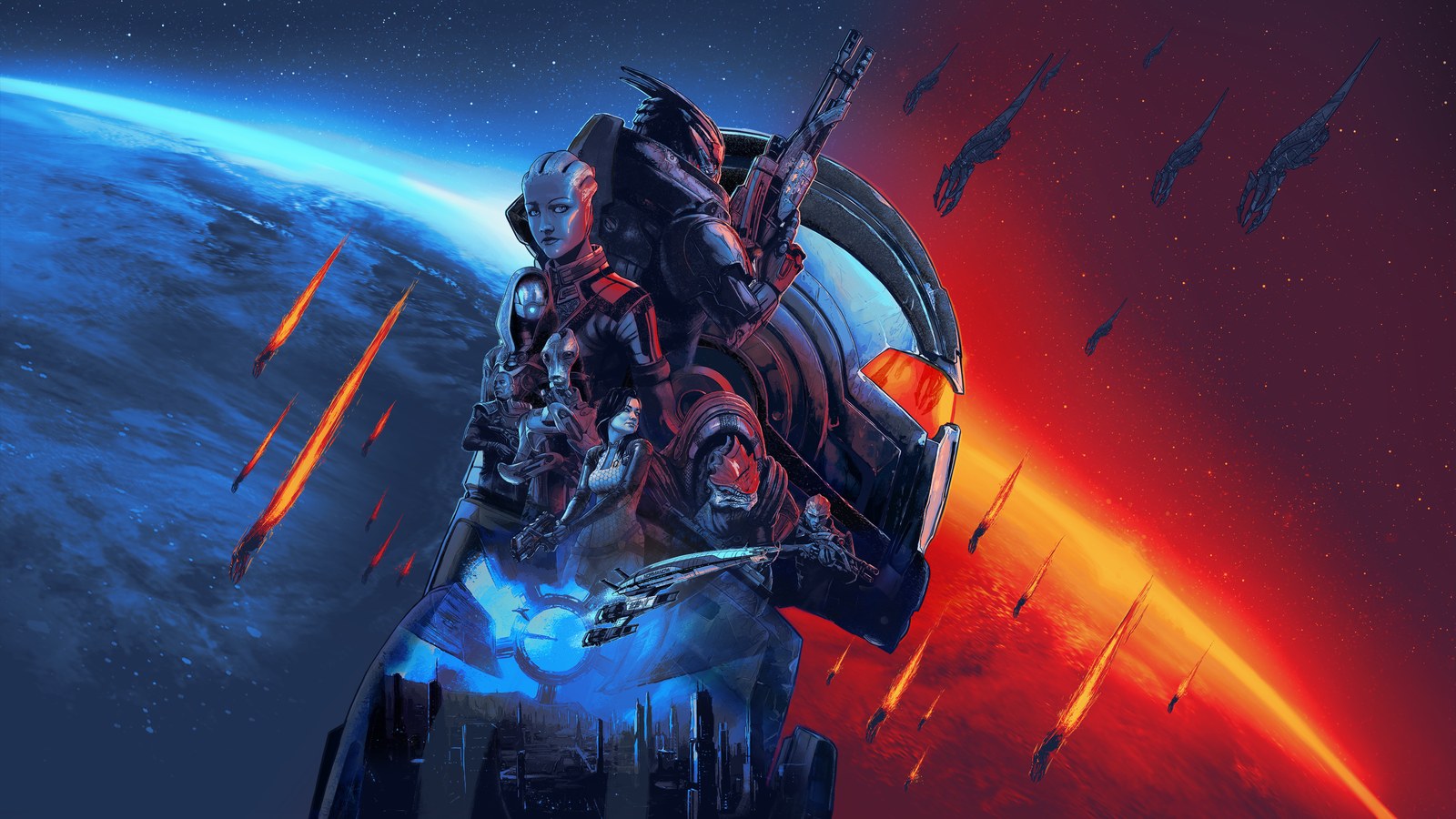
Electronic Arts is shutting down BioWare, the Edmonton studio behind Mass Effect, Dragon Age and Star Wars: Knights of the Old Republic, and the next Mass Effect game is cancelled with it. That's according to a report that says EA is cutting about 400 jobs, including about 50 at BioWare. It's the publisher's biggest move...

???? ???? ????
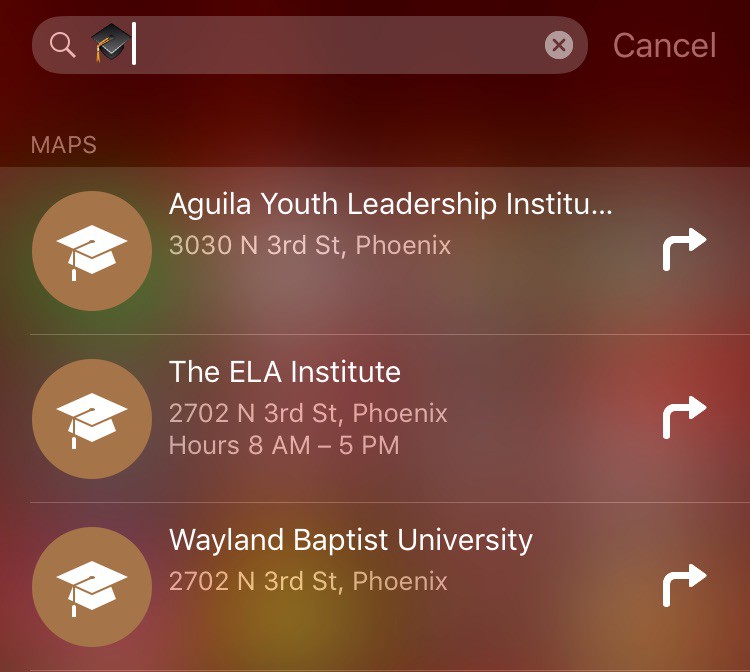
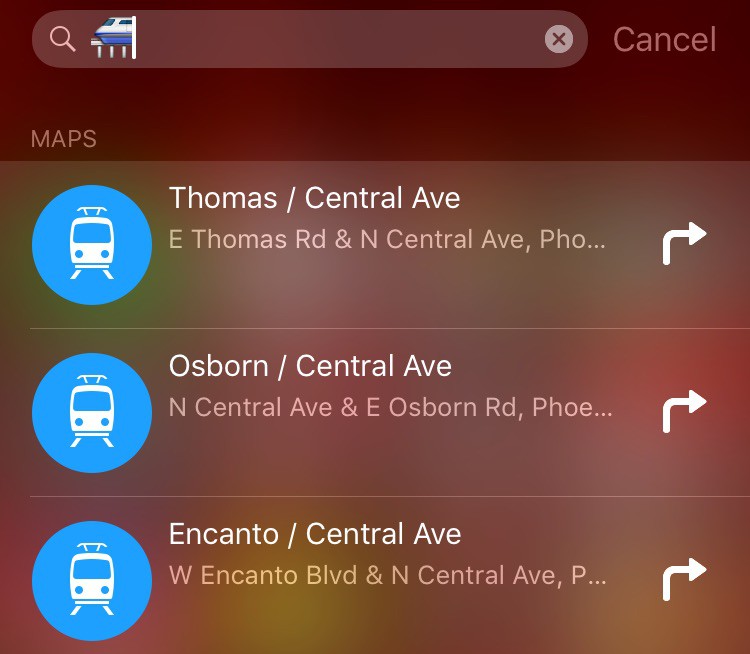
Probably good enough for foreign tourists to look it up nearby.
If the emoji keyboard or picker was decent this would be very handy
Now, if only there was a simple way to search for the right emoji to use in said Spotlight search… 😛
What is the right emoji to use in Spotlight to search for a hooker ?