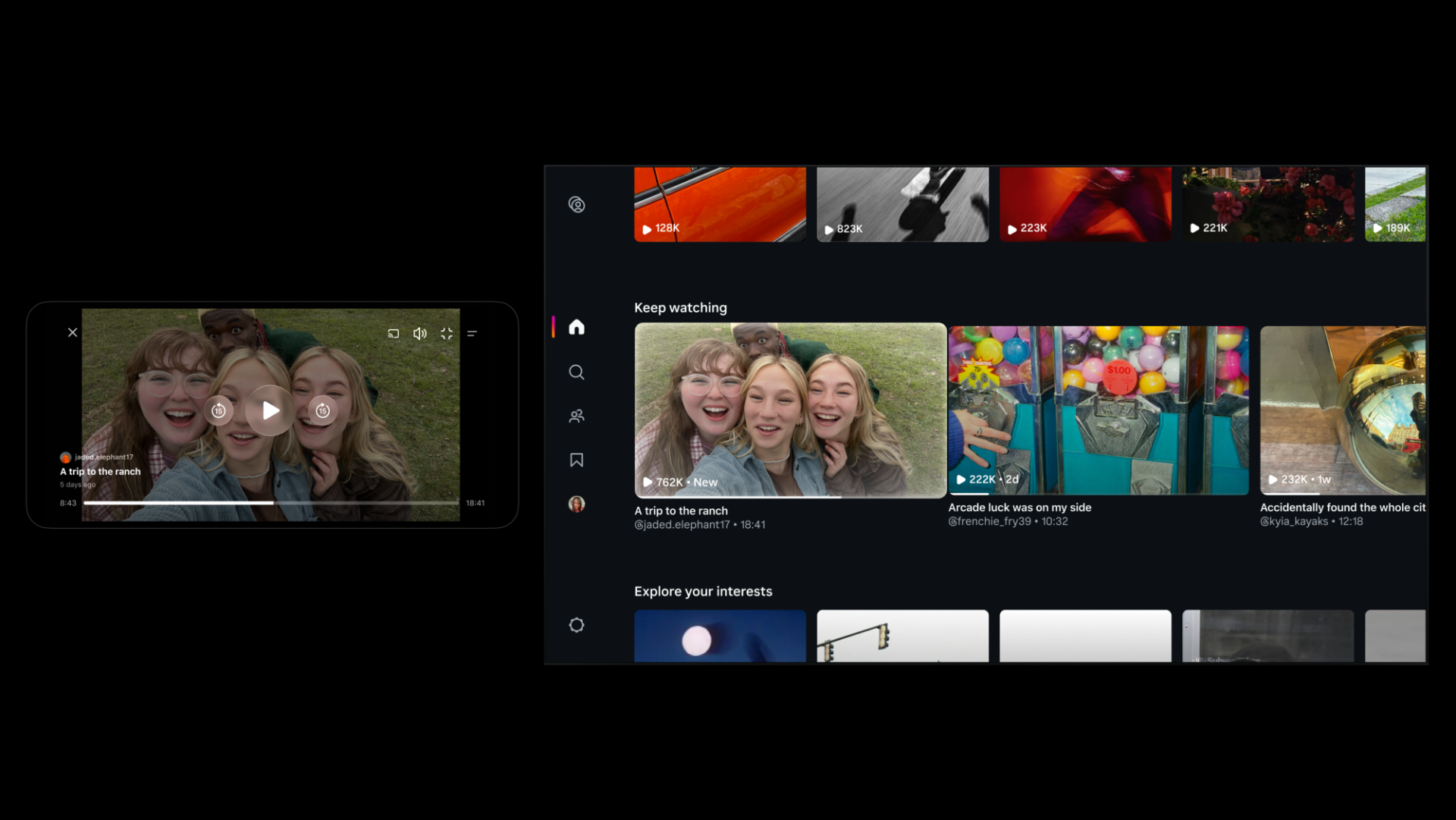
Instagram Tests 90-Minute Horizontal Videos in Push Against YouTube
Instagram is testing 90-minute horizontal videos and a new 'Features' option to help creators share long-form content on the platform.
Last year, Facebook debuted its Find Wi-Fi feature in a handful of countries that lets you find nearby Wi-Fi hotspots and today, the company is rolling it out everywhere in the world on iPhone and Android. The feature is not only helpful for people who are traveling or on-the-go, but especially useful in areas where cellular data is scarce.
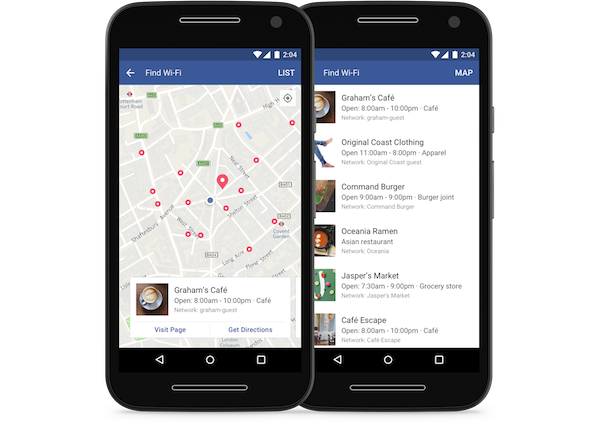
Find Wi-Fi helps you locate available Wi-Fi hot spots nearby that businesses have shared with Facebook from their Page. So wherever you are, you can easily map the closest connections when your data connection is weak.
To find Wi-Fi hotspots using the Facebook app on you iPhone, follow these steps:
Step 1:
Open Facebook app on your iPhone
Step 2:
Click on the “More” tab and then “Find Wi-Fi”
Step 3:
Once in the “Find Wi-Fi” tab you may need to turn it on.
Step 4:
Now browse the closest available hotspots on a map to join, or learn more about the businesses hosting them.
Below is a short video showing how the new feature works:
Want to see more of our stories on Google?

P.S. Want to keep this site truly independent? Support us by buying us a beer, treating us to a coffee, or shopping through Amazon here. Links in this post are affiliate links, so we earn a tiny commission at no charge to you. Thanks for supporting independent Canadian media!


This is a function that will suck the battery big time because it requires allways on location and location history in Facebook
Agreed. Turned it off after testing Find WiFi.
Also a clever way for Facebook to track your every move, for data mining purposes to bombard you with advertising spam.