
Apple’s AirPort Utility App is Being Removed From the App Store
Apple warns that "functionality is not guaranteed" when using AirPort Utility on iOS 27 or later.
Nothing screams nostalgia like Etch A Sketch, and now you can turn your iPhone or iPad into the classic drawing tablet, as the official app was released at the end of June.
Here’s what it can do:
FEATURES
– Take a photo or upload one and see it drawn onto an Etch a Sketch
– Add stickers and share from your gallery
– Draw using Classic Etch a Sketch Mode and adjust line thickness, color, background and add stickers
– Classic red and white Etch a Sketch design
– Shake to erase!
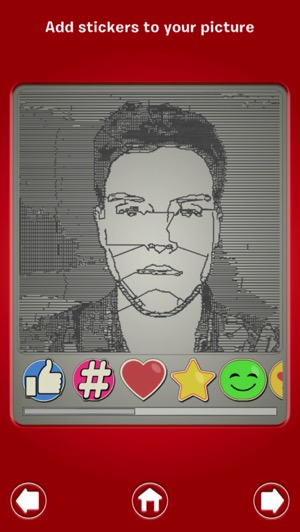
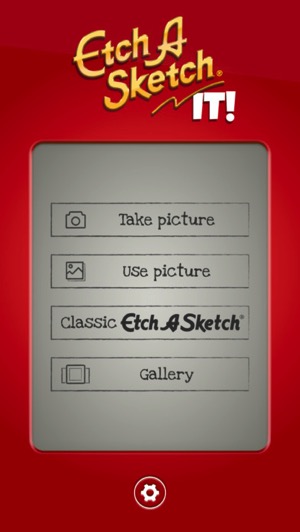
The app simulates an Etch A Sketch platform pretty well, including the iconic white knobs, plus shake to erase feels like the real thing. Users can draw their own image, or use the camera or a photo from your library to see how it looks on the Etch A Sketch.
Click here to download Etch A Sketch for iOS in the App Store—It’s free and a 168MB download.
Want to see more of our stories on Google?

P.S. Want to keep this site truly independent? Support us by buying us a beer, treating us to a coffee, or shopping through Amazon here. Links in this post are affiliate links, so we earn a tiny commission at no charge to you. Thanks for supporting independent Canadian media!


Thanks..I will put this app along with my Infinite Filters app in a “I will use it one day” folder..
Lol