Apple Support on YouTube has released a new video tutorial this morning, showing new users how to turn on Personal Hotspots with their iPhone and iPad.
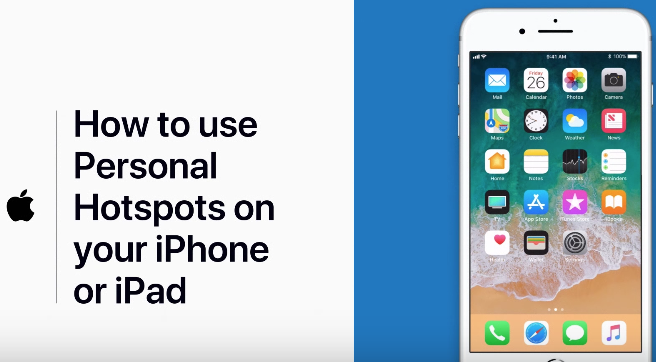
Personal Hotspot allows users to tether other devices to their iPhone or iPad for Internet connectivity. Here’s how to do it, according to Apple:
More information on how to set this up can be found over at this Apple support document.
While these videos are elementary in nature, they are appealing to new iOS users who may have switched to the platform from Android. These videos are a blessing if you need to help out family members with their iOS devices.
The Apple Support channel launched back in November and is the only YouTube channel from the company with comments enabled (which makes for some interesting reads on the status of humanity).




