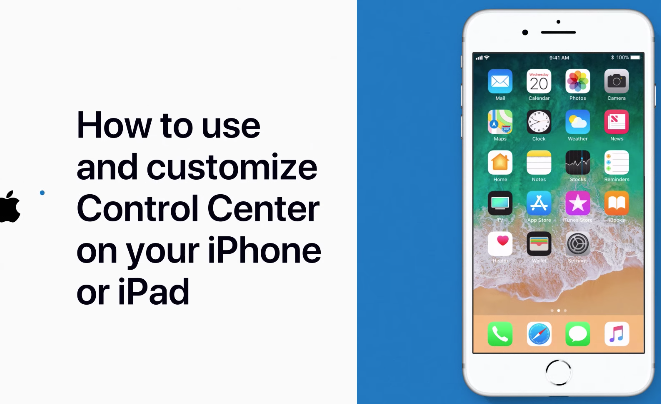

How to Use and Customize Control Center on iPhone or iPad [VIDEO]

The Apple Support YouTube channel has shared another video tutorial, this time detailing how to use and customize Control Center on your iPhone or iPad, which lets iOS users access quick shortcuts to various device functions.

While these video tutorials are not geared towards novice users, they are helpful for new iOS users switching over from another platform such as Android.

Customize control center

The video shares how to access Control Center depending on your iOS device and also says you can “Press deeply to access more features.” If you’re looking to customize what controls you see, users need to access their iOS Settings to do so.

Youtube video

More detailed explanations of Control Center can be found from this support document here.

Want to see more of our stories on Google?

Add iPhone in Canada as a Preferred Source on Google

P.S. Want to keep this site truly independent? Support us by buying us a beer, treating us to a coffee, or shopping through Amazon here. Links in this post are affiliate links, so we earn a tiny commission at no charge to you. Thanks for supporting independent Canadian media!

Subscribe
Notify of
guest
0 Comments
Oldest
Newest Most Voted
0
Would love your thoughts, please comment.x
()
x