
You Can Now Download macOS 10.13.5 with Messages in iCloud Support
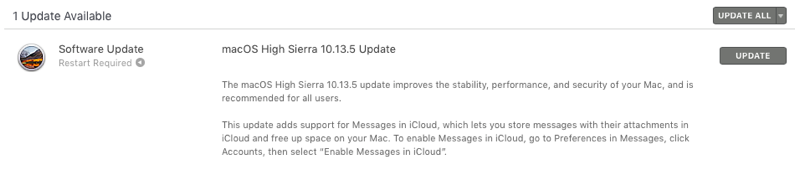
Apple has released macOS High Sierra 10.13.5 for download, which finally brings Messages in iCloud to the Mac, after iOS 11.4 was released earlier this week with support for the latter.

This update also improves the “stability, performance, and security of your Mac, and is recommended for all users,” explains Apple. This update will require a restart of your Mac.
To turn on Messages in iCloud, go to Preferences in Messages, click Accounts, then select ”Enable Messages in iCloud.” Let us know how this update goes for you!
Want to see more of our stories on Google?
P.S. Want to keep this site truly independent? Support us by buying us a beer, treating us to a coffee, or shopping through Amazon here. Links in this post are affiliate links, so we earn a tiny commission at no charge to you. Thanks for supporting independent Canadian media!