This morning, Spotify unleashed its annual Wrapped year and decade in review, offering users of the music data plenty of streaming data, along with the ability to share their playlists.
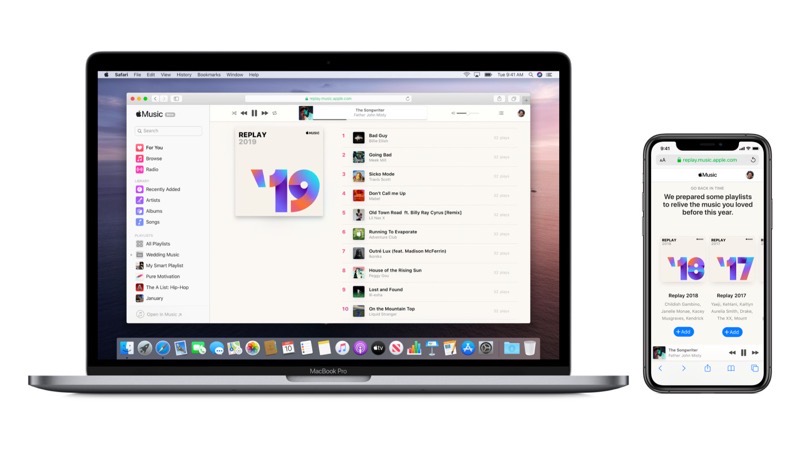
Apple Music’s own Replay feature was announced back in mid-November, at a time when people weren’t even thinking about the end of the year.
If you missed out on that Apple Music announcement, you can visit here to get your 2019 Replay. You do need an active Apple Music subscription to see your most popular songs of the year.
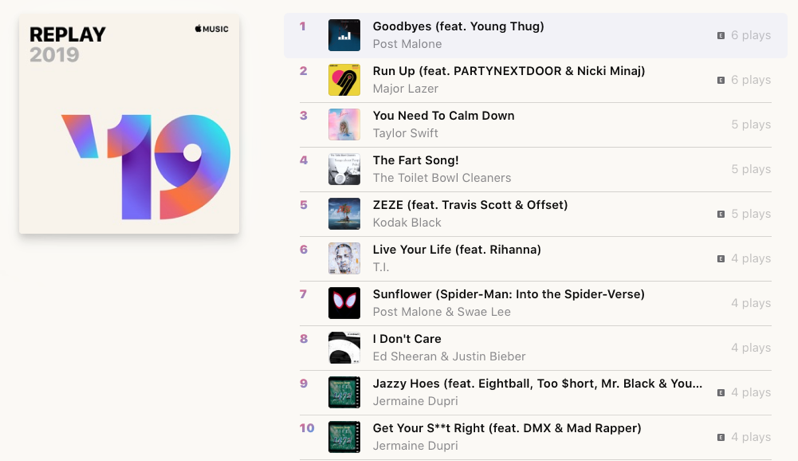
“Apple Music Replay uses your Apple Music listening history to calculate your top songs, albums, and artists throughout the year,” explains Apple.
https://twitter.com/KindaaNat/status/1202659845389701121
Right now, Twitter is full of users happily sharing their Spotify Wrapped playlists, while some Apple users are sad and lonely theirs isn’t as cool, lacking graphs and other visuals. Apple Music users can’t even share their playlists like Spotify users can. Time to up your game for next year, Apple.