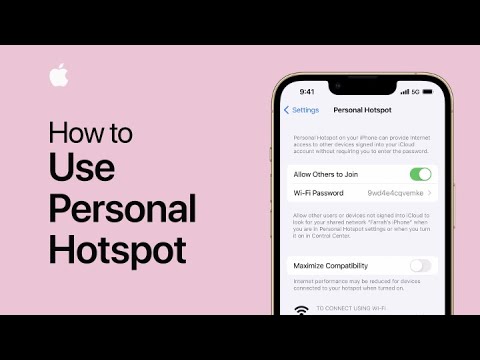
Apple has posted another useful tutorial on its YouTube support channel, detailing how can set up a Personal Hotspot on your iPhone or iPad (Wi-Fi + Cellular) and share your cellular connection with other devices.
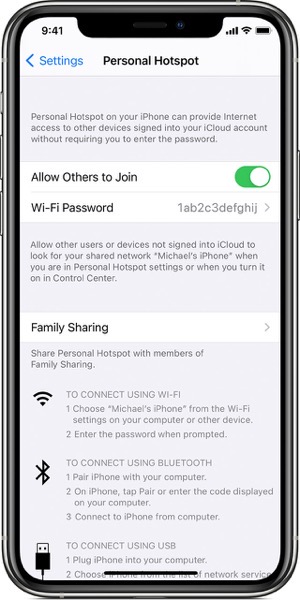
A Personal Hotspot lets you share the cellular data connection of your iOS device when you don’t have access to a Wi-Fi network. You can connect to a Personal Hotspot using Wi-Fi, Bluetooth, or USB.
With iOS 13 or later, devices that are connected to a Personal Hotspot will stay connected, even if the screen is locked, so those devices will still get notifications and messages.
To set up a Personal Hotspot:
- Go to Settings > Cellular > Personal Hotspot or Settings > Personal Hotspot.
- Tap the slider next to Allow Others to Join.
If you don’t see the option for Personal Hotspot, contact your carrier to make sure that you can use Personal Hotspot with your plan.
Watch the following video to see how easy it is to set up a Personal Hotspot on your iPhone or iPad.