Apple just shared a new video on its YouTube support channel explaining how you can use the built-in Magnifier in your iPhone, iPad, or iPod touch to magnify and illuminate objects, apply color filters, change the contrast, and more.
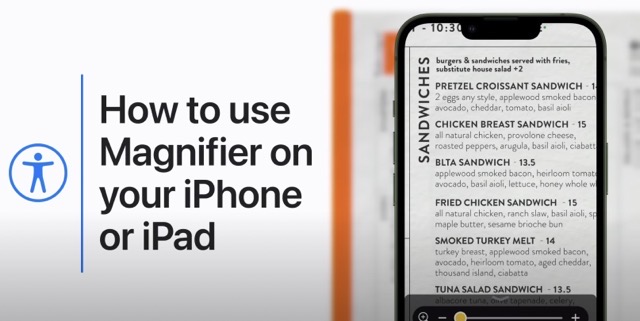
With Magnifier, you can essentially turn your iPhone or iPad into a magnifying glass so you can zoom in on objects near you. To turn it on:
- On your iPhone or iPad, go to Settings > Accessibility.
- Tap Magnifier, then turn it on. This adds Magnifier as an accessibility shortcut.
You can also add the Magnifier to Control Center for quick access:
- Go to Settings > Control Center, then tap Customize Controls.
- Tap the add button next to Magnifier.
- Then from Control Center, tap the Magnifier button to use it.
Watch the video below to see how you can use the Magnifier feature on your iOS device.




