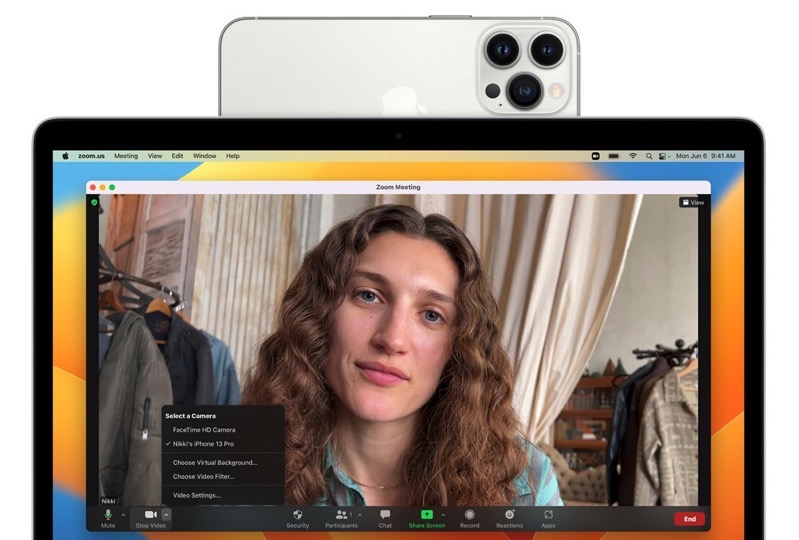
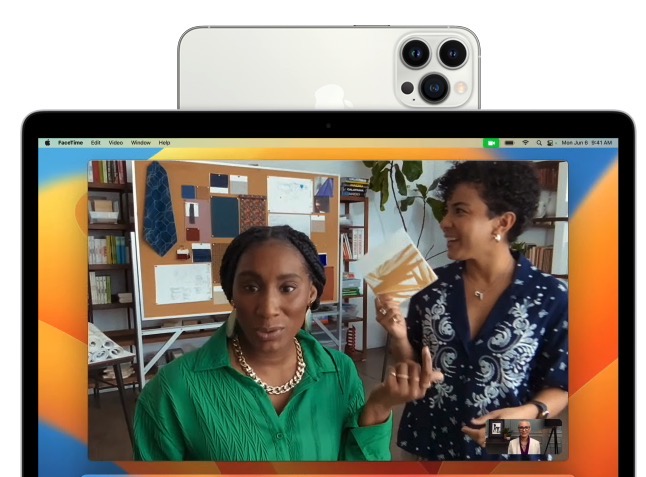
Apple unveiled a cool feature called Continuity Camera at WWDC today, which lets iPhone users turn their smartphone into a webcam for their Mac.
“Use the powerful camera system of iPhone with your Mac to do things never before possible with a webcam. Simply bring iPhone close to your Mac and it automatically switches to iPhone as the camera input. And it works wirelessly, so there’s nothing to plug in,” explains Apple.
But to use all of the features of Continuity Camera, it will depend on your iPhone model.
To start, Continuity Camera requires an iPhone XR or later.
If you want to use Center Stage, which leverages the Ultra Wide camera on an iPhone to allow you to be followed as you move around meetings, you’ll need an iPhone 11 or later.

Want to use the lighting effect Studio Light that illuminates your face and dims the background? You’ll need an iPhone 12 or later.

As for Portrait Mode to blur your background, you’ll need an iPhone XR or later and iPhone SE (2nd gen) and later.
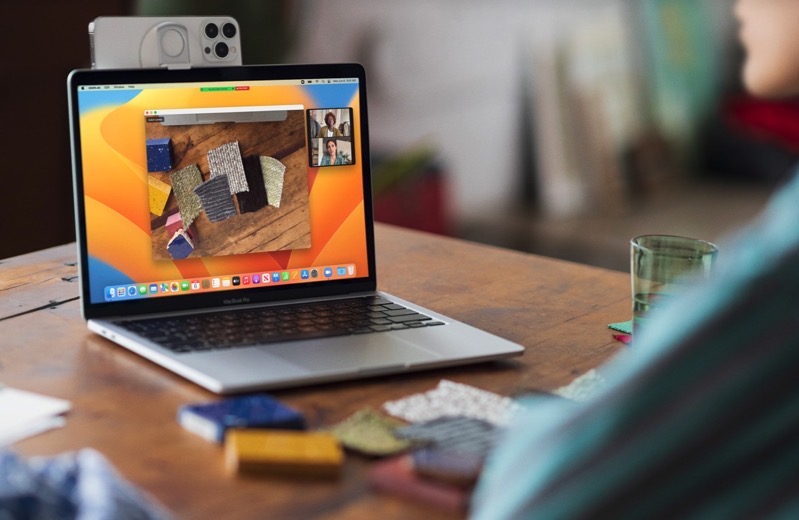
Desk View mimics an overhead camera showing your desk and face at the same time—this feature requires an iPhone 11 or later.

So in a nutshell, Continuity Camera is best used with an iPhone 12 or later if you want to be able to experience all the special effects.
Belkin will be releasing a stand to clip your iPhone to your Mac display and it’s coming out sometime soon as an accessory purchase.
Click here to see the Macs that will support macOS Ventura and also the compatible devices for iOS 16.



This sounds like it finally might solve the challenge of not having a decent camera for my Mac Mini. Excited to see how this will work.
I’ve been doing this for over a year via Reincubate’s software and it’s definitely the best way to do video calls.
Kind of sad to see Apple kill their product though… I hope they can pivot well.