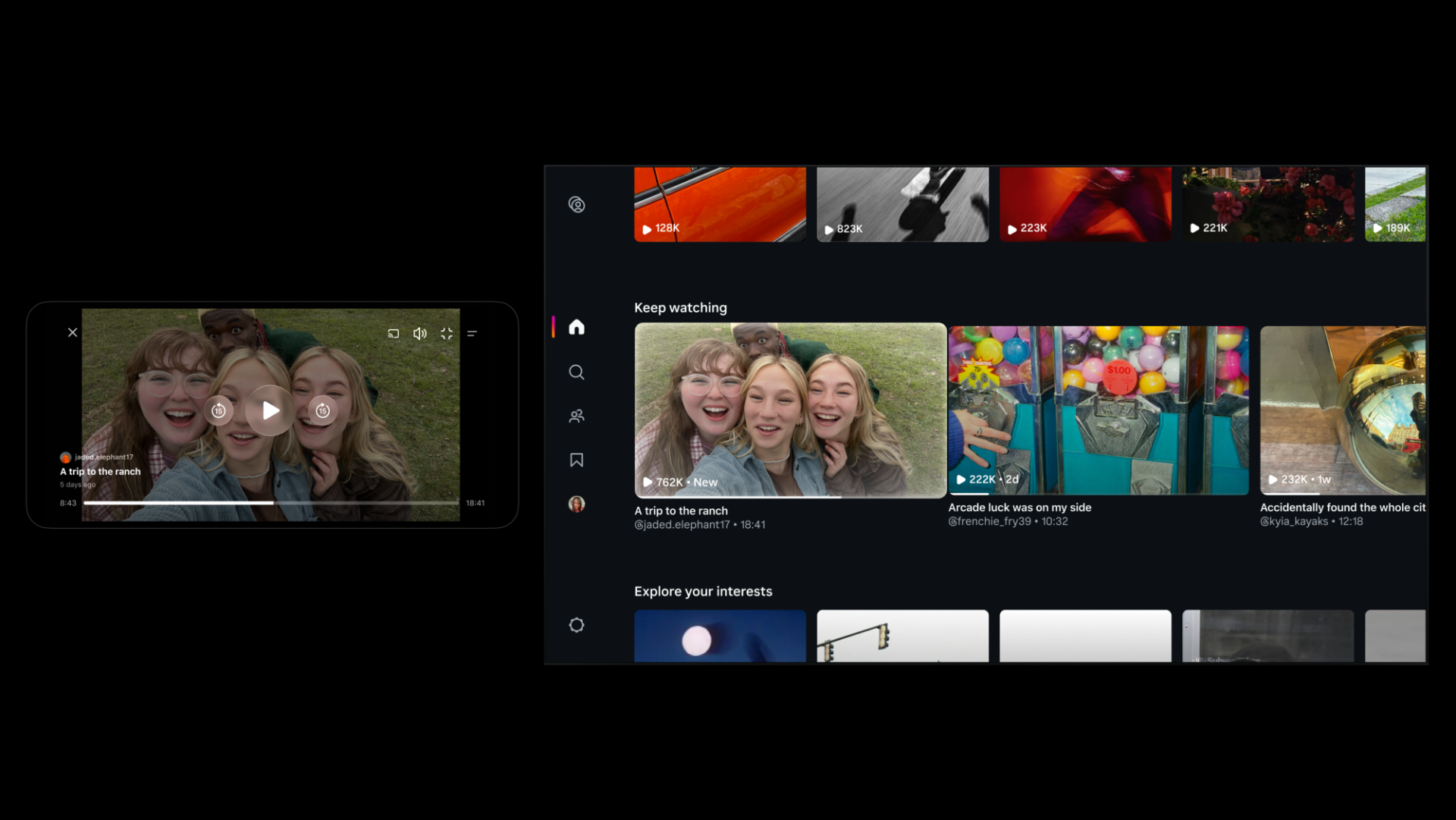
Instagram Tests 90-Minute Horizontal Videos in Push Against YouTube
Instagram is testing 90-minute horizontal videos and a new 'Features' option to help creators share long-form content on the platform.
Apple has just shared a new support video on YouTube explaining how you can use SharePlay to listen to music and watch TV and movies with your friends while chatting about it in Messages.
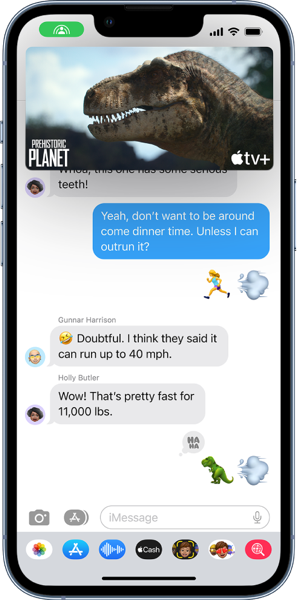
SharePlay, a feature that lets people share experiences right inside FaceTime on iOS and iPadOS, is now available via Messages as well. Starting in iOS 16, apps that support SharePlay now also appear in Messages controls, making it easy for people to discover shared experiences.
Here’s how you can invite friends to watch video together via Messages from a supported app:
You can also start a SharePlay session from supported streaming apps.
Playback controls are shared by everyone watching, so anyone can play, pause, rewind, or fast forward. Changing settings like closed captioning and volume will affect your device only.
Watch the following video to get a better idea of how you can use SharePlay via Messages in iOS16.

Want to see more of our stories on Google?

P.S. Want to keep this site truly independent? Support us by buying us a beer, treating us to a coffee, or shopping through Amazon here. Links in this post are affiliate links, so we earn a tiny commission at no charge to you. Thanks for supporting independent Canadian media!