
SpaceX Revives Starlink Mini Hardware Bonus for Top-Tier Subscribers
SpaceX has brought back the popular free Starlink Mini rental perk and 50% Roam discount for Residential Max subscribers in the US and Canada.
Apple has shared a handy new tutorial on its YouTube support channel, detailing how iOS 16 lets you use a Memoji sticker as your profile picture in Contacts.
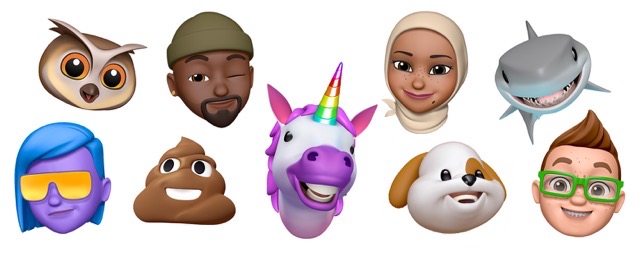
You can easily create a Memoji in iOS to match your personality and mood, and then send it in Messages and FaceTime. With a compatible iPhone or iPad Pro, you can even create an animated Memoji that uses your voice and mirrors your facial expressions.
Starting in iOS 16, you can use any Memoji sticker as your profile picture in Contacts.
Here’s what you need to do:
Watch the following video for a better idea of how to use a Memoji Sticker as a profile picture in Contacts.
Want to see more of our stories on Google?

P.S. Want to keep this site truly independent? Support us by buying us a beer, treating us to a coffee, or shopping through Amazon here. Links in this post are affiliate links, so we earn a tiny commission at no charge to you. Thanks for supporting independent Canadian media!

