
No Name Mobile and PC Mobile Run SIM Flash Sales Until October 7
No Name Mobile is offering 50% off SIM cards at No Frills while PC Mobile is giving up to 30,000 PC Optimum points. Both flash sales end October 7.
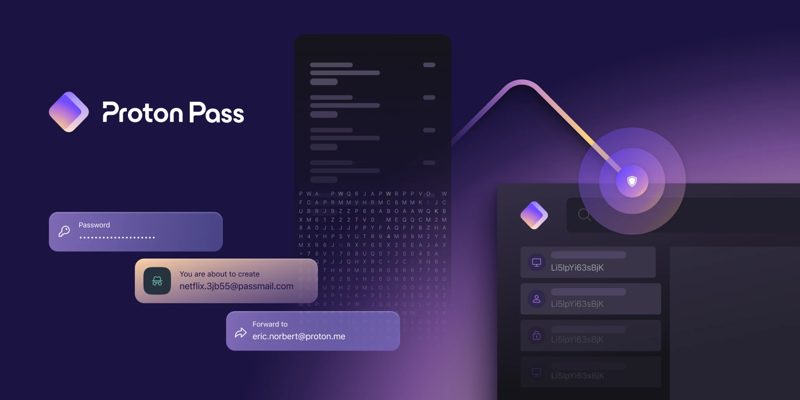
Proton has officially launched its password manager, Proton Pass, available as a browser extension on major platforms and as an app for iOS and Android devices. The app previously was in beta and being widely tested.
Proton Pass was conceived in response to the ever-growing demand from the Proton community for a solution to the challenges posed by password management. The app is open source so anyone can verify its security architecture.
As Proton Mail, the company’s secure email service, gained traction, the need for a more comprehensive tool to manage passwords became evident, says Andy Yen, founder and CEO of Proton.
Designed as more than just a simple password manager, Proton Pass doubles as an identity manager. The service ensures secure password generation and storage, making it simple for users to adhere to security best practices. Users can conveniently generate unique passwords for different websites, reducing the risk of forgetting them.
However, the really cool feature of Proton Pass lies in its ability to protect not only passwords but also users’ email addresses, which are often more valuable to cybercriminals. Proton Pass allows users to create email aliases during online service sign-ups, offering an additional layer of security by shielding their real email addresses. This is thanks to its merger with SimpleLogin.
Beyond its basic free version, Proton Pass also offers a premium subscription which includes extra vaults for login organization, unlimited email aliases, and unlimited two-factor authentication logins. Proton Pass Plus is available at an introductory discount of 80%, reducing the monthly cost to just 1 EUR/month ($1.45 CAD) with an annual subscription (available for life).

Proton is a Swiss company, and therefore under the jurisdiction of a stronger set of privacy laws. Proton is also independent and does not have any VC investors today, which it says “helps with long-term community alignment.”
Proton Pass marks a significant milestone in Proton’s mission to deliver unparalleled privacy and encryption services it says. This tool, which offers comprehensive encryption of all data fields, has been audited by Cure53, assuring users of its robust security.
The company says it plans to support storing of credit cards with autofill in the future, while standalone desktop apps and password history is coming.
Download links:
Proton Pass browser extensions are also available for Chrome, Firefox, Brave and Edge.
This seems like an alternative to 1Password, which has shifted to a subscription model over the years, but doesn’t include anonymous emails with its paid versions. Let us know what you think of Proton Pass so far.
Want to see more of our stories on Google?

P.S. Want to keep this site truly independent? Support us by buying us a beer, treating us to a coffee, or shopping through Amazon here. Links in this post are affiliate links, so we earn a tiny commission at no charge to you. Thanks for supporting independent Canadian media!


basic free version
——-
Somebody, help me out here. If this app has a “free” version, how does it stay in business – I mean they must be making money in some fashion.
I wonder how…
For password managers that usually means that they make money on Business/Enterprise products or the basic version have some pain point, like for this products where two-factor support and credit card support is limited to paid version. Also Proton is probably hoping to get customers using their other services to upgrade to bundles of services (email+pass+vpn package, etc).
So far Bitwarden basic version plus something like Authy for 2FA still seems better for us plebs.
Thanks bud.