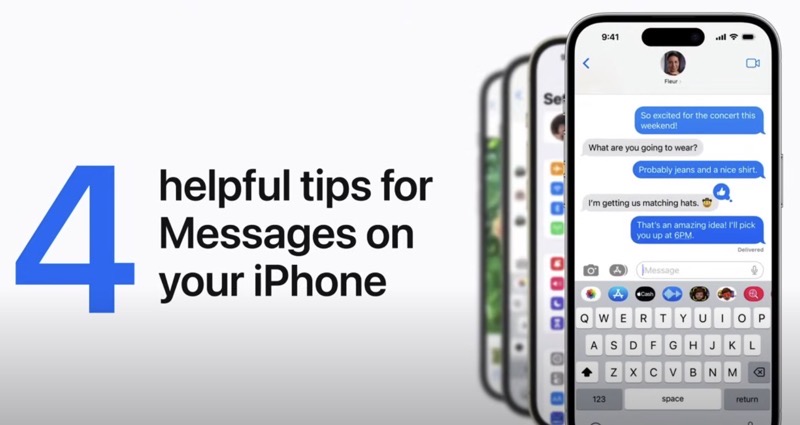
The Apple Support YouTube channel recently released a new tutorial, detailing, “Four helpful tips for Messages on your iPhone,” showcasing the features of the smartphone’s messaging app.
Echo Screen Effect with Photos:
- Lift the subject of a photo to share it in Messages using the echo screen effect.
- In the Photos app, touch and briefly hold the subject of a photo until an outline appears around it.
- Copy the subject, switch to Messages, and paste it.
- Touch and hold the Send button, tap “Screen” at the top, and use the echo effect (default option) or swipe left for more screen effects.
Editing Sent iMessages:
- You can edit an iMessage after sending it.
- Touch and hold the message until a menu appears, then tap “Edit”.
- Make the desired changes or rewrite the entire message.
- Tap the checkmark to save changes.
- You have 15 minutes from sending the original message to make changes, and you can edit it up to five times.
Unsending a Message:
- You can unsend a message within two minutes of sending it.
- Touch and hold the message until a menu appears, then tap “Undo Send”. The message will be unsent.
Text Replacement for Faster Typing:
- If you frequently type the same phrase, create a text replacement for faster messaging.
- Go to Settings > General > Keyboard > Text Replacement.
- Tap the “Add” button, enter the phrase, and then the desired text replacement.
- When you type the text replacement and tap the space bar, the phrase will automatically be added to your message.
Check out the full video below:
Messages on iPhone still needs to get better. When iOS 17 drops this fall, it will include some new features such as:
- All your iMessage apps in one place
- Let your friend know when you arrive safely
- Catch up and swipe to reply
- Search filters
- A new way to share and view locations
- Read an audio message transcription
- All your stickers in one place




The Message thing does not work. “Paste” is not offered. Only option is “scan text”.